A quick-paced business setting demands innovative software to optimize day-to-day document workflows. DocHub provides several Integration choices, including Google Drive for K12, to increase your output and effectiveness without the need of compromising your file quality. Try out Digital Signatures Validation, sign, and safely export and transfer your documents with no missing information in the process.
Present effortless data sharing and streamline your daily document managing. Make a Template for commonly used documents, collaborate with your team, and keep your files prepared and use Digital Signatures Validation in Google Drive for K12 with DocHub Integration. Join DocHub today and discover the available integrations.
integration spotlight
With DocHub's PDF editing and eSignature capabilities integrated in Google Drive, you can effortlessly edit, sign, and share any Google Drive document, from anywhere. Once finalized, export the document back to your Drive with a click.




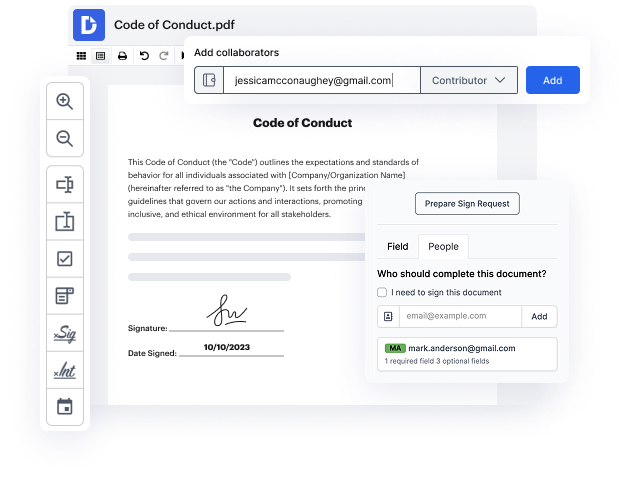
Improve teamwork
Collaborate on Google Drive documents by allowing others to edit or view them while staying in the loop with real-time notifications.
Streamline routine document workflows
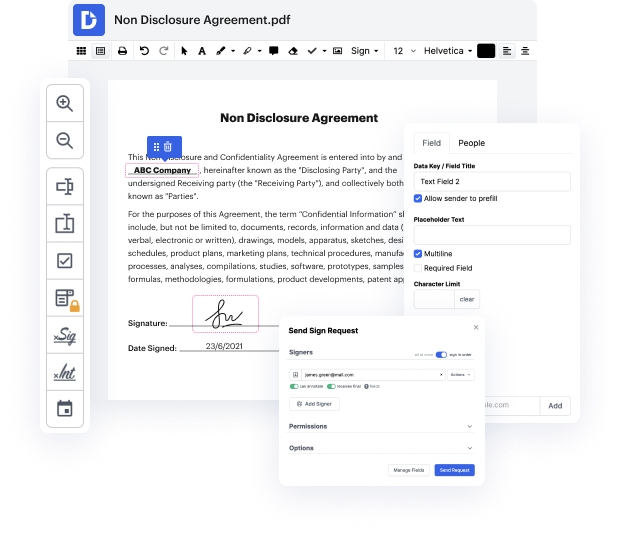
Easily customize documents stored in Google Drive or turn them into reusable templates for quick distribution and data collection.
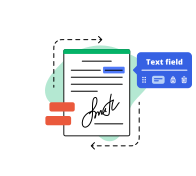
Do business faster from anywhere
Storing contracts in Google Drive? DocHub’s legally-binding eSignatures take them from stored to signed in minutes.
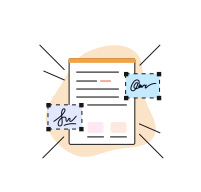
Ensure document security
Use DocHub password protection, end-to-end encryption, and two-factor authentication to securely work with documents stored in Google Drive.
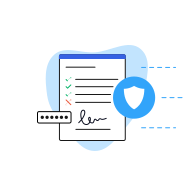
DocHub complies with industry-leading standards, regulations, and certifications to ensure the most effective and secure workflows.


Powerful features in the free version
DocHub offers free access to premium tools without any time limits or hidden costs. Test out DocHub's advanced functionality with a free 30-day trial.

Google integrations
DocHub is deeply integrated with the Google ecosystem, making it super easy to edit, sign, and manage documents without leaving your favorite Google Apps.

Security
DocHub ensures the security of your data with 256-bit SSL encryption, OAuth 2.0 authentication, and encrypted storage.