
Sample purchase Order Forms
Maintain your records arranged and up-to-date with our comprehensive Sample purchase Order Forms selection. Effortlessly tailor and modify templates to ensure data accuracy.

Create a new Sample purchase Order Form
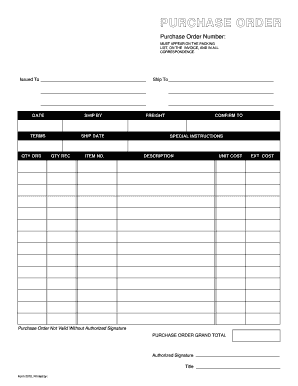
Purchase order template
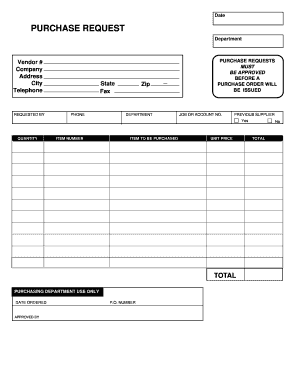
Purchase request form
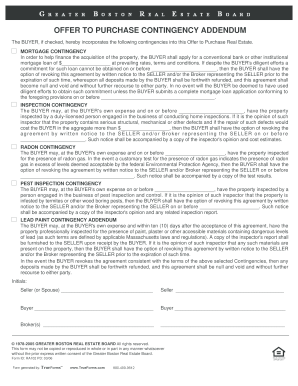
Form boston offer purchase
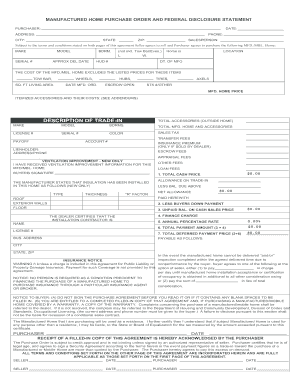
Manufactured home purchase order

Embroidery purchase order form
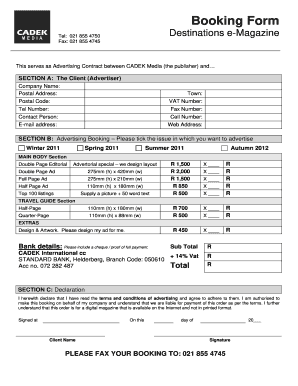
Order booking format
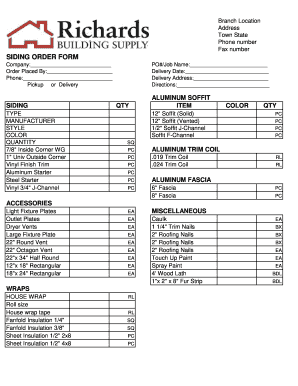
Siding order form
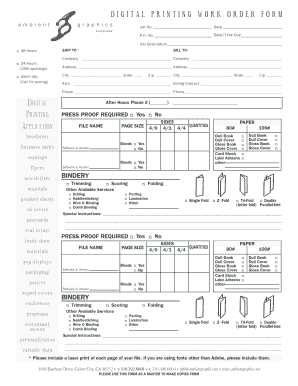
DIGITAL PRINTING WORK ORDER FORM

Form 44
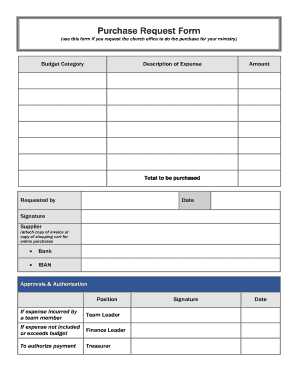
Purchase Request Form (use this form if you request the church office to do the purchase for your ministry) Budget Category Description of Expense Amount - ibcberlin
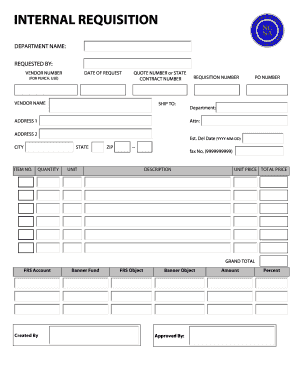
Internal requisition form
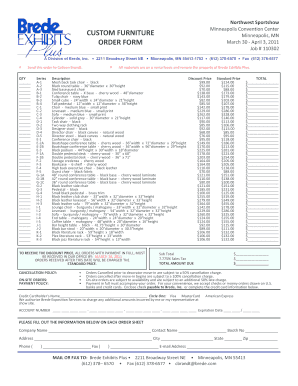
Furniture order form
Purchase njd uscourts search
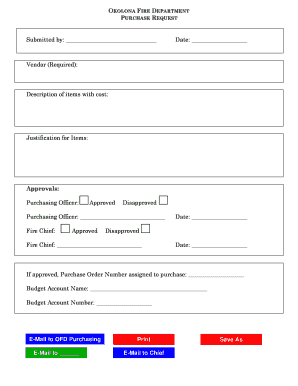
Purchase request form
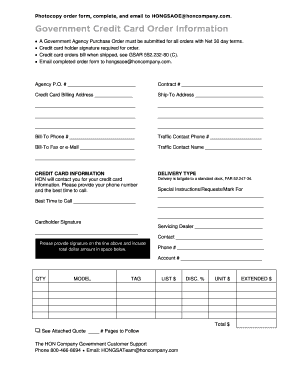
Government purchase order
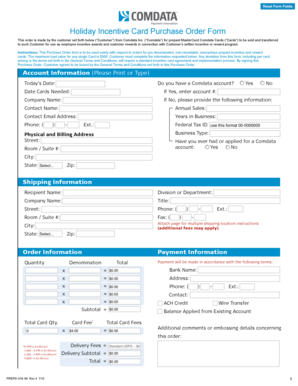
Holiday Incentive Card Purchase Order Form - Comdata

Pay order form
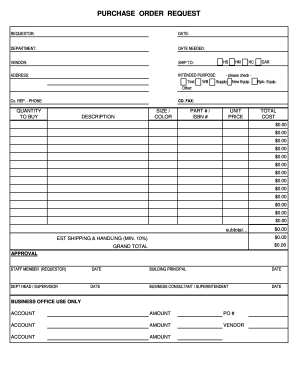
PURCHASE ORDER REQUEST - Northwest Area School District - northwest k12 pa

Customer order form

Video order form
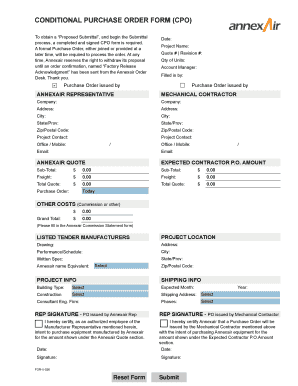
Conditional purchase order template

Blank purchase order
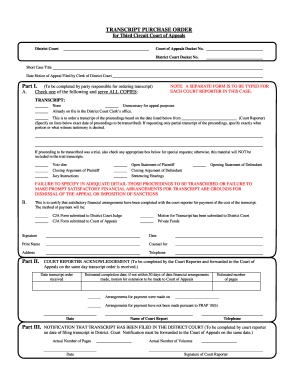
Purchase order court
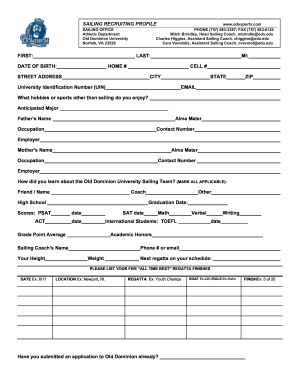
Job order form

Procurement form

Aformat of financial requistion
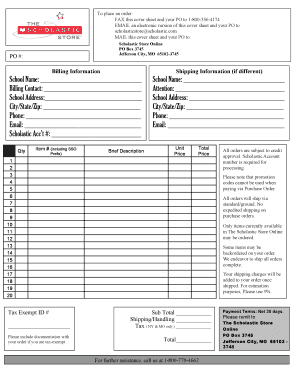
Purchase Order Form - The Scholastic Store
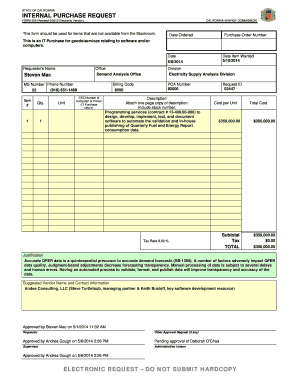
INTERNAL PURCHASE REQUEST
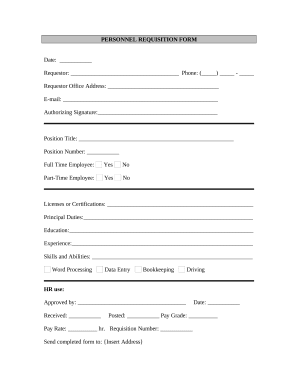
Requisition form
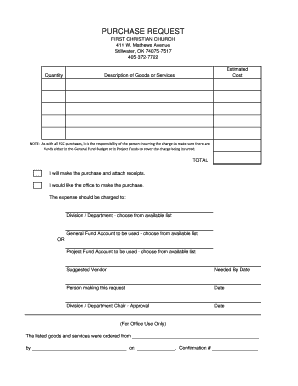
Church purchase order form
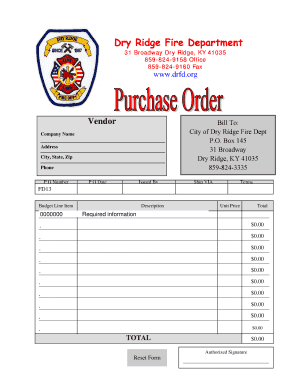
Purchase Order Form - Dry Ridge Fire Department - drfd
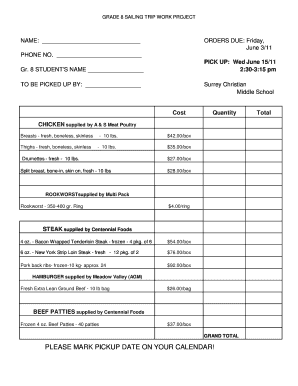
Meat order form template
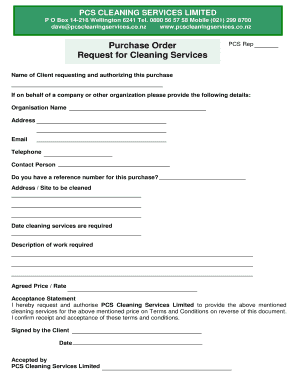
Purchase Order and Request for Cleaning Services
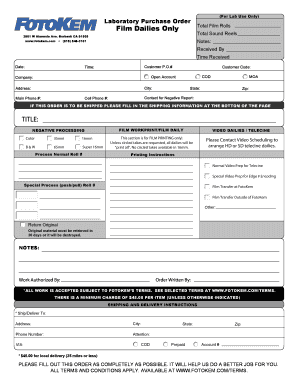
Laboratory Purchase Order
Improve your production with Sample purchase Order Forms
Document managing consumes to half of your business hours. With DocHub, it is simple to reclaim your time and effort and enhance your team's efficiency. Get Sample purchase Order Forms category and investigate all templates related to your daily workflows.
Effortlessly use Sample purchase Order Forms:
- Open Sample purchase Order Forms and utilize Preview to get the relevant form.
- Click Get Form to begin working on it.
- Wait for your form to open in our online editor and start modifying it.
- Add new fillable fields, symbols, and pictures, change pages order, etc.
- Complete your template or set it for other contributors.
- Download or deliver the form by link, email attachment, or invite.
Speed up your daily file managing with our Sample purchase Order Forms. Get your free DocHub account today to discover all templates.
Video Guide on Sample purchase Order Forms management

Commonly Asked Questions about Sample purchase Order Forms
How to make How to make a purchase order form?
Heres a breakdown of the typical purchase order form format: Header. Buyer and seller details, addresses, contacts, and a unique PO number. Date and delivery. Issue date and expected delivery date. Itemized list. Payment terms. Shipping/billing. Signatures. Logo and branding. A quick guide to a purchase order form | docHub docHub.com acrobat business hub qui docHub.com acrobat business hub qui
How do you write a simple purchase order?
What To Include In A Purchase Order? Purchase order number (PO number) Company name and details - relevant contact information, business address, phone number. Purchase order date. Suppliers contact information. Item details - description, SKUs, quantity, unit measure, price. Expected delivery date.
How to create a purchase order in Microsoft Word?
How to create a purchase order in Word Open a new Word document and select a template. Pick the page size you prefer. Make the gridlines visible. Insert your companys logo and slogan. Adjust the title of your form. Insert the companys information. Fix the sections for the data and purchase order number.
Format How to format a purchase order?
A standardized purchase order needs to have all the following details: Purchase order issue date. Company logo. Point of contact information. Name and billing address of the buyer and seller plus telephone/fax/emails. Purchase order number. Item numbers. Shipping method, terms, and date of delivery. What Is a Purchase Order? Types and Template Resources - Brightpearl brightpearl.com order-management purc brightpearl.com order-management purc
How do I create a purchase order template?
How to make a purchase order template Create a prominent spot for the purchase order issue date. Add your company logo. Create customized sections for contact information. Add the purchase order number. Fill in the request for products or services. Add in sections for the order totals. Outline the payment terms.
Does Microsoft Word have a purchase order template?
Creating an order using Word First, open a Microsoft word document and click on the MS icon on the top left corner of the screen. From there, a drop-down list will appear, and then choose the option new. Under new, a list of template options will appear; choose the purchase order.
Does Excel have a PO template?
Does Excel have a PO template? Yes, Excel offers pre-built PO templates you can use to create detailed and organized purchase orders. Like Word templates, Excel PO templates include fields for buyer/seller details, product specifications, prices, and shipping terms.
What is purchase order in simple Word?
A purchase order is a legal document form used by a buyer and sent to a supplier for an order. A purchase order specifies items, quantities, prices, and credit terms for a purchase from the vendor. A PO becomes a legally binding contract when a vendor accepts the purchase order.
Related Templates

Fillable Online dos ny Free fillable Apostille Certificate of
The document outlines the process for requesting an Apostille or Certificate of Authentication from the New York Departm ...

CR-150 CERTIFICATE OF IDENTITY THEFT: JUDICIAL FINDING OF FACTUAL INNOCENCE
The document is a legal form (CR-150) used in California for a Certificate of Identity Theft, which allows a petitioner ...
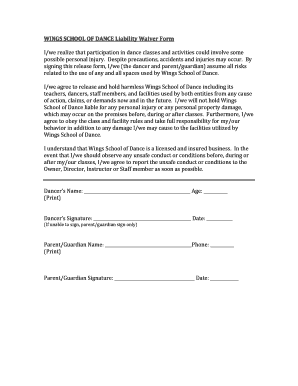
Dance liability waiver
The document is a liability waiver form for Wings School of Dance, acknowledging the risks associated with dance classes ...

Rfp redesign content
The document is a Request for Proposals (RFP) issued by the New York State Department of Financial Services for a websit ...
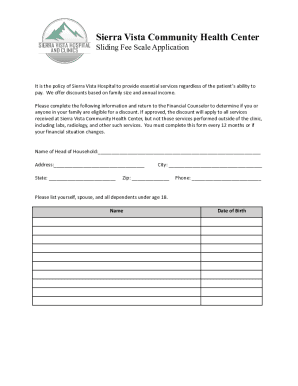
PDF Sierra Vista Community Health Center - Sliding Fee Scale Application
The Sierra Vista Community Health Center provides a Sliding Fee Scale Application to offer discounts on services based o ...
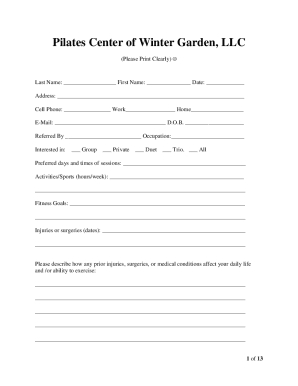
Corporationwiki p2fghddPilates Center of Winter Garden LLC - Company Profile
The document is an intake and policy agreement for the Pilates Center of Winter Garden, LLC. It includes personal inform ...
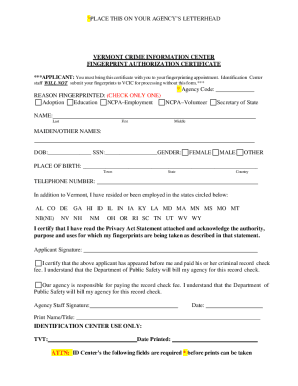
Giv wp-contentuploadsVERMONT CRIMINAL INFORMATION CENTER FINGERPRINT AUTHORIZATION
The document is a Fingerprint Authorization Certificate from the Vermont Crime Information Center, which must be present ...
Incident Management System Operational Procedures - U S Department of Veterans Affairs This document
Incident Management System Operational Procedures - U S Department of Veterans Affairs This document
The document outlines the operational procedures for the Veterans Health Administration (VHA) Incident Management System ...