
Print duplicate sheets Order Forms
Save time and effort with our extensive library of industry-specific Print duplicate sheets Order Forms. Choose from a variety of pre-made templates or personalize your own.

Create a new Print duplicate sheets Order Form
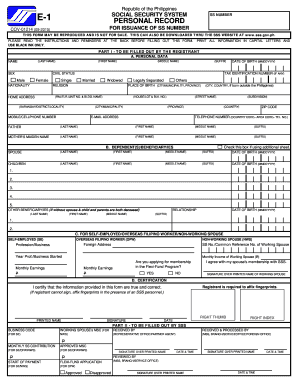
Sss e1 form

Social security numident online form

Screen printing order form template
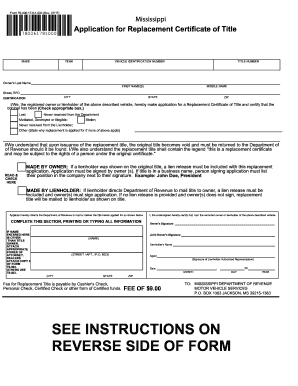
Mississippi lost title application
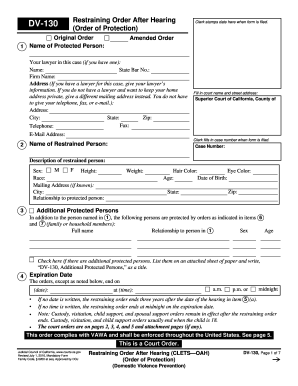
Restraining order online form

Ca restraining order fresno

Restraining order template

Oklahoma replacement title
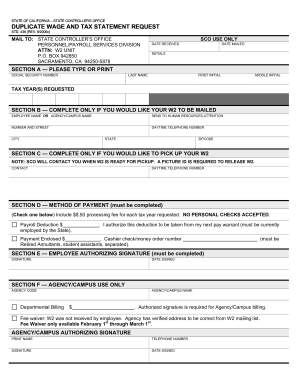
Std 436
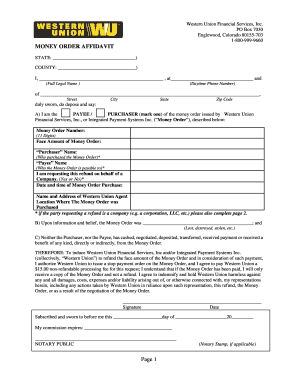
Western union money order affidavit

Missouri lost title

Restraining order san joaquin county
Printing press job order form

Request for Replacement Duplicate Diploma - Ashford University - ashford
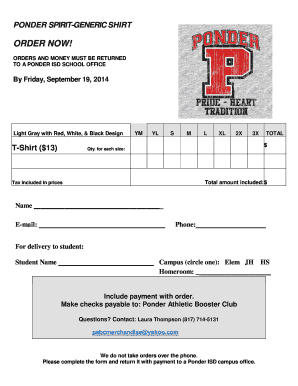
Tshirt order forms templates
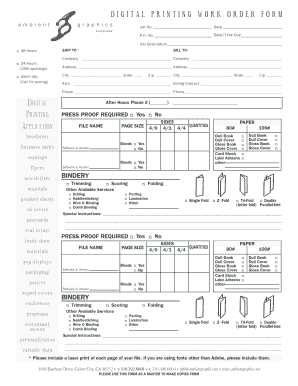
DIGITAL PRINTING WORK ORDER FORM
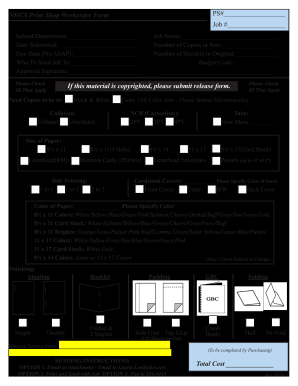
Print order form
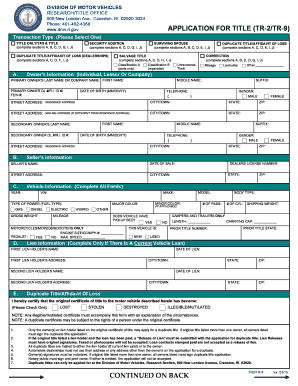
APPLICATION FOR TITLE (TR-2/TR-9) CONTINUED ON BACK - dmv ri
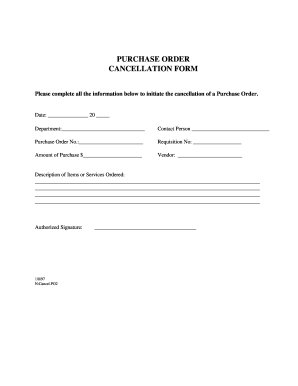
Order cancellation form

Pay order form

Marching Band Order Form Auxiliary copy - lhbands
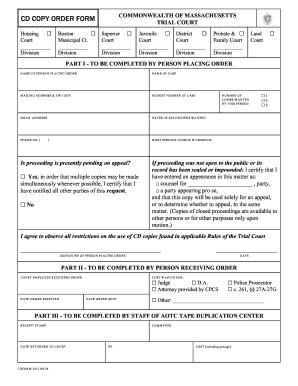
Ma trial court cd copy order form
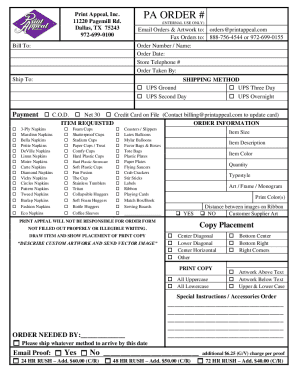
Print appeal order form

Application copy of form
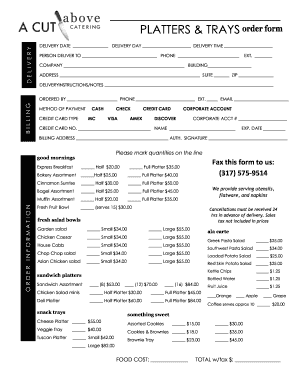
Catering order forms
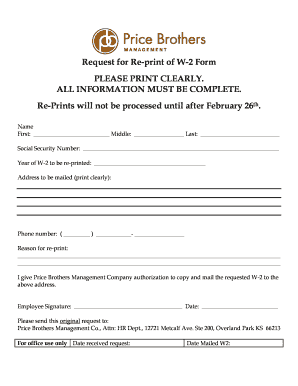
Request for Re-print of W-2 Form PLEASE PRINT ... - Price Brothers

Print the transcript request form - Orlando Tech
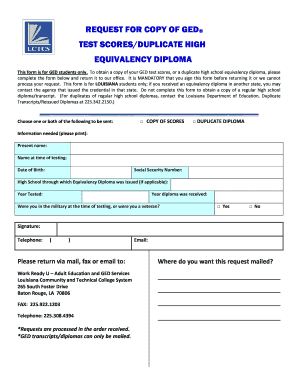
Request for Copy of GED Form - Louisiana Community and ... - lctcs
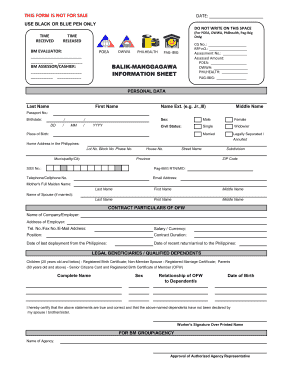
Poea info sheet
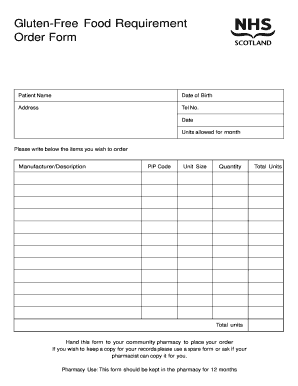
Food order form
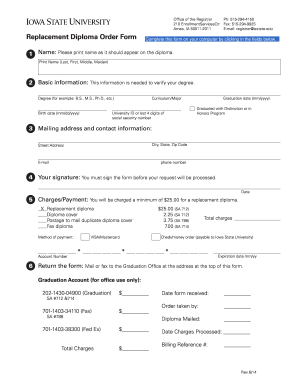
Replacement Diploma Order Form - Iowa State University
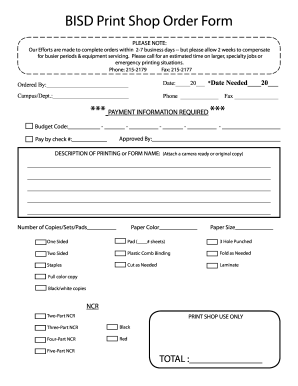
Print shop order form
Maine Revenue Services - Formsin Alphabetical Order - Forms ...
Duly filled application form

Application for Duplicate Title - State of Tennessee Home Page
Meat order form template
-
1
- 2
Get and handle Print duplicate sheets Order Forms online
Boost your file managing with the Print duplicate sheets Order Forms online library with ready-made document templates that suit your requirements. Get the document, alter it, fill it, and share it with your contributors without breaking a sweat. Begin working more effectively together with your forms.
How to use our Print duplicate sheets Order Forms:
- Open our Print duplicate sheets Order Forms and look for the form you require.
- Preview your document to ensure it’s what you want, and click on Get Form to begin working on it.
- Modify, include new text, or point out important information with DocHub features.
- Complete your form and save the adjustments.
- Download or share your form template with other people.
Examine all the possibilities for your online file administration with the Print duplicate sheets Order Forms. Get a totally free DocHub account right now!
Video Guide on Print duplicate sheets Order Forms management

Commonly Asked Questions about Print duplicate sheets Order Forms
How do I create a work order program?
Eight Steps to Creating a Work Order Management Process Understand and Implement the Right Maintenance Plan. Evaluate Paper vs. Implement CMMS Software. Create Work Orders for All Tasks. Use SOP Templates. Prioritize Work Orders. Automate Work Orders for Recurring PMs. Develop a Work Order Review Process. How to Create a Work Order System (That Works) Maintenance MaintainX blog how-to-create-a- MaintainX blog how-to-create-a-
How can I make my own order form?
Steps to Create an Order Form Decide what to sell. Choose a form builder tool. Customize the template with proper fields. Add photos of the products. Customize the order form with branding. Set up a payment method. Set up a success message. Share the order form. How to Create an Order Form - With free templates - MightyForms MightyForms blog how-to-create-an MightyForms blog how-to-create-an
How do you create a work order format?
To create a work order: Include company details, recipient information, and the date. Specify Work Order in the subject line. Describe the work, timeline, costs, and payment terms. Include terms and conditions, authorization, and attachments as needed. Work Order Formats: Optimize Projects With Best Templates Vyapar App work-order-format Vyapar App work-order-format
How to make an order form template?
Steps to Create an Order Form Decide what to sell. Choose a form builder tool. Customize the template with proper fields. Add photos of the products. Customize the order form with branding. Set up a payment method. Set up a success message. Share the order form.
What are order templates?
You create and assign order templates to speed up the order entry process. A template contains information about frequently ordered items. A standard template applies to all customers. For example, you can create an Office template that lists the most frequently ordered office supplies.
How to make a work order form?
A standard work order template includes: Work order number: A unique identifier for the service ticket. Contact name: The name of the person requesting the work. Contact information: The requestors contact information. Description of work: A description of the work that needs to be done.
What is an example of a work order?
For example, setting up a new piece of equipment or hauling away an old asset would fall under the standard work order category. What is a Work Order?: Maintenance Work Orders Made Simple Maintenance Connection resources Maintenance Connection resources
How do I create an order form in Google Sheets?
How to create an order form in Google forms Step 1: Access Google Forms and Start a New Form. Step 2: Add Order Details Questions. Step 3: Incorporate Pricing Information. Step 4: Include Contact and Delivery Information. Step 5: Utilize File Upload for Customization. Step 6: Apply Themes and Branding.
Related Templates

HUNTING HERITAGE LICENSE PLATE - PA Game Commission
The document provides detailed information about the Pennsylvania Game Commission's Hunting Heritage License Plate progr ...

Funeral Services Application for AISH Clients Application form to determine eligibility for a funera
Funeral Services Application for AISH Clients Application form to determine eligibility for a funera
The document is a Funeral Benefits Application for clients of the Assured Income for the Severely Handicapped (AISH) in ...

A
The document outlines the procedures for registering instruments under the Condominium Property Act, detailing the regis ...

Recipient Created Tax Invoice (RCTI) Agreement
The document outlines the Recipient Created Tax Invoice (RCTI) Agreement between the Department of Veterans' Affairs (DV ...

ENLISTED COMMUNITY MANAGER ECM ENLISTMENT ELIGIBILITY - cnrc navy
The document is an Enlistment Eligibility Checklist for the Enlisted Community Manager (ECM) that outlines the necessary ...

CADET APPLICANT NAME - csbs csusb
The document outlines the procedures for conducting a pre-participatory sports physical for Air Force ROTC cadets/applic ...

Inspection sticker order form
The document is an order form for inspection stickers issued by the Maine State Police Traffic Division. It includes det ...
Race for life sponsorship form
The document is a sponsorship form for Cancer Research UK, encouraging individuals to raise funds for cancer research. I ...