Boost your productiveness with Legal Letters & Templates

Document managing consumes to half of your office hours. With DocHub, you can easily reclaim your time and effort and boost your team's efficiency. Access Legal Letters & Templates online library and investigate all form templates related to your day-to-day workflows.

Easily use Legal Letters & Templates:

  1. Open Legal Letters & Templates and employ Preview to find the appropriate form.
  2. Click on Get Form to begin working on it.
  3. Wait for your form to open in the online editor and start modifying it.
  4. Add new fillable fields, icons, and pictures, change pages order, and many more.
  5. Fill out your file or set it for other contributors.
  6. Download or deliver the form by link, email attachment, or invite.

Speed up your day-to-day document managing with our Legal Letters & Templates. Get your free DocHub account right now to discover all forms.


Video Guide on Legal Letters & Templates management

video background

Commonly Asked Questions about Legal Letters & Templates

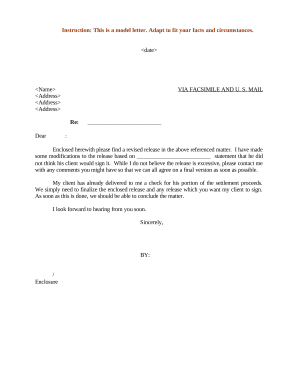
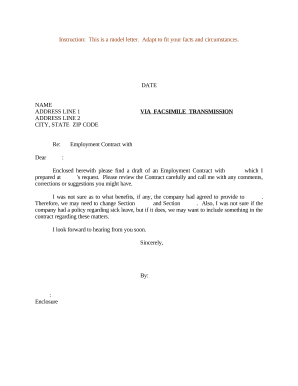
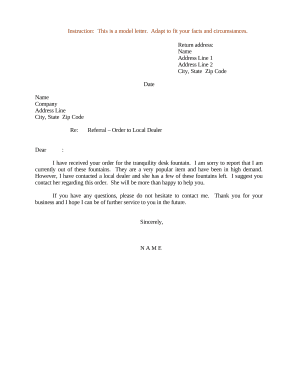
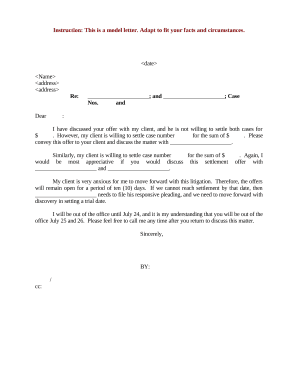
Lawyers write many kinds of documents-court papers, letters, legal instru- ments, and internal working documents for the law firm.
Legal correspondence. It means legal letters. Four types of legal correspondence. -informative letters. Informative letters. Opinion letters. Confirmation letters. Demand letters. Writing legal correspondence. Written correspondence.
Finding a Legal Template through Word In the search bar, type in legal and click search. One of the templates that that may be the most useful is the Legal pleading paper.
Types of letters in English Formal letter. It is a type of letter that follows a certain pattern and formality. Informal Letter. Business letter. Official letter. Social Charter. Circular letter. Employment letters.
There are two types of letters that lawyers should be writing to their clients the engagement letter and the non-engagement letter.
Set the Line Spacing Legal documents typically use 1.5 or double line spacing to help add white space and improve readability. Using wider spacing also makes it easier to mark up draft copies, since youll have room to write directly on the page. To set your line spacing in Word, go to Layout, then select Paragraph.
Legal Templates is a Free Online Legal Form Document Creator.
What is Esq.? Esq. is the abbreviation for Esquire. It is a title that follows an attorneys last name to show that youve obtained your Juris Doctor degree and have also passed the rigorous bar exam. The formatting of this title is similar to an M.D., B.A, Ph.