

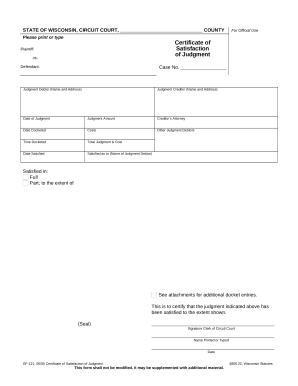
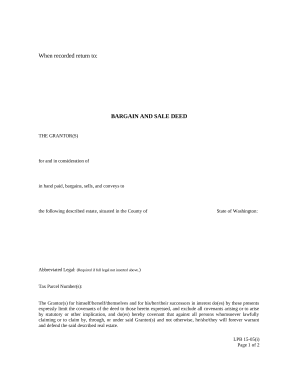
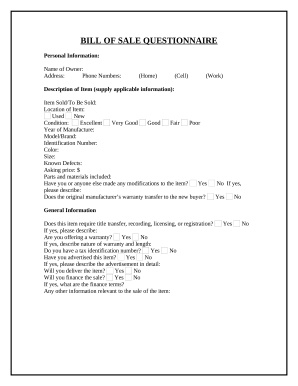
Raise your output with Legal Forms and Agreements
Record administration occupies to half of your business hours. With DocHub, it is possible to reclaim your time and effort and improve your team's productivity. Access Legal Forms and Agreements category and investigate all document templates related to your day-to-day workflows.
Effortlessly use Legal Forms and Agreements:
- Open Legal Forms and Agreements and use Preview to find the relevant form.
- Click Get Form to begin working on it.
- Wait for your form to upload in the online editor and start modifying it.
- Add new fillable fields, icons, and images, adjust pages order, etc.
- Fill your form or prepare it for other contributors.
- Download or share the form by link, email attachment, or invite.
Speed up your day-to-day document administration with the Legal Forms and Agreements. Get your free DocHub profile right now to explore all forms.
Video Guide on Legal Forms and Agreements management

Commonly Asked Questions about Legal Forms and Agreements
Are online legal forms legitimate?
The findings highlighted four potential pitfalls of incautious use of downloadable legal documents. They are as follows. Online legal documents can be out of date, inaccurate or downright wrong which makes them flawed and could be legally rejected. Buyer Beware of Online Legal Documents - Lowe Law Group Lowe Law Group blog november bu Lowe Law Group blog november bu
Can I write my own legal agreement?
Why You Need a Business Contract Lawyer. If youre asking whether you need a lawyer to draft a contract, legally, the answer is no. Anyone can draft a contract on their own and as long as the elements above are included and both parties are legally competent and consent to the agreement, it is generally lawful. Do I Need a Lawyer to Draft Business Contracts? Kirk Kirk Law legal-resources do-i-ne Kirk Kirk Law legal-resources do-i-ne
Free download Where can I get legal forms for free?
To cancel, please login and click on your profile icon on the top right select User Settings, and click Cancel beside the plan. FAQs ( Frequently Asked Questions ) - Legal Templates legaltemplates.net frequently-asked-questions legaltemplates.net frequently-asked-questions
Is legal template really free?
Legal Templates is a Free Online Legal Form Document Creator. Legal Templates Reviews 2024: Details, Pricing, Features - G2 G2 products legal-templates reviews G2 products legal-templates reviews
Subscription cancel How to cancel Legal Templates subscription?
Templates for Docs - Google Workspace Marketplace. Thousands of free and premium templates to jump start your project. Download useful templates such as calendars, business cards, letters, cards, brochures, newsletters, resumes, and more. Thousands of free and premium templates to jump start your project. Templates for Docs - Google Workspace Marketplace google.com marketplace app tem google.com marketplace app tem
How much does US legal forms cost?
How much does US Legal Forms cost? US Legal Forms Pricing Plans Basic Premium Starting at $8 /mo Starting at $15 /mo Jun 10, 2024
Is legaltemplate good?
Pros: A great product that does not break the bank for small businesses. I can look at a document without having to pay my lawyer to give me a rough draft. I know everything I need in advance. Cons: I feel the software uses type-face and no state logo forms.
How to make a legal agreement between two parties?
The basic fundamentals of a legally binding contract are that it must include an offer outlining what will be provided and an acceptance of that offer. There must also be something of value exchanged, which could be a service, sale of goods, money, or even a promise to provide one of these things. How to Make a Legally Valid Contract - docHub docHub ask how-to-write-a-legal- docHub ask how-to-write-a-legal-
Does legal template charge?
Legal Templates has 2 pricing edition(s), from $0 to $95.88. A free trial of Legal Templates is also available. Look at different pricing editions below and read more information about the product here to see which one is right for you.


