
Create your Housing Rental Agreement from scratch
Start Building Now




Here's how it works
Create your Housing Rental Agreement in a matter of minutes
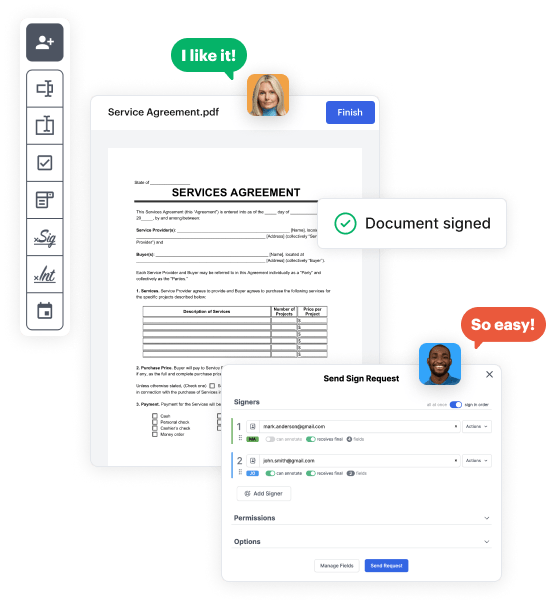
Step 1: Access DocHub to set up your Housing Rental Agreement.
Start by accessing your DocHub account. Try out the advanced DocHub functionality free for 30 days.
Step 2: Navigate to the dashboard.
Once signed in, head to the DocHub dashboard. This is where you'll create your forms and handle your document workflow.
Step 3: Design the Housing Rental Agreement.
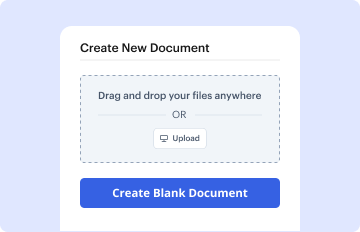
Hit New Document and choose Create Blank Document to be taken to the form builder.
Step 4: Set up the form layout.
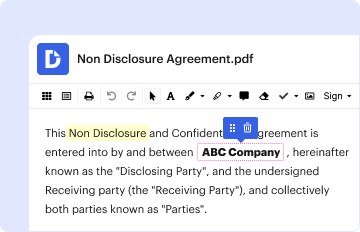
Use the DocHub tools to add and arrange form fields like text areas, signature boxes, images, and others to your document.
Step 5: Add text and titles.
Add needed text, such as questions or instructions, using the text field to assist the users in your form.
Step 6: Customize field settings.
Adjust the properties of each field, such as making them required or arranging them according to the data you expect to collect. Assign recipients if applicable.
Step 7: Review and save.
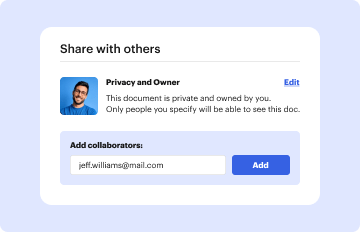
After you’ve managed to design the Housing Rental Agreement, make a final review of your document. Then, save the form within DocHub, export it to your selected location, or distribute it via a link or email.



