
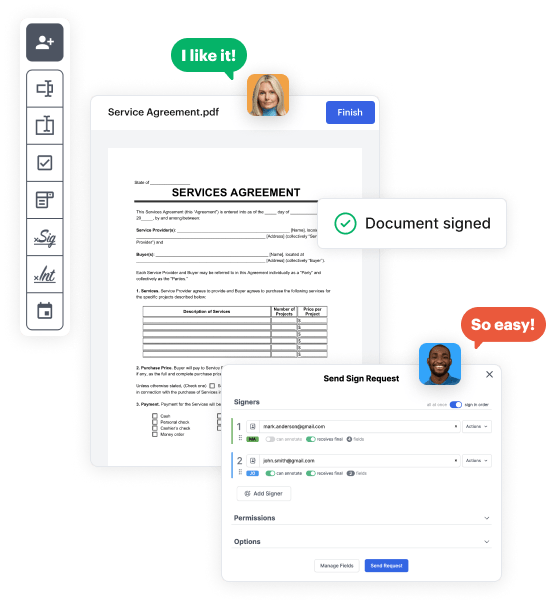
Create your Employment Contract Document from scratch

Start Building Now
Title decoration

Here's how it works

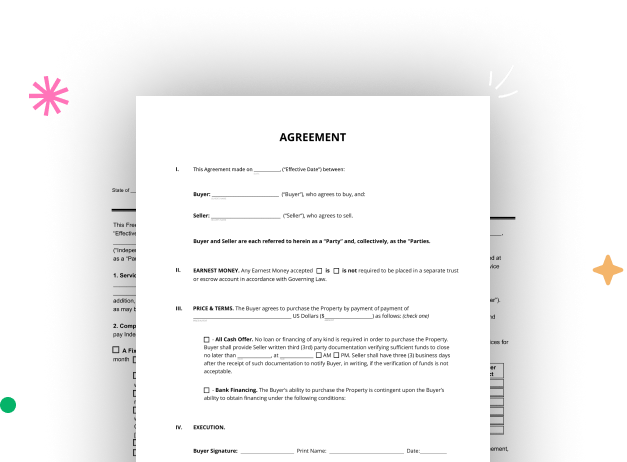
01. Start with a blank Employment Contract Document
Open the blank document in the editor, set the document view, and add extra pages if applicable.
02. Add and configure fillable fields
Use the top toolbar to insert fields like text and signature boxes, radio buttons, checkboxes, and more. Assign users to fields.
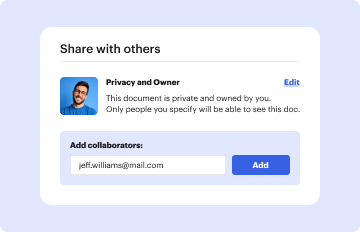
03. Distribute your form
Share your Employment Contract Document in seconds via email or a link. You can also download it, export it, or print it out.

A brief tutorial on how to set up a professional-looking Employment Contract Document

Form edit decoration

Step 1: Log in to DocHub to begin creating your Employment Contract Document.

First, log in to your DocHub account. If you don't have one, you can easily register for free.

Step 2: Head to the dashboard.

Once signed in, go to your dashboard. This is your central hub for all document-focused tasks.

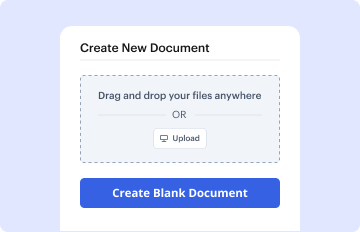
Step 3: Initiate new document creation.

In your dashboard, select New Document in the upper left corner. Pick Create Blank Document to put together the Employment Contract Document from a blank slate.

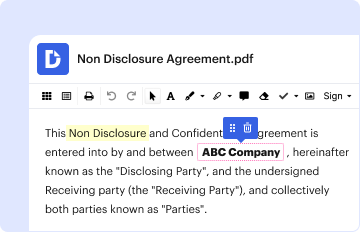
Step 4: Add form fillable areas.

Place numerous elements like text boxes, images, signature fields, and other elements to your form and assign these fields to specific individuals as necessary.

Step 5: Customize your template.

Customize your document by incorporating instructions or any other crucial tips utilizing the text tool.

Step 6: Go over and modify the document.

Attentively go over your created Employment Contract Document for any discrepancies or necessary adjustments. Utilize DocHub's editing tools to enhance your template.

Step 7: Send out or export the template.

After finalizing, save your file. You can select to keep it within DocHub, export it to various storage services, or send it via a link or email.


be ready to get more

Build your Employment Contract Document in minutes

Start creating now

Got questions?

We have answers to the most popular questions from our customers. If you can't find an answer to your question, please contact us.
Contact us
Following this step-by-step checklist will mean that you can write your contract with confidence: Know your parties. Agree on the terms. Set clear boundaries. Spell out the consequences. Specify how you will resolve disputes. Cover confidentiality. Check the legality of the contract. Open it up to negotiation.
What to Include in an employment contract An invitation to begin employment at your company. Job title and employment status. Job responsibilities and expectations (i.e. a job description) Start date. End date, if it is a fixed-term contract. Name of manager, supervisor or other reporting relationships. Work hours.
The agreement should be clear and concise, and it should cover all aspects of the teams work. The agreement should specify the teams goals, how team members will communicate with each other, what happens if someone violates the agreement, and so on.
When creating an Employment Contract, you can include the following terms: The type and rate of compensation. The frequency of payment. Vacation time. Specified work hours. Specified work location. Employee responsibilities. Length of a probationary period. Confidentiality, non-solicitation, or non-competition clauses.
How to Write a Contract Letter The date. Be addressed to the person with whom youre entering the agreement. Basic details of the work to be completed. Any special instructions or stipulations. Information about whether another agreement will come after the letter. A place for both parties to sign.
be ready to get more

Build your Employment Contract Document in minutes

Start creating now

Related Q&A to Employment Contract Document

Guide to writing contracts of employment Names of the parties. The full details of the business, and the employees full name and address. Employment contract start date. Employees job title and description. Workplace. Working hours. Probationary period. Salary. Deductions.
The most common contract is a permanent contract, which means the term of work is indefinite. Employees on permanent contracts can be full-time or part-time and typically receive benefits.

Additional resources on building your forms