
Create your Deed from scratch
Start Building Now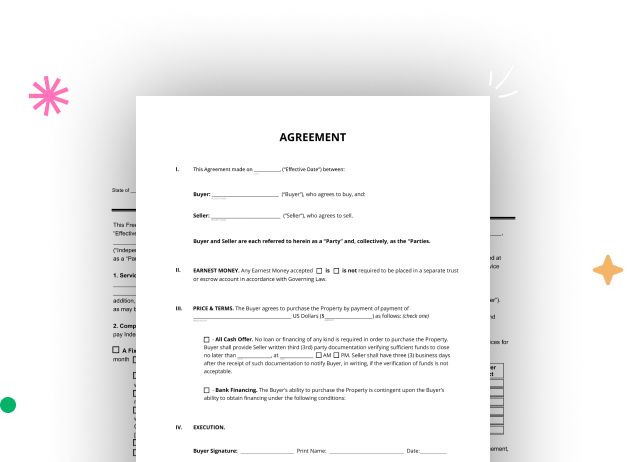




Here's how it works
Build Deed from the ground up with these comprehensive instructions
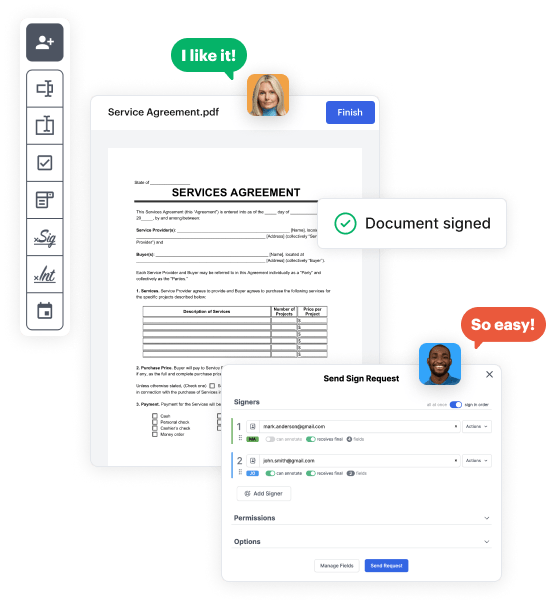
Step 1: Start off by launching DocHub.
Start by registering a free DocHub account using any offered sign-up method. Just log in if you already have one.
Step 2: Sign up for a 30-day free trial.
Try out the whole suite of DocHub's advanced tools by signing up for a free 30-day trial of the Pro plan and proceed to craft your Deed.
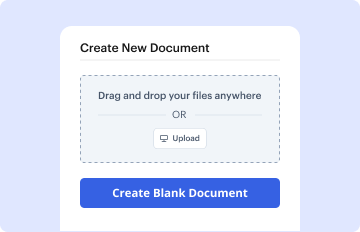
Step 3: Start with a new blank document.
In your dashboard, click the New Document button > scroll down and choose to Create Blank Document. You’ll be redirected to the editor.
Step 4: Arrange the view of the document.
Utilize the Page Controls icon indicated by the arrow to toggle between different page views and layouts for more flexibility.
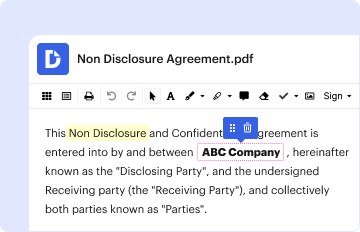
Step 5: Start adding fields to create the dynamic Deed.
Explore the top toolbar to place document fields. Insert and arrange text boxes, the signature block (if applicable), add photos, and other elements.
Step 6: Prepare and customize the incorporated fields.
Configure the fields you incorporated based on your desired layout. Modify each field's size, font, and alignment to ensure the form is straightforward and polished.
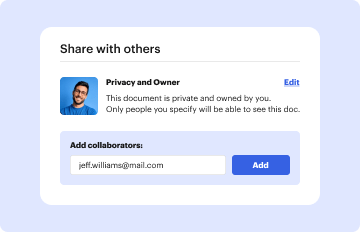
Step 7: Finalize and share your template.
Save the finalized copy in DocHub or in platforms like Google Drive or Dropbox, or design a new Deed. Share your form via email or get a public link to reach more people.



