




Here's how it works

01. Edit your construction joint venture document collaboration online
Type text, add images, blackout confidential details, add comments, highlights and more.

02. Sign it in a few clicks
Draw your signature, type it, upload its image, or use your mobile device as a signature pad.

03. Share your form with others
Send walgreens site dochub com via email, link, or fax. You can also download it, export it or print it out.
How to use or fill out Joint Venture Agreements - for a Construction Project or General Business Venture - Illinois with our platform

- Click ‘Get Form’ to open the Joint Venture Agreement in the editor.
- Begin by filling in the date of the agreement and the names of the joint venturers. Ensure that you accurately describe the purpose of the venture in the designated section.
- Proceed to Article I, where you will define key terms such as 'Affiliate' and 'Net Profits.' This section is crucial for clarity on roles and financial expectations.
- In Article II, specify the formation details, including the name of your joint venture and its principal place of business. This establishes your venture's identity.
- Complete Article III by detailing the specific project or business purpose. Be precise about contract numbers and dollar amounts involved.
- Fill out Article V regarding percentage participation. Clearly outline each partner's share in profits and losses to avoid future disputes.
- Review all sections for accuracy before saving your document. Utilize our platform’s features to sign electronically if needed.
Start using our platform today to streamline your Joint Venture Agreement process for free!
Fill out Joint Venture Agreements - for a Construction Project or General Business Venture - Illinois online
It's free
It's free
Security and compliance
At DocHub, your data security is our priority. We follow HIPAA, SOC2, GDPR, and other standards, so you can work on your documents with confidence.
Learn more


Related forms

Internship evaluation form iqra university
The document is an Intern Evaluation Form designed for supervisors to assess the performance of interns within their org ...
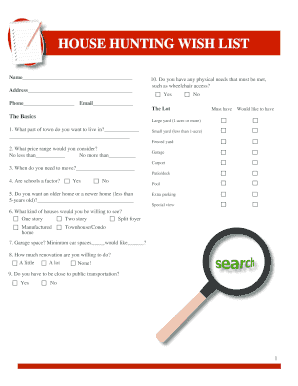
House wish list excel template
The document is a 'House Hunting Wish List' designed to help individuals outline their preferences and requirements for ...
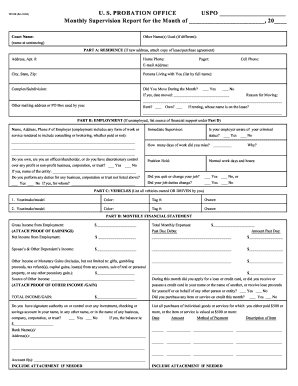
Printable probation paper note 2006 form
The document is a Monthly Supervision Report used by the U.S. Probation Office to collect information from individuals u ...
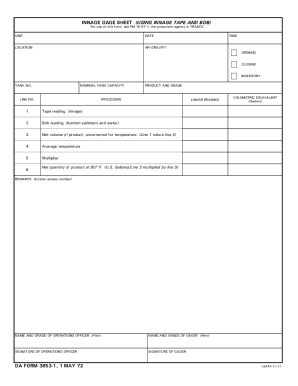
Da form 3853 1 pdf
The document is a U.S. Department of Defense form (dod-da-3853-1) used for recording innage measurements of fuel tanks, ...
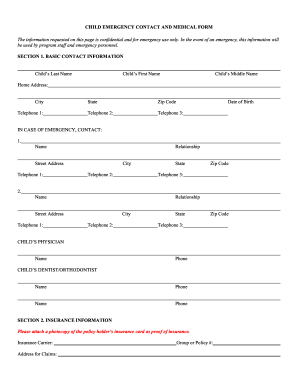
Emergency contact form preschool
The document is a Child Emergency Contact and Medical Form designed to collect confidential information for emergency us ...

919 form
The document is a nomination form for student dependants of holders of a Student (Temporary) visa in Australia. It outli ...
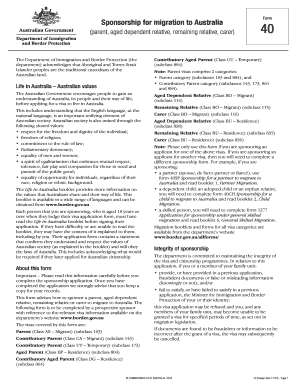
Form 40
The document outlines the process and requirements for sponsoring a parent, aged dependent relative, remaining relative, ...

Standard form 2817 2000
The document is a Life Insurance Election form for the Federal Employees' Group Life Insurance Program (FEGLI). It outli ...