Transform your form management with Quick Balance Sheet Templates

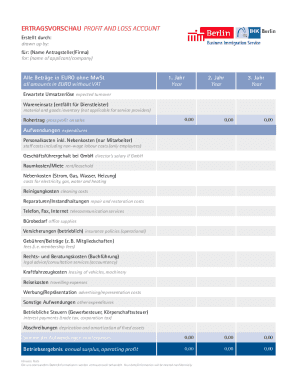
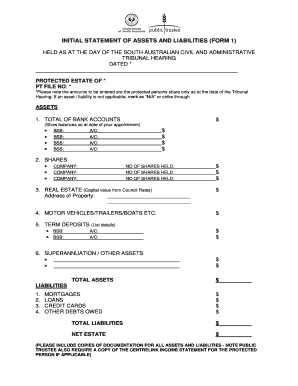
Your workflows always benefit when you are able to get all of the forms and documents you will need on hand. DocHub supplies a a huge library of form templates to ease your everyday pains. Get a hold of Quick Balance Sheet Templates category and easily discover your document.

Start working with Quick Balance Sheet Templates in a few clicks:

  1. Browse Quick Balance Sheet Templates and get the form you need.
  2. Click Get Form to open it in our editor.
  3. Start modifying your form: add fillable fields, highlight sentences, or blackout sensitive facts.
  4. The application saves your adjustments automatically, and after you are all set, you are able to download or distribute your form with other contributors.

Enjoy fast and easy form management with DocHub. Discover our Quick Balance Sheet Templates collection and get your form right now!

Video Guide on Quick Balance Sheet Templates management

video background

Commonly Asked Questions about Quick Balance Sheet Templates

The Balance Sheet Template for Excel is a pre-designed spreadsheet that allows users to enter their companys financial information, including assets, liabilities, and equity. This template is useful for businesses of all sizes, as it can be customized to fit each companys specific needs.
0:18 0:59 And then select the first open cell in the income column then the minus sign on your keyboard. ThenMoreAnd then select the first open cell in the income column then the minus sign on your keyboard. Then select the first open cell in the debits column. Then hit enter.
You can create a personal balance sheet by completing the following steps, including getting all relevant documents, listing your assets and liabilities, and calculating your net worth.
Manage your finances efficiently with the Google Sheets Balance Sheet Template, offering meticulous record-keeping, error detection, and external audit compatibility.
What is the basic format of a balance sheet? The basic format of a balance sheet includes three main sections: assets, liabilities, and equity. Assets list resources owned, liabilities outline obligations, and equity shows net worth or ownership.
Google Sheets Balance Sheet Template Create a new Google Sheets Document. Name the Document as Balance Sheet. Setup Headers: Date, Description, Income, Expenses, Total. Enter initial balance as date and description. Input the income under the Income header for a specific date and description.
This short term liquidity is a sign that Alphabet could probably pay off its debt with ease, as its balance sheet is far from stretched. Succinctly put, Alphabet boasts net cash, so its fair to say it does not have a heavy debt load!
How to make a balance sheet Invest in accounting software. Create a heading. Use the basic accounting equation to separate each section. Include all of your assets. Create a section for liabilities. Create a section for owners equity. Add total liabilities to total owners equity.