
Resume Application Forms
Modify and arrange Resume Application Forms online for free with DocHub. Download, modify, and share application forms, reducing mistakes and simplifying the workflow.

Create a new Resume Application Form

Tim hortons application form

Safeway job application form
Woolworths application form
Dollar general application pdf

Dollar tree job application online pdf

Juice it up application pdf
American princess cruise agency registration
Cv occupational form pdf

Aldi application form
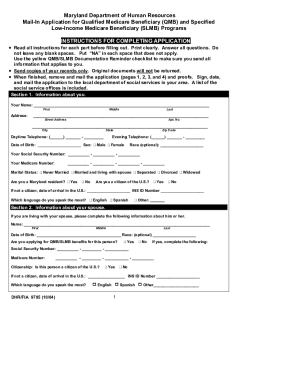
Qmb application maryland
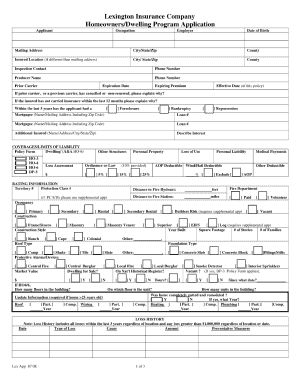
Lexington insurance company homeownersdwelling program application form
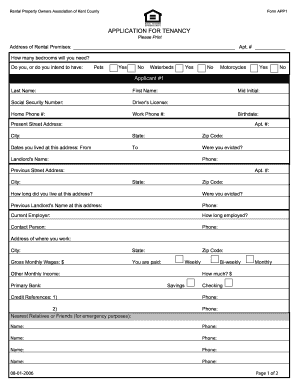
Printable section 8 application form montgomery county
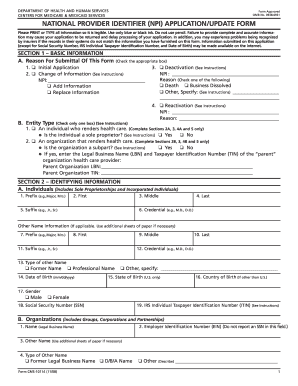
Npi application fillable form

Corporation bank account opening
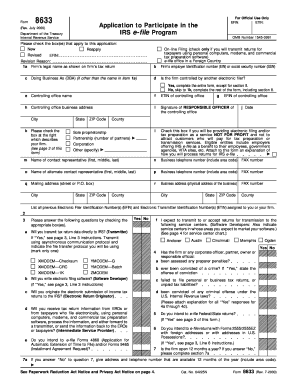
Irs form 8633

Irb yosanirb application pdf
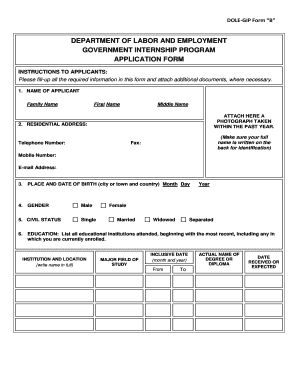
Gip application form

Fieldup resume form
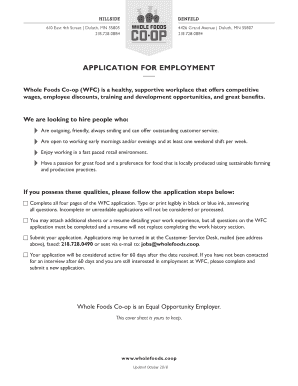
Whole foods job application
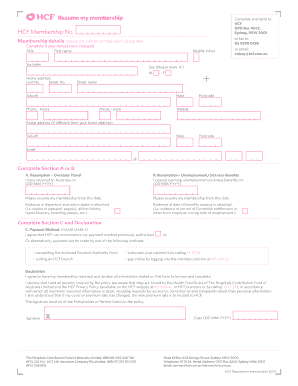
Resume my membership form - HCF Health Insurance
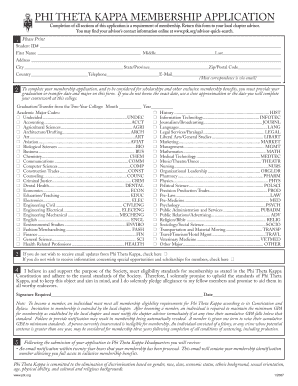
Phi theta kappa fillable membership application form

Tenancy application form template nz
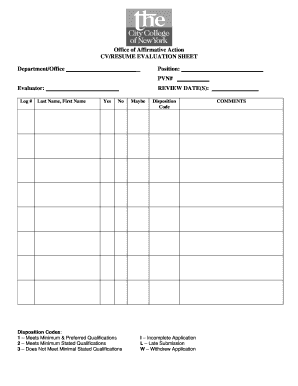
Cv evaluation form
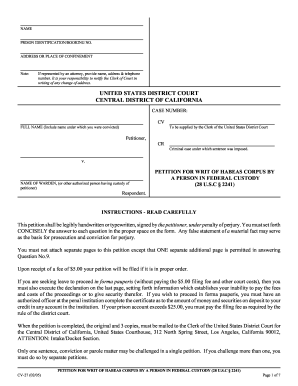
Cv 27 form template

State of illinois employment application forms

Head Start Application Form - ECKAN

Tci scholarship application form
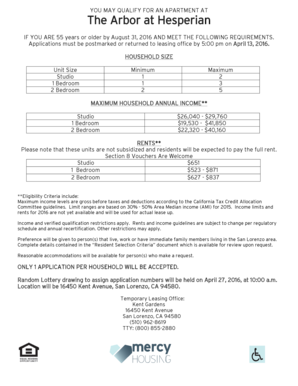
Mercy housing application pdf

Mccombs resume template

Costco application form pdf

Wawa application form

Wawa job application form pdf

Cv form myanmar

AHIP Application form - environment nsw gov
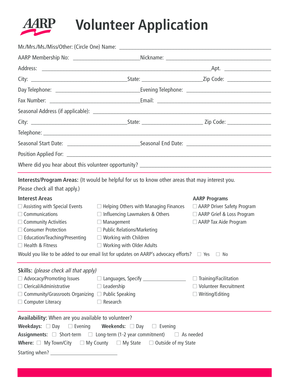
Aarp application form
Get and handle Resume Application Forms online
Speed up your form management using our Resume Application Forms category with ready-made templates that meet your needs. Access the document, alter it, fill it, and share it with your contributors without breaking a sweat. Begin working more effectively with your forms.
The best way to manage our Resume Application Forms:
- Open our Resume Application Forms and find the form you need.
- Preview your document to ensure it’s what you want, and click on Get Form to begin working on it.
- Alter, add new text, or highlight important information with DocHub tools.
- Fill out your form and save the adjustments.
- Download or share your document template with other recipients.
Explore all the opportunities for your online file administration using our Resume Application Forms. Get a free free DocHub account right now!
Video Guide on Resume Application Forms management

Commonly Asked Questions about Resume Application Forms
How do I write a resume application form?
Follow these steps when drafting a resume for your next job application : Start by choosing the right resume format. Include your name and contact information. Add a resume summary or objective. List your soft and hard skills. List your professional history with keywords. Include an education section.
What is an ATS resume?
What is an applicant tracking system? An applicant tracking system - or ATS, for short - is a type of resume scanning software used by recruiters and employers during the hiring process to collect, sort, scan, and rank the job applications they receive for their open positions.
What application to use for resume?
Teal is a resume builder app with multiple free features for creating, optimizing, and managing your resume in a single, dynamic platform. You can start creating your resume from the ground up or upload an existing one to the free builder builder.
What is the best form for a resume?
The best resume format for a job-seeker with plenty of experience in the industry theyre applying for is the reverse-chronological format. Heres what makes the reverse-chronological format the best choice: It puts emphasis on your strengths as an applicant, namely your professional experience.