




Here's how it works

01. Edit your form online
Type text, add images, blackout confidential details, add comments, highlights and more.

02. Sign it in a few clicks
Draw your signature, type it, upload its image, or use your mobile device as a signature pad.

03. Share your form with others
Send it via email, link, or fax. You can also download it, export it or print it out.
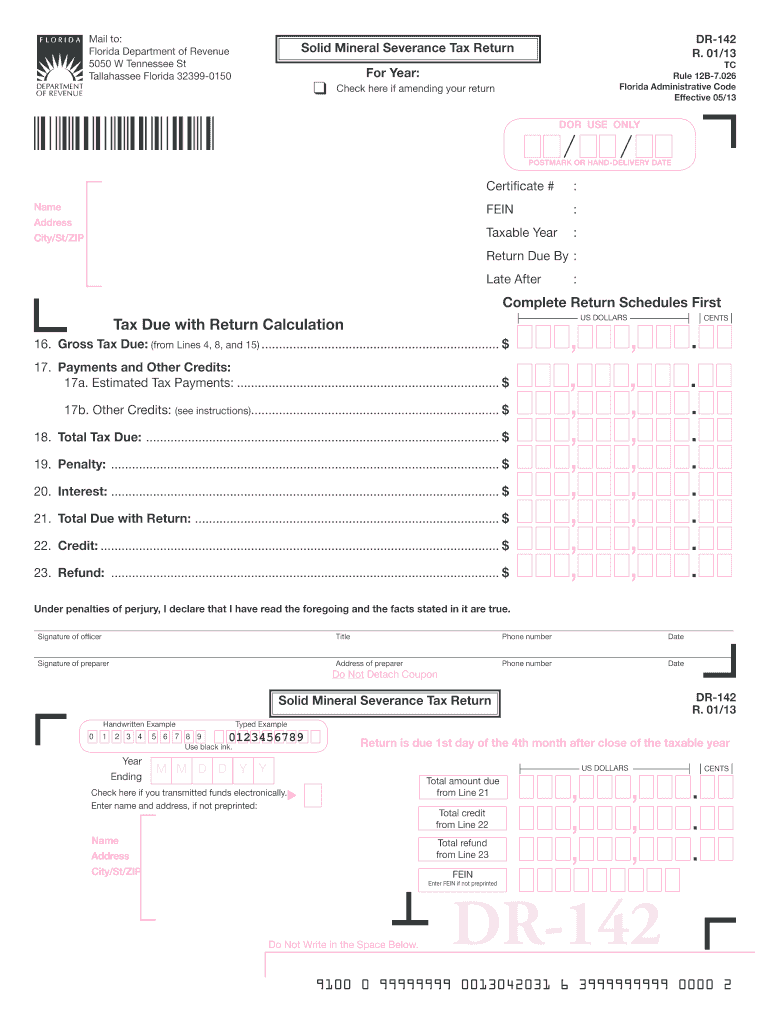
How to use or fill out Florida Severance Tax with our platform

- Click ‘Get Form’ to open the Florida Severance Tax form in the editor.
- Begin by entering your Certificate Number, Name, Address, City, State, and ZIP code in the designated fields.
- Indicate the Taxable Year and check the box if you are amending your return.
- Complete Schedule I for phosphate rock production by entering total tons produced for each county. Sum these amounts to find Total Tons Produced.
- For heavy minerals, complete Schedule II by entering total tons produced and calculating gross tax due based on the tax rate provided.
- In Schedule III, list other solid minerals produced and calculate their taxable value. Subtract any exemptions to find Total Taxable Value.
- On the front page, calculate Gross Tax Due by summing lines from all schedules. Enter any estimated payments or credits before calculating Total Due with Return.
- Sign and date the return before mailing it to the Florida Department of Revenue at the specified address.
Start using our platform today for free to streamline your Florida Severance Tax filing process!
Fill out florida severance tax online
It's free
It's free
See more florida severance tax versions
We've got more versions of the florida severance tax form. Select the right florida severance tax version from the list and start editing it straight away!
Security and compliance
At DocHub, your data security is our priority. We follow HIPAA, SOC2, GDPR, and other standards, so you can work on your documents with confidence.
Learn more


Related forms
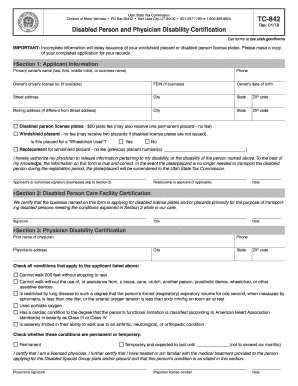
TC-842 - Utah State Tax Commission - Utah
The document is a form from the Utah State Tax Commission for applying for disabled person license plates and windshield ...

Contractors contractor renewal
The document is a renewal notice for contractor licenses in the State of Tennessee, detailing the renewal process, assoc ...

Cdph 932 form
The document is an application form for the Nursing Home Administrator Program (NHAP) by the California Department of Pu ...

MO-1040 Book 12-01-15
The document is the 2015 Form MO-1040, an Individual Income Tax Return for Missouri residents. It includes sections for ...

Updates on Audit Issues - NYC
The document is the Unincorporated Business Tax Report of Change (Form NYC-115) used by unincorporated businesses in New ...
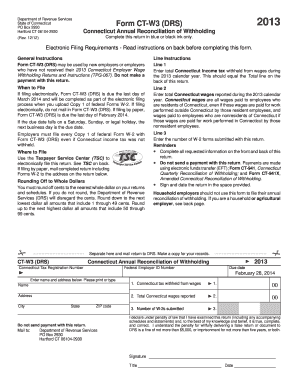
Printable 2013 w 3 form
The document is the 2013 Form CT-W3 (DRS) from the Connecticut Department of Revenue Services, which serves as the Annua ...

Certifications, Assurances, Representations, and Other Statements of the Recipient - A Mandatory Ref
Certifications, Assurances, Representations, and Other Statements of the Recipient - A Mandatory Ref
The document outlines the certifications, assurances, representations, and other statements required from recipients of ...

Physician Certification Form - Illinois Department of Public Health
The document outlines the Illinois Medical Cannabis Pilot Program's Physician Written Certification Form, which is requi ...