




Here's how it works

01. Edit your answer to complaint maryland online
Type text, add images, blackout confidential details, add comments, highlights and more.

02. Sign it in a few clicks
Draw your signature, type it, upload its image, or use your mobile device as a signature pad.

03. Share your form with others
Send cc dr 050 via email, link, or fax. You can also download it, export it or print it out.
How to use or fill out cc dr 050 with our platform

- Click ‘Get Form’ to open the cc dr 050 document in the editor.
- Begin by entering your case number and the circuit court information at the top of the form. Ensure that you provide accurate details for proper identification.
- Fill in your name, address, and contact information in the designated fields. This includes your street address, city, state, zip code, and telephone number.
- Proceed to answer each paragraph of the complaint. For each numbered paragraph, check one of the options: admit, deny, or indicate insufficient information. Be sure to provide any facts you wish to admit.
- If applicable, include additional facts for your defense in the specified section. Attach any relevant court orders if available.
- Finally, sign and date the form at the bottom. Ensure that you also complete the certificate of service section to confirm that copies were sent to all parties involved.
Start using our platform today for free to streamline your document editing and completion process!
Fill out cc dr 050 online
It's free
It's free
See more cc dr 050 versions
We've got more versions of the cc dr 050 form. Select the right cc dr 050 version from the list and start editing it straight away!
Security and compliance
At DocHub, your data security is our priority. We follow HIPAA, SOC2, GDPR, and other standards, so you can work on your documents with confidence.
Learn more


Related forms

Greater san antonio auditions
The document is an audition form for the Greater San Antonio Area, intended for students interested in performance, tech ...
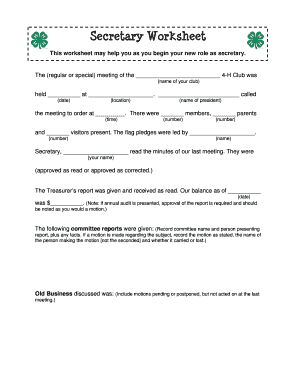
4 h secretary worksheet
The document is a Secretary Worksheet designed to assist secretaries of 4-H Clubs in recording meeting details. It provi ...
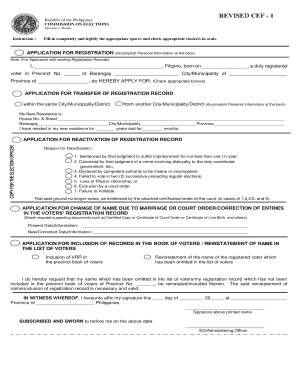
Cef 1 form
The document is an application form from the Commission on Elections in the Philippines for registered voters. It allows ...
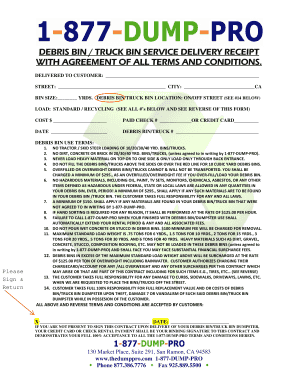
Dumpster rental agreement template pdf
The document is a service delivery receipt for debris bin and truck bin rentals, outlining the terms and conditions for ...
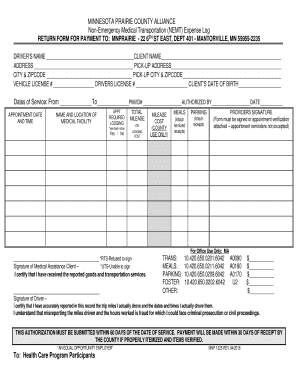
Non-Emergency Medical Transportation Expense Log - MN
The document is a Non-Emergency Medical Transportation (NEMT) Expense Log for the Minnesota Prairie County Alliance, det ...

Cover sheet - Arizona Corporation
The document is a cover sheet for filing various types of documents with the Arizona Corporation Commission's Corporatio ...
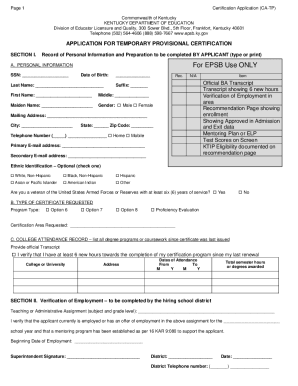
Teacher Certification and Renewal - Kentucky Department of
The document is a Certification Application for Temporary Provisional Certification from the Kentucky Department of Educ ...