
Convert Word Documents to PDF Directly in DocHub Mobile App
Use DocHub for your paperwork-related tasks whenever needed. Install our free app to Convert Word to PDF and much more from any spot, with only an internet connection required.


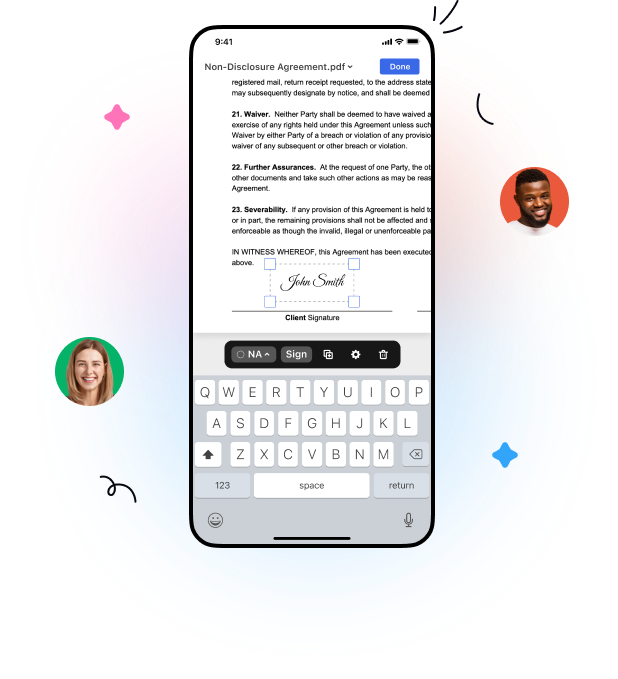
Discover a full-featured mobile app to convert word to pdf wherever you are

Upload
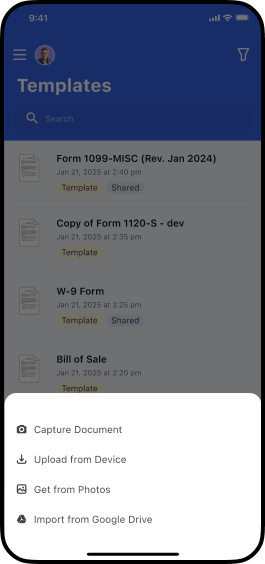
Add documents in a few taps. Upload a file from your device, select its photo or snap a picture of your document with your device camera.

Edit
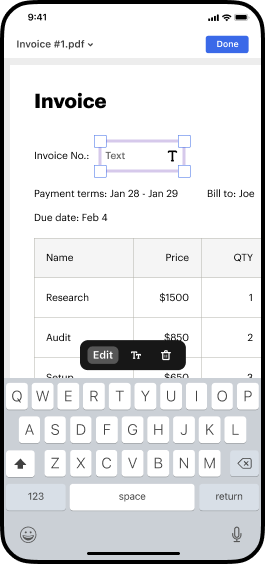
Add text in a few taps. Leave comments, highlight or whiteout text, and rearrange pages from your mobile device.

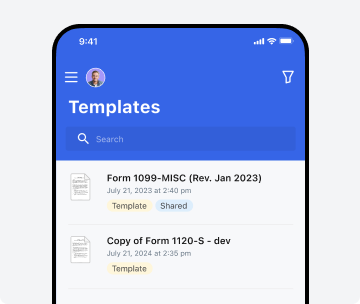
Templates
Turn your important documents into templates that you can easily share with others and get them completed anywhere.


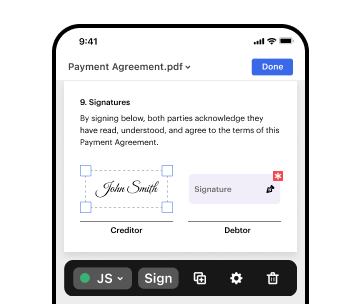
Sign and send
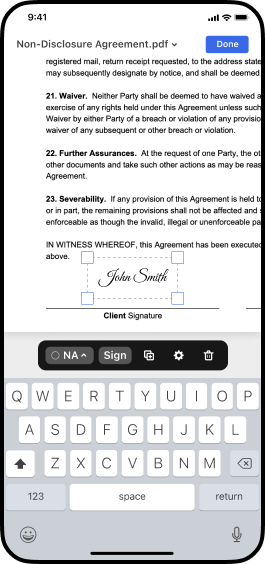
Sign documents using your finger or stylus. Collect signatures from anyone in any order and track document progress from your mobile device.

Organize and folders
Organize documents by placing them in folders and easily locate the file you need using the quick search tool directlyfrom your mobile device.

Sharing options + save
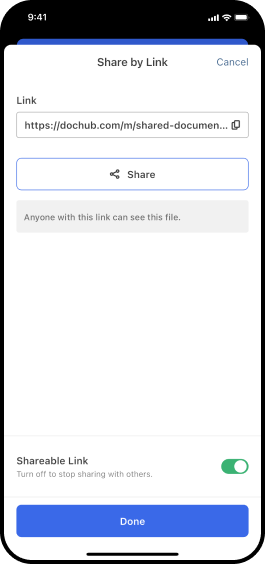
Share PDFs with greater visibility. Designate who can view and edit your document and send it via link or email.
How to convert word to pdf on your iPhone and Android device
Your work done faster, anywhere & anytime
Edit, sign, and share documents on the go with the DocHub mobile app.



Work confidently by securing your documents
 Secure document transfers with end-to-end encryption.
- Enable biometric authentication to secure access to your documents.
- View every document action by users via the detailed record of document activity.
- Use the DocHub app to create legally-binding eSignatures certified under the ESIGN Act.
Try the DocHub mobile app to simplify document workflows from anywhere






See why our customers choose DocHub


Got questions?
How do I automatically convert Word to PDF?
How do I convert my Word file to PDF?
How do I change a Word File into a PDF?
How to Convert Word to PDF and prepare documents from anywhere with the DocHub mobile application
Simplify your processes with DocHub, the ultimate solution for fast and secure document management. Install our mobile application to Convert Word to PDF and effortlessly complete all your paperwork-related tasks. Its advanced features make it perfect for individuals and SMB professionals who handle busy schedules and work across devices like iPhones and Android smartphones.
Follow these simple steps to Convert Word to PDF using our mobile application:
- Find the DocHub app in the App Store or Google Play.
- Sign in or create an account when the installation process is over.
- Upload a file from your device, Google Drive, or capture it with a camera.
- Open the form in the editor, hit +, and choose the necessary editing tools.
- Add fields to collect various data and eSignatures.
- Hit Done and choose from the available file-sharing and saving options.
DocHub empowers you to handle paperwork confidently and securely while on the go. Download our app and experience the difference. Try it now!


