
Save Signature Contract on OPPO mobile device


Save Signature Contract on OPPO
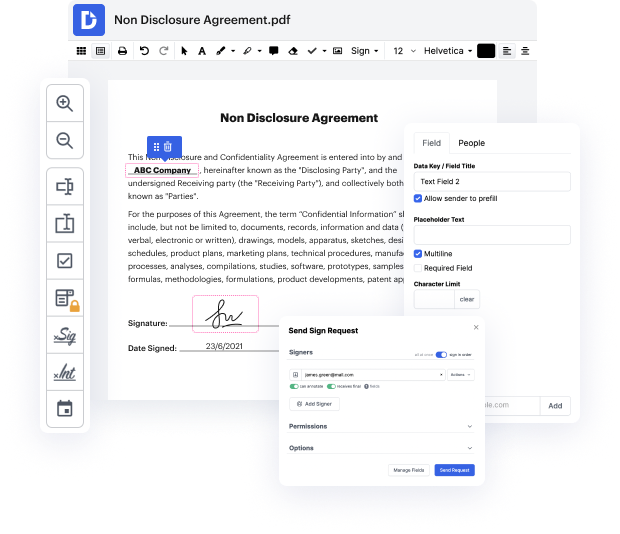
DocHub is an innovative platform designed to streamline document management, editing, and signing, making it easier for users to handle their paperwork efficiently. With our user-friendly editor, you can easily modify and sign documents online for free, whether you're using an OPPO Reno10 Pro+ or OPPO A3 Pro (China). Our seamless integration with Google Workspace allows you to manage your documents directly from your favorite apps, ensuring smooth workflows.
Follow the steps to Save Signature Contract on OPPO using our platform
- Open the DocHub website on your preferred web browser and log in to your account.
- Upload the signature contract you wish to save. You can drag and drop the document or select it from your device.
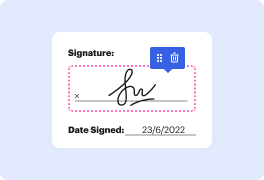
- Once the document is uploaded, use the editing tools to fill in any necessary information or add your signature.
- After making the necessary edits, review the document for accuracy to ensure everything is correct.
- To save your signature contract, look for the option to download or export the document. Choose your preferred format.
- Finally, you can print the contract, share it via email, or send it directly to the required parties.
Get started with DocHub today and simplify your document management!
PDF editing simplified with DocHub






Drive efficiency with the DocHub add-on for Google Workspace
How to Save Signature Contract on OPPO
In this tutorial, the presenter demonstrates how to sign a PDF document on an Android device. The first step is to open the app and login. Then, choose the form you want to sign and click to add a signature. If you need to create a new signature, you can clear the previous one. Once you're done, select your signature and place it. Save the document and you're finished. Subscribe or leave a comment for more tutorials.

Got questions?
How to do an electronic signature on an Oppo phone?
How do I add a signature on my phone?
How do I add a handwritten signature?
How can I use digital signature in Mobile?
How do I insert my signature?
Where is signature setting on iPhone?
How do I create an electronic signature on Android?
See why our customers choose DocHub


Security and compliance
At DocHub, your data security is our priority. We follow HIPAA, SOC2, GDPR, and other standards, so you can work on your documents with confidence.
Learn more


