


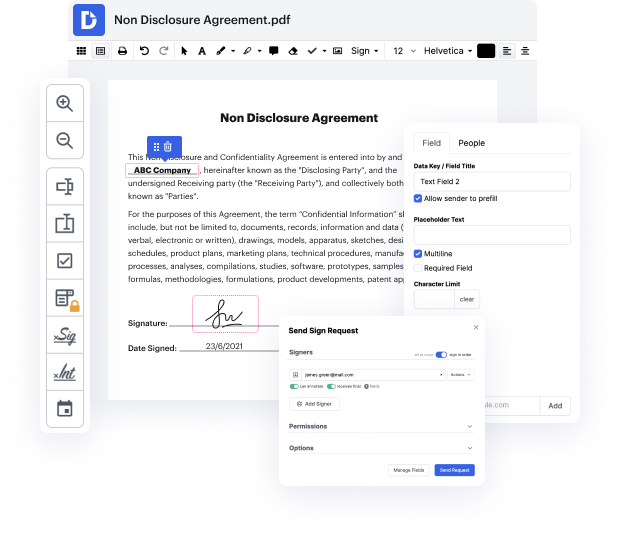
Our platform offers an efficient solution for digital document management, allowing users to edit, sign, and distribute documents seamlessly. With deep integration into Google Workspace, you can easily import, modify, and manage your PDF files directly from Google apps. This guide will empower you to save a digital signature PDF on your ChromeBook using our editor, enabling you to streamline your document workflows for free.
Start using our platform today to save your digital signature PDFs effortlessly!


At DocHub, your data security is our priority. We follow HIPAA, SOC2, GDPR, and other standards, so you can work on your documents with confidence.
Learn more







