
Modify phone field in PDF on Desktop quickly




How to modify phone field in PDF on Desktop with DocHub
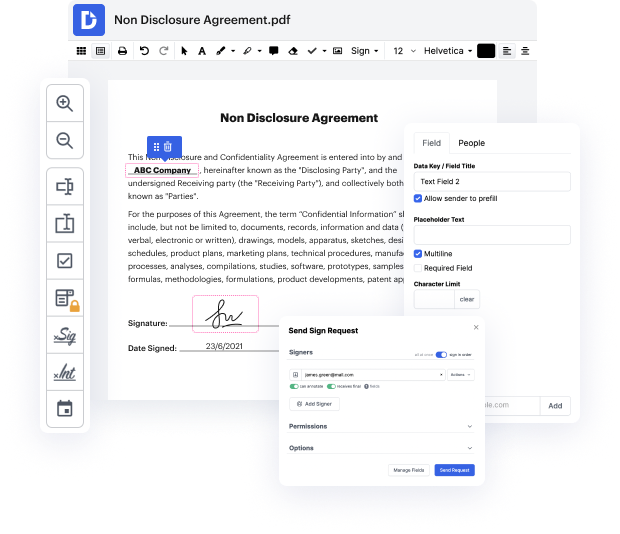
Welcome to our platform, a powerful tool that simplifies document management, editing, signing, and form completion. Whether you're working from home or the office, our editor allows you to modify and manage your PDFs effortlessly. With deep integration with Google Workspace, you can seamlessly import, export, and edit documents directly from your favorite Google apps, ensuring a smooth workflow and interactive experience. In this guide, we will focus on how to modify the phone field in PDF on Desktop using our platform.
Follow the steps to modify your PDF phone field:
- Open the website of our platform and log in to your account.
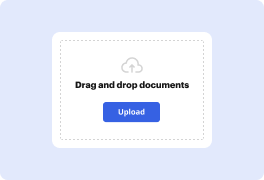
- Upload the PDF document that contains the phone field you wish to modify by selecting the upload option.
- Once the document is open in the editor, navigate to the phone field you want to edit.
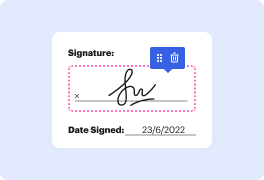
- Click on the phone field to activate the editing feature; this will allow you to input or change the existing phone number.
- Make sure to review the changes you’ve made to ensure accuracy and completeness.
- After you've modified the phone field, you can either download the revised document, print it, or share it directly via email.
Start using our platform today to streamline your document editing and management process for free!
PDF editing simplified with DocHub






Drive efficiency with the DocHub add-on for Google Workspace
Got questions?
How do I edit a PDF field in Acrobat?
How do you change the field type in a PDF?
Can you hyperlink a phone number in PDF?
How do I edit a text box in PDF?
How do I edit fillable fields in PDF?
How do I unlock a fillable PDF field?
How do I save a fillable PDF to my desktop?
How do I make a fillable PDF mobile friendly?
See why our customers choose DocHub


Security and compliance
At DocHub, your data security is our priority. We follow HIPAA, SOC2, GDPR, and other standards, so you can work on your documents with confidence.
Learn more


