
Import and place images into PDF on Laptop quickly




How to import and place images into PDF on Laptop with DocHub
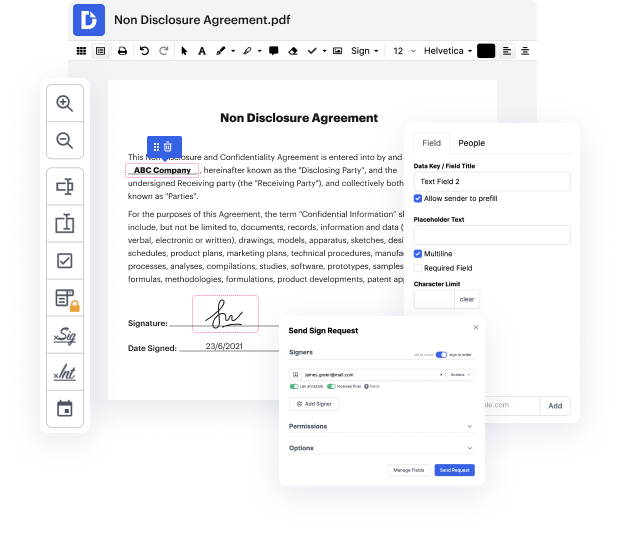
DocHub is an exceptional platform that enhances your document management experience, making it simple to edit, sign, and distribute your PDFs online for free. With its seamless integration with Google Workspace, users can effortlessly import, export, modify, and sign documents directly from Google apps, ensuring a smooth workflow. Whether you are working on a business proposal or personal documents, our editor provides you with the tools needed to enhance your PDFs by importing and placing images into your documents.
Follow the steps to import and place images into PDF on Laptop
- Open the DocHub website and log in to your account.
- Upload the PDF file you want to edit by navigating to the upload section and selecting your document.
- Locate the option to insert images within the editing interface, which allows you to browse your computer for your desired image.
- Once you select the image file, it will be imported into your PDF. You can then click and drag to place it where you want within the document.
- Adjust the size and position of your image as needed to ensure it fits well with the surrounding text and layout.
- After placing your images, review your document for any additional edits and make any necessary adjustments.
- Once satisfied with your PDF, download, print, or share your document directly from the platform.
Start enhancing your PDF documents today with DocHub's powerful editing features!
PDF editing simplified with DocHub






Drive efficiency with the DocHub add-on for Google Workspace
See why our customers choose DocHub


Security and compliance
At DocHub, your data security is our priority. We follow HIPAA, SOC2, GDPR, and other standards, so you can work on your documents with confidence.
Learn more


