



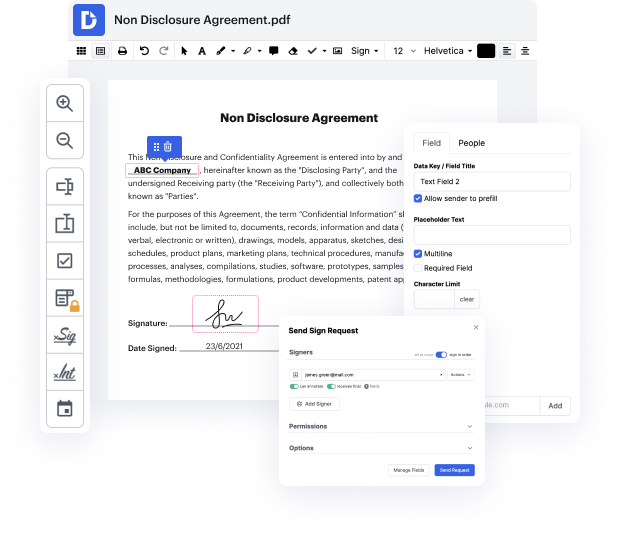
DocHub is a powerful online platform that simplifies document management by providing tools for editing, signing, distributing, and completing forms. It is designed to enhance your productivity, allowing for seamless integration with Google Workspace. With our editor, users can easily create, modify, and manage PDFs directly from their web browser, making it a convenient solution for anyone looking to streamline their document workflows.
Start creating your PDFs in Safari today with DocHub and experience effortless document management!


hi you guys today Im going to show you how to create a PDF file on an iPhone or iPad have your phone or iPad with you so you can follow along as we go through lets Jump Right In so there are a few different ways to create a PDF file Im going to show you all of them youll start by opening up your camera roll and selecting the photo you want to turn into a PDF file so once youre here youre going to click on it and so you go down to the bottom left corner of the screen and click on that option there and then youre going to scroll through all of your options here until you find print so youll click on print and because were not actually printing were going to go up to the top right corner and click that same symbol and now if you look down at that photo its going to say its a PDF document thats been created for you and now you can send it to wherever you want or whoever you want so you can either send you know through message email Etc and if you want to save it somewhere wher


At DocHub, your data security is our priority. We follow HIPAA, SOC2, GDPR, and other standards, so you can work on your documents with confidence.
Learn more







