
Add Watermark to PDF on Lenovo mobile device


How to Add Watermark to PDF on Lenovo with DocHub
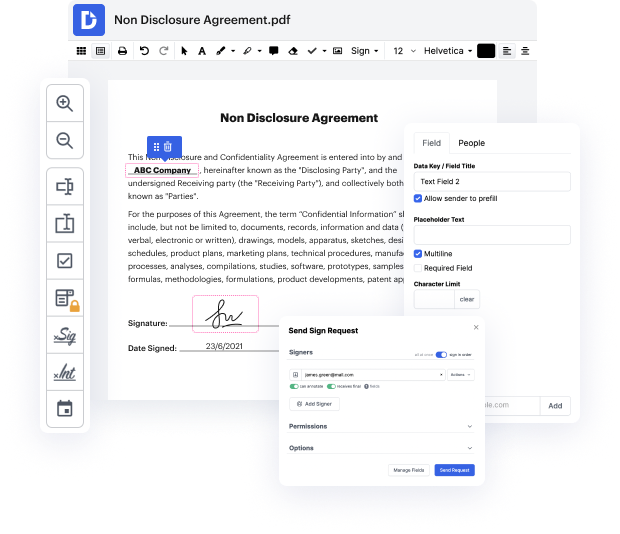
DocHub is an innovative platform that streamlines document editing, signing, distribution, and form completion, making your workflow seamless and efficient. With its deep integration with Google Workspace, users can easily import, export, modify, and sign documents directly from Google apps. This guide will empower you to add a watermark to your PDF using a Lenovo device, ensuring your documents stand out while maintaining a professional appearance. Whether you’re using the Lenovo ThinkPhone 25 or any Lenovo model, our platform offers a user-friendly experience.
Follow the steps to add a watermark
- Open your web browser and navigate to the DocHub website. Once there, log in to your account.
- Upload the PDF document you wish to edit by selecting the option to import documents from your device or Google Drive.
- Locate the editing tools available on the platform. Choose the option to add a watermark to your document.
- Customize your watermark by selecting the text, font, size, and placement on the page to ensure it meets your branding needs.
- Once satisfied with the watermark, apply it to your PDF. Review the document to ensure everything looks perfect.
- Finally, download your edited PDF, print it directly, or share it via email or other platforms.
Start enhancing your PDFs today with DocHub's powerful editing tools!
PDF editing simplified with DocHub






Drive efficiency with the DocHub add-on for Google Workspace
Got questions?
How do you add a watermark in Google Docs?
How do I insert a watermark in a PDF file?
How do I add a watermark to a PDF in Preview?
How do I add a watermark to my PDF background?
How do I create a watermark for a PDF?
How do I permanently watermark a PDF?
How to add watermark to PDF for free?
How do you add a watermark to a PDF?
See why our customers choose DocHub


Security and compliance
At DocHub, your data security is our priority. We follow HIPAA, SOC2, GDPR, and other standards, so you can work on your documents with confidence.
Learn more


