
Add US Currency Field PDF on LG mobile device


How to Add US Currency Field PDF on LG with DocHub
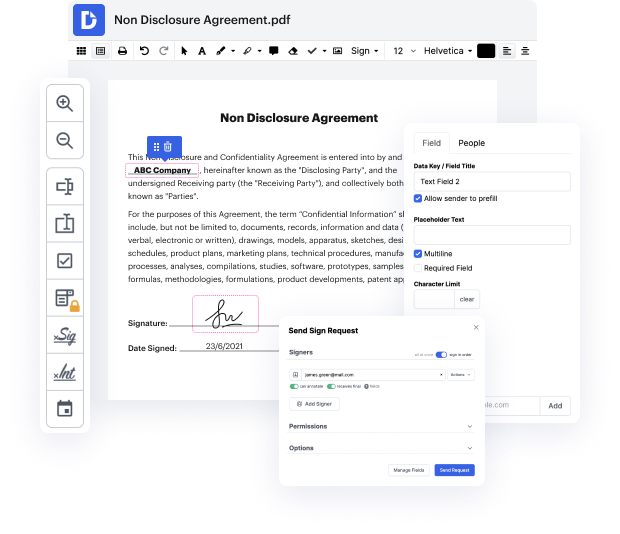
In the digital age, effective document management is crucial for both personal and professional tasks. Our platform simplifies document editing, signing, distribution, and forms completion, enabling users to seamlessly manage their documents online for free. With deep integration with Google Workspace, users can easily import, export, modify, and sign documents directly from their favorite Google apps. Whether you’re using an LG V60 ThinQ 5G, LG V50 ThinQ 5G, or any other LG model, our editor makes it easy to add essential features like the US currency field to PDFs.
Follow the steps to Add US Currency Field PDF on LG
- Open the DocHub website in your web browser and log in to your account.
- Upload the PDF document you want to edit by selecting the appropriate option from the interface.
- Once your document is uploaded, navigate to the editing tools available on the platform.
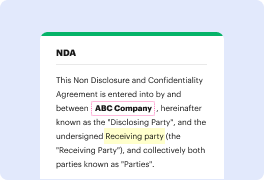
- Select the option to add form fields and choose the currency field. Position it wherever you want on the document.
- Adjust the properties of the currency field as needed, ensuring it meets your specifications for amount entry.
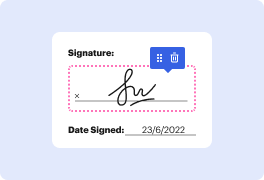
- After completing your edits, review the document to ensure everything is in place.
- Finally, download the edited document, print it, or share it directly via email or cloud services.
Explore the powerful features of our platform today and streamline your document management!
PDF editing simplified with DocHub






Drive efficiency with the DocHub add-on for Google Workspace
See why our customers choose DocHub


Security and compliance
At DocHub, your data security is our priority. We follow HIPAA, SOC2, GDPR, and other standards, so you can work on your documents with confidence.
Learn more


