



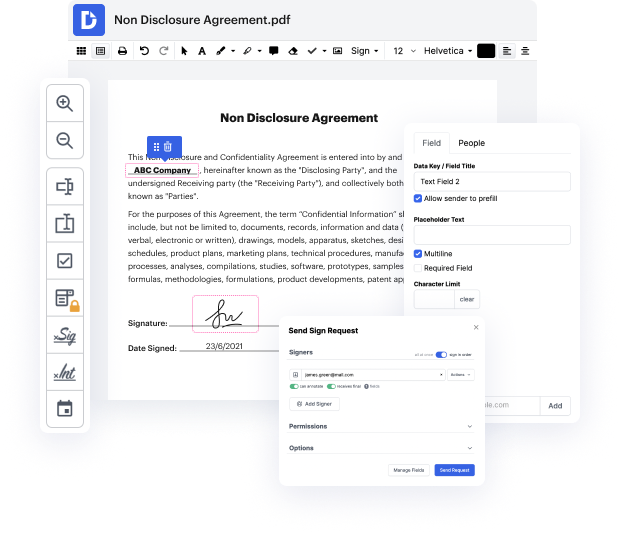
DocHub is an innovative platform that simplifies document editing, signing, and distribution, making it easier than ever to manage your paperwork online. With features like deep integration with Google Workspace, our editor allows users to modify and sign documents directly from Google apps, ensuring smooth business processes and interactive workflows. Whether you’re drafting a contract or preparing a form, adding interactive elements like radio buttons enhances user experience and efficiency.
Start using DocHub today for free and enhance your document management experience!


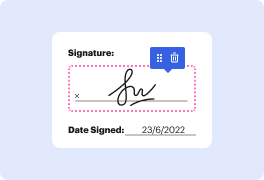
This tutorial demonstrates how to create an electronic signature in Word. Start by writing your signature on paper, then taking a photo of it with your phone. Transfer the image to your computer, crop it using a photo editing tool, and save it as a file. In Word, remove the background of the signature using the built-in tools. Save the document to finalize your electronic signature creation process.


At DocHub, your data security is our priority. We follow HIPAA, SOC2, GDPR, and other standards, so you can work on your documents with confidence.
Learn more