


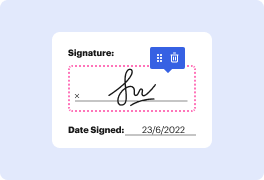

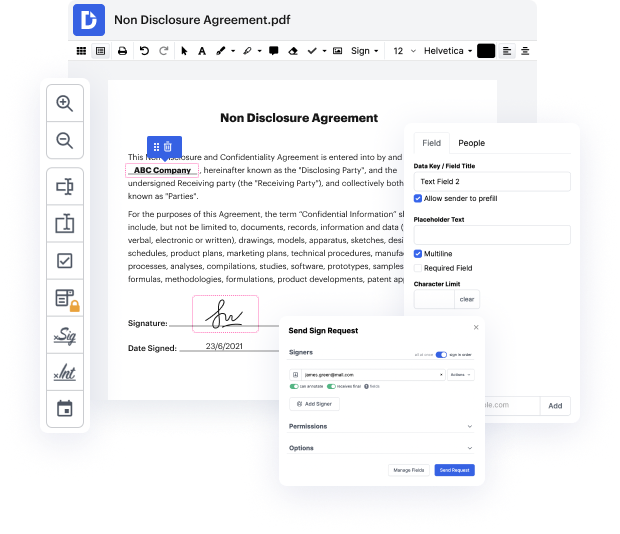
DocHub is an innovative platform designed to streamline document editing, signing, distribution, and forms completion, making it easier than ever to manage your PDFs. With its robust features, you can seamlessly integrate with Google Workspace, allowing you to import, export, and modify documents right from your favorite Google apps. This guide will empower you to add a date to your PDF document on your MacBook Pro, ensuring a smooth and efficient workflow.
Start using DocHub today to enhance your document management experience and effortlessly add dates to your PDFs!


At DocHub, your data security is our priority. We follow HIPAA, SOC2, GDPR, and other standards, so you can work on your documents with confidence.
Learn more







