
Add Conditional Fields to PDF for E-signature on Lenovo mobile device



Add Conditional Fields to PDF for E-signature on Lenovo
DocHub is your go-to solution for efficient document management, offering a suite of features tailored for editing, signing, and distributing documents seamlessly. With deep integration into Google Workspace, our platform allows you to work with documents directly from your favorite apps, streamlining workflows and enhancing productivity. Whether you're using a Lenovo ThinkPhone by Motorola or another device, you can easily Add Conditional Fields to PDF for E-signature on Lenovo.
Follow the steps to Add Conditional Fields to PDF for E-signature on Lenovo
- Open the DocHub website using your preferred web browser and log into your account.
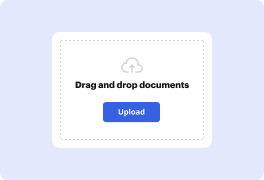
- Upload the PDF document that requires conditional fields by selecting the appropriate option from the interface.
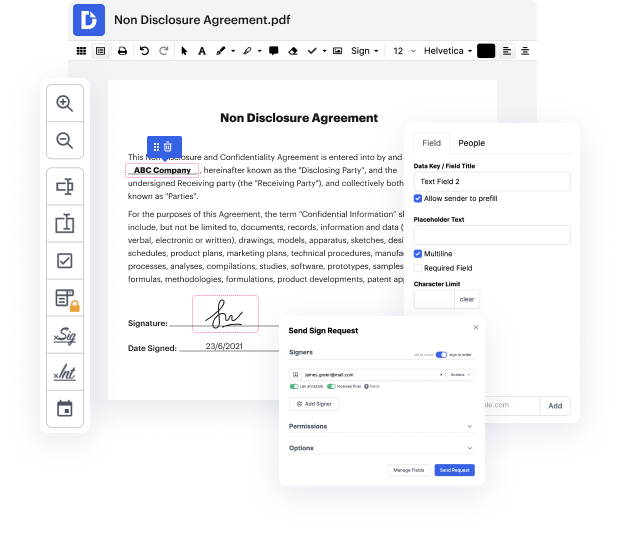
- Once your document is loaded, navigate to the fields section to begin adding the conditional elements necessary for e-signatures.
- Select the area in the document where you want the conditional field and configure the conditions based on your requirements.
- After customizing the conditional fields, review your document to ensure all edits meet your needs.
- Finally, download or export the edited PDF, or share it directly for signing, ensuring a smooth completion of your document process.
Start enhancing your document management experience today with DocHub and take full advantage of our powerful editing and signing features!
PDF editing simplified with DocHub






Drive efficiency with the DocHub add-on for Google Workspace
See why our customers choose DocHub


Security and compliance
At DocHub, your data security is our priority. We follow HIPAA, SOC2, GDPR, and other standards, so you can work on your documents with confidence.
Learn more


