
Custom change Order Forms
Manage your document processes with DocHub's robust Custom change Order Forms catalog. Monitor changes, collaborate with team members, and safely keep all your forms in one place.

Create a new Custom change Order Form

Change order form

Screen printing order form template
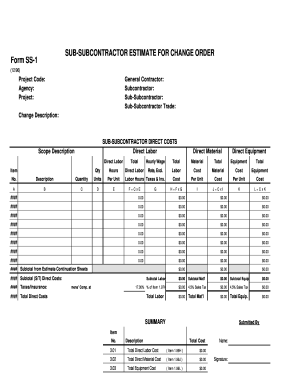
Change order template
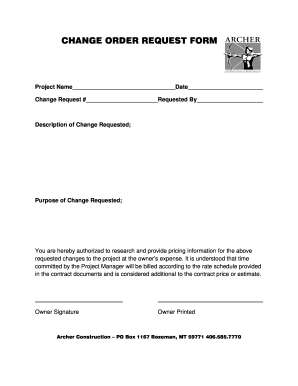
Contractors chage order log
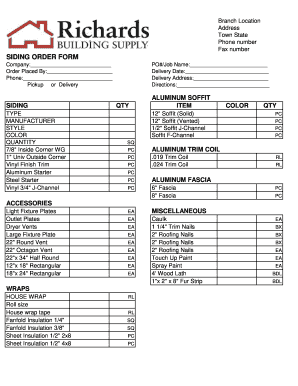
Siding order form
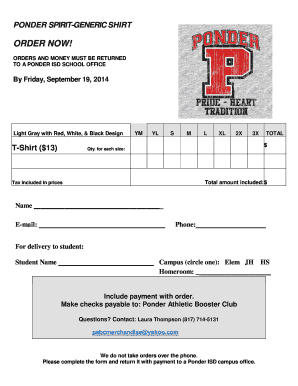
Tshirt order forms templates
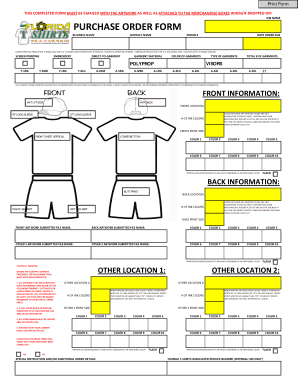
Bpurchase order formb - Ft Lauderdale Custom T-Shirts Screen bb - floridatshirts
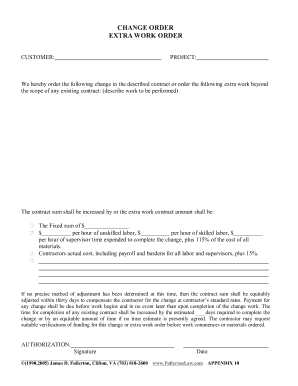
Work order change form
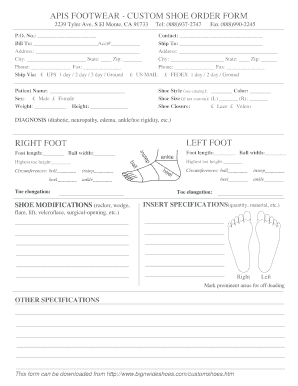
Footwear order form

Change order form
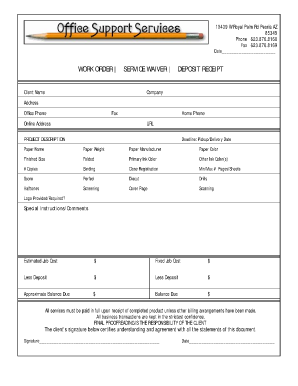
Job order receipt
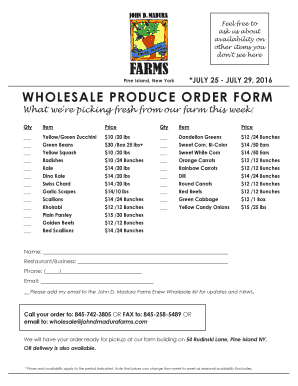
Produce order form
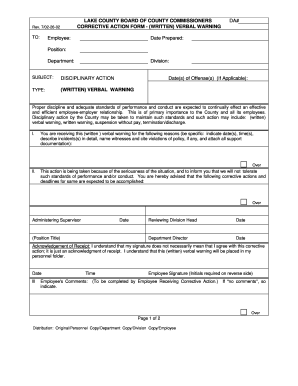
Verbal order form template
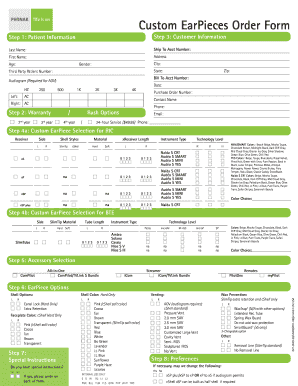
Custom EarPieces Order Form - Phonak
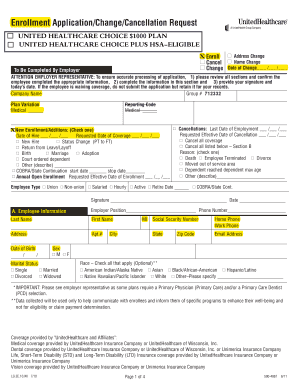
Application change request form
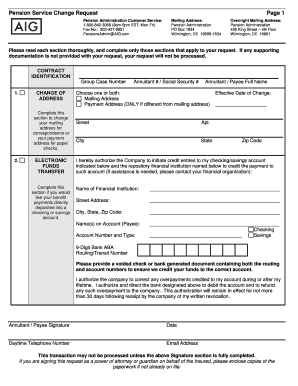
Service change request form
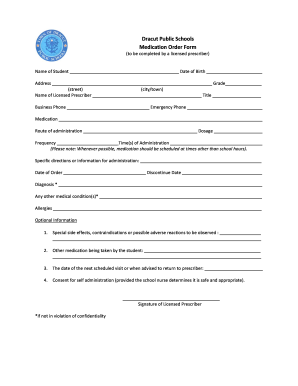
Medication Order Form - dracutpsorg
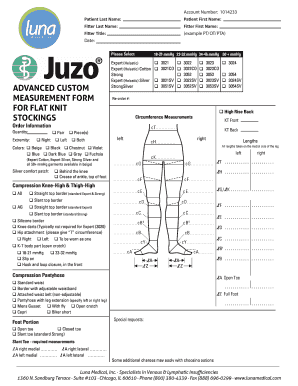
Juzo custom order form
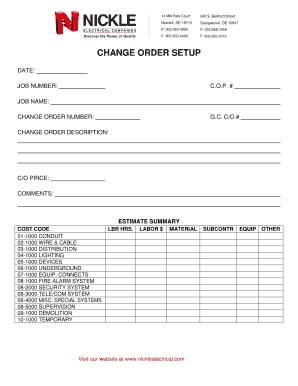
Change order setup - Nickle Electrical Companies
CHANGE ORDER - Roof Monitor
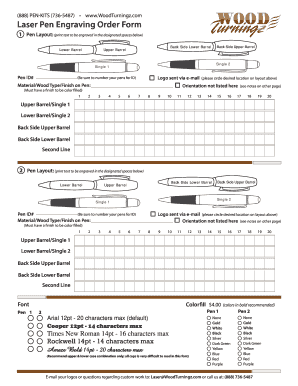
Engraving order form
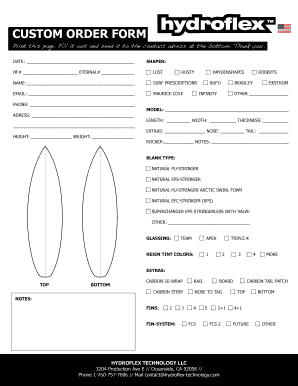
Surfboard order form
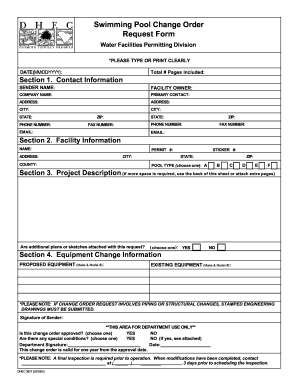
South carolina dhec swimming pool change order form
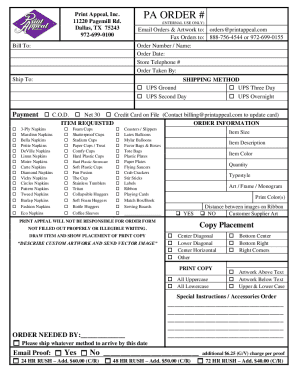
Print appeal order form
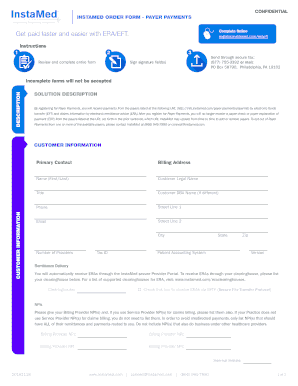
InstaMed Order Form - Payer Payments - CareSource

Subway order form
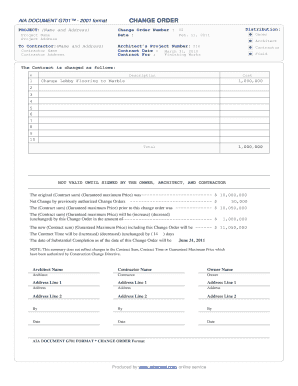
Change Order Form - Construction Information Services
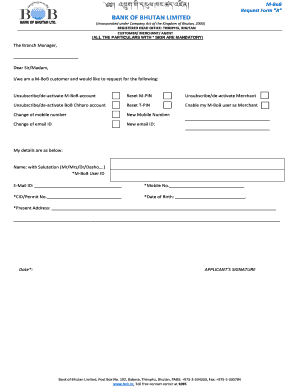
Mbob change request form
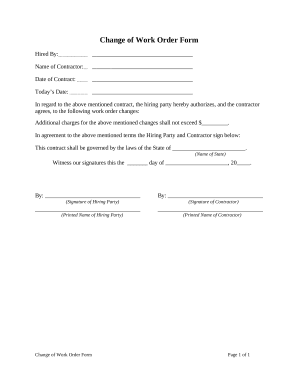
Change work order

Vanity Top Vanity Top Order Form
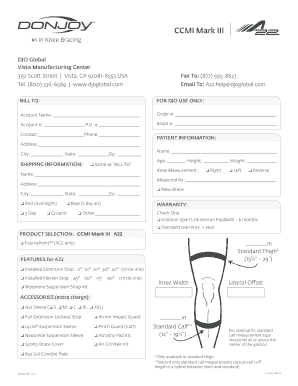
Donjoy defiance order form
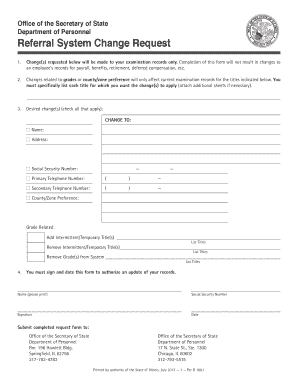
System change request form

Alberta Student Personal Information Change Request form form
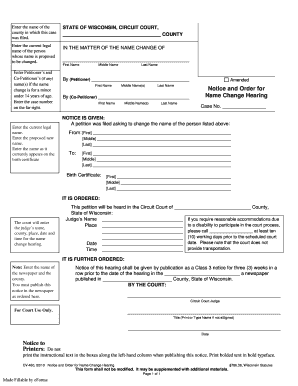
CV-460: Notice and Order for Name Change Hearing
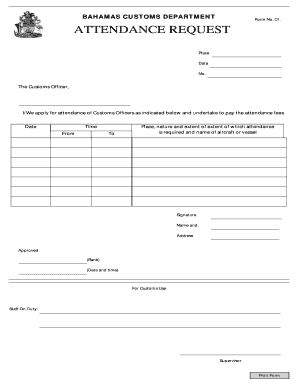
C1 request form

Name Change Request Form - HRCI
-
1
- 2
Get and manage Custom change Order Forms online
Improve your file management with our Custom change Order Forms library with ready-made document templates that suit your requirements. Access the form, change it, complete it, and share it with your contributors without breaking a sweat. Start working more effectively with the documents.
How to use our Custom change Order Forms:
- Open our Custom change Order Forms and search for the form you need.
- Preview your form to ensure it’s what you want, and click Get Form to start working on it.
- Change, include new text, or point out important information with DocHub features.
- Complete your form and preserve the modifications.
- Download or share your document template with other recipients.
Explore all of the opportunities for your online file administration with our Custom change Order Forms. Get your totally free DocHub account right now!
Video Guide on Custom change Order Forms management

Commonly Asked Questions about Custom change Order Forms
What is the standard change order fee?
Contractors can add a charge for change orders within the contract to help deter owners from making constant changes. Generally, a construction change order markup of 10% of the net direct cost is considered an acceptable and reasonable charge for change orders.
Is a change order a legal document?
A change order is a legally binding document used to make changes to the contract. Form CEM-4900, Change Order, is used for change orders.
What is an acceptable change order percentage?
Change order percentages between 8.0 percent and 15.0 percent are usually considered acceptable and reasonable. Profit The contractors profit, as a percentage of the sum of the total direct and indirect costs, should be within a reasonable range.
How do I create my own order form?
Steps to Create an Order Form Decide what to sell. Choose a form builder tool. Customize the template with proper fields. Add photos of the products. Customize the order form with branding. Set up a payment method. Set up a success message. Share the order form.
What is a reasonable change order percentage?
Research studies have found that, on major projects, the change order costs typically amount to 10 to 15 percent of the contract value. Moreover, these studies reveal that a greater number of changes means reductions in productivity of anywhere from 10 to 30 percent.
What three things must be agreed upon for a change order?
The contractor prepares a change order proposal quoting a price for the extra work. Once the owner and contractor have agreed on scope, price, and schedule, a formal, written change order is prepared and signed by all parties. Then, the contractor proceeds to perform the changed work.
How do I create a change order form?
The change order form should include: The original contract value. The value of all past approved change orders (if any) The cost of the current change order. The new proposed contract value (including all of the change orders, positive or negative)
Related Templates

Informed Consent Form F056-Cdoc
The document is a consent form for patients undergoing temporomandibular joint (TMJ) reconstruction using a patient-fitt ...

Form N-336, Instructions for Request for Hearing on a Decision in Naturalization Proceedings Under S
Form N-336, Instructions for Request for Hearing on a Decision in Naturalization Proceedings Under S
The document provides detailed instructions for completing Form N-336, which is a request for a hearing on the denial of ...

BUILDING PERMIT APPLICATION - the village of highland hills, ohio
The document is a building permit application for the Village of Highland Hills, Ohio. It outlines the necessary informa ...

TEXAS BOARD OF NURSING 1801 Congress Avenue Suite 10
The document is a verification form for registered/professional nurse licensure issued by the Texas Board of Nursing. It ...
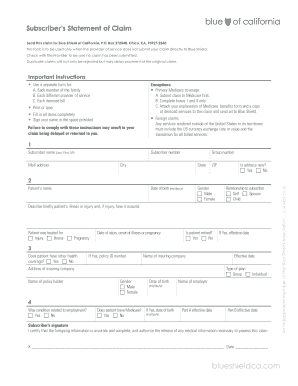
Subscribers Statement of Claim
The document is a Subscriber’s Statement of Claim form for Blue Shield of California, intended for use when a service pr ...

CITY OF TAUNTON, - mass
The document is a decision from the Commonwealth of Massachusetts Civil Service Commission regarding the appeal of Kenne ...

Dshs homestudy form
The document is a Family Home Study form used by the Department of Social and Health Services' Children's Administration ...

Diagnostic CriteriaAutism Spectrum Disorder (ASD
The document provides instructions for the use of the Autistic Disorder Confirmation form (DSHS 13-905) required for app ...