Create your US Residential Lease Agreement from scratch

Start Building Now
Title decoration

Here's how it works

01. Start with a blank US Residential Lease Agreement
Open the blank document in the editor, set the document view, and add extra pages if applicable.
02. Add and configure fillable fields
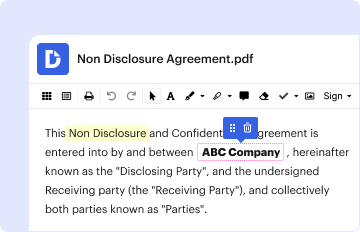
Use the top toolbar to insert fields like text and signature boxes, radio buttons, checkboxes, and more. Assign users to fields.
03. Distribute your form
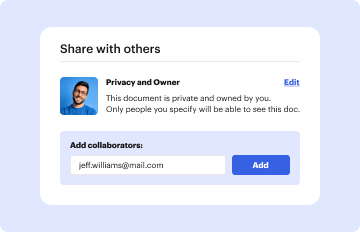
Share your US Residential Lease Agreement in seconds via email or a link. You can also download it, export it, or print it out.

Create your US Residential Lease Agreement in a matter of minutes
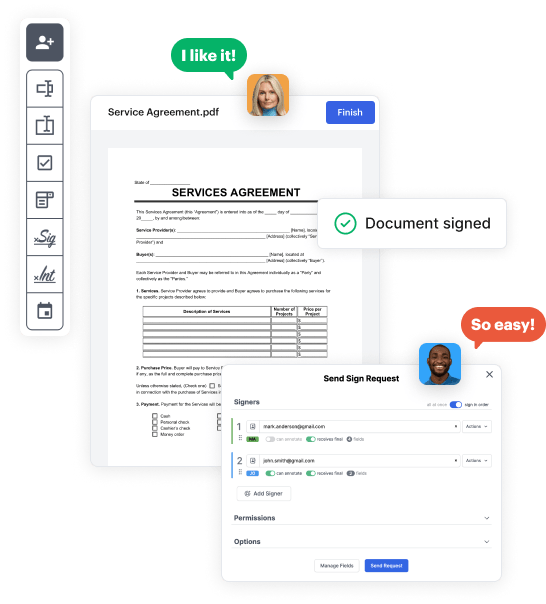
Form edit decoration

Step 1: Access DocHub to build your US Residential Lease Agreement.

Begin by accessing your DocHub account. Explore the advanced DocHub functionality free for 30 days.

Step 2: Go to the dashboard.

Once signed in, head to the DocHub dashboard. This is where you'll build your forms and handle your document workflow.

Step 3: Design the US Residential Lease Agreement.

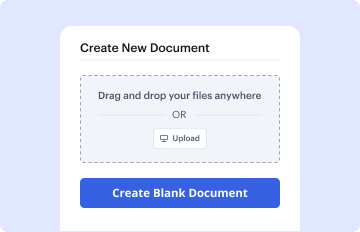
Click on New Document and select Create Blank Document to be taken to the form builder.

Step 4: Design the form layout.

Use the DocHub features to add and configure form fields like text areas, signature boxes, images, and others to your form.

Step 5: Add text and titles.

Include needed text, such as questions or instructions, using the text tool to assist the users in your form.

Step 6: Customize field settings.

Adjust the properties of each field, such as making them required or arranging them according to the data you plan to collect. Designate recipients if applicable.

Step 7: Review and save.

After you’ve managed to design the US Residential Lease Agreement, make a final review of your form. Then, save the form within DocHub, transfer it to your preferred location, or share it via a link or email.

be ready to get more

Build your US Residential Lease Agreement in minutes

Start creating now

Got questions?

We have answers to the most popular questions from our customers. If you can't find an answer to your question, please contact us.
Contact us
Create an Agreement in Microsoft Word Step-by-Step Guide Step 1: Select an Agreement Template. Step 2: Download the Agreement Template in MS Word. Step 3: Personalize the Cover Page. Step 4: Write the Parties, Nature of the Agreement, and Consideration Payment Sections. Step 5: Customize the Sections on the Second Page.
The tenancy agreement for real estate is often called a lease, and usually involves specific property rights in real property, as opposed to chattels.
Yes, Microsoft Word has a free lease agreement template that you can customize to create your own contract and minimize any potential problems between tenant and landlord.
State that you reviewed this with an attorney and as the landlord never signed the lease to the property located at (insert address), the lease is not legally binding. As such, with no executed lease, this is a month to month lease requiring 30 days notice to vacate.
Key Takeaways. A lease is a legal, binding contract outlining the terms under which one party agrees to rent property owned by another party. It guarantees the tenant or lessee use of the property and guarantees the property owner or landlord regular payments for a specified period in exchange.
be ready to get more

Build your US Residential Lease Agreement in minutes

Start creating now

Related Q&A to US Residential Lease Agreement

Lease agreement templates in Google Docs and Word can help you with entering into a legal contract. Printable, downloadable, and editable templates explain the rights and obligations of the tenant and property owner, rental costs and late fees, security deposits, and other aspects.
If the tenant does not accept the renewal offer within the prescribed time, the landlord may refuse to renew the lease and seek to evict the tenant through court proceedings. If the tenant accepts the renewal offer, the landlord has 30 days to return the fully executed lease to the tenant.
A standard form lease agreement is a contract between the lessor and lessee. The lessor is typically the property owner, such as an office building or retail store. However, a lessee may be any individual or company that rents space from a landlord to use for commercial purposes.

Additional resources on building your forms