

Create your US Legal Bankruptcy Form from scratch

Start Building Now
Title decoration

Here's how it works

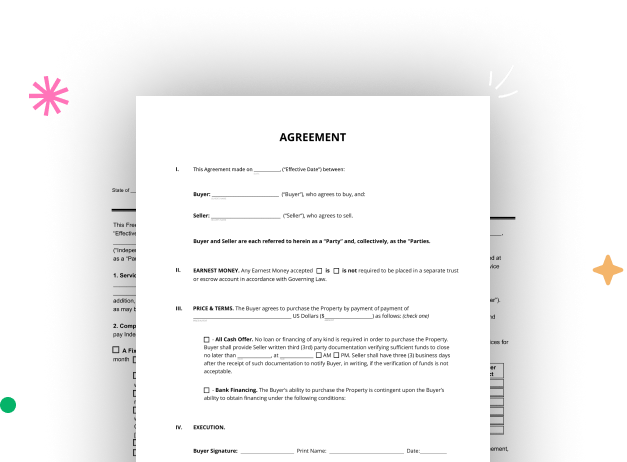
01. Start with a blank US Legal Bankruptcy Form
Open the blank document in the editor, set the document view, and add extra pages if applicable.
02. Add and configure fillable fields
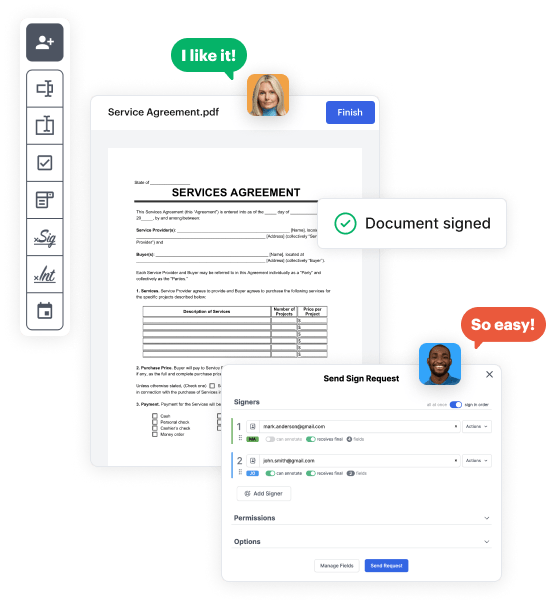
Use the top toolbar to insert fields like text and signature boxes, radio buttons, checkboxes, and more. Assign users to fields.
03. Distribute your form
Share your US Legal Bankruptcy Form in seconds via email or a link. You can also download it, export it, or print it out.

Design your US Legal Bankruptcy Form in a matter of minutes

Form edit decoration

Step 1: Access DocHub to set up your US Legal Bankruptcy Form.

Start signining into your DocHub account. Utilize the advanced DocHub functionality free for 30 days.

Step 2: Go to the dashboard.

Once signed in, head to the DocHub dashboard. This is where you'll create your forms and handle your document workflow.

Step 3: Create the US Legal Bankruptcy Form.

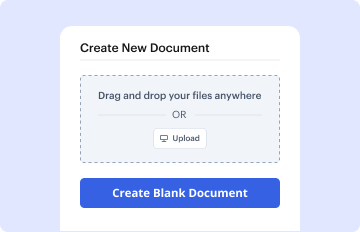
Click on New Document and select Create Blank Document to be redirected to the form builder.

Step 4: Design the form layout.

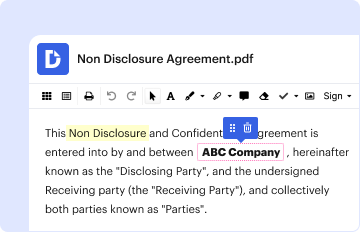
Use the DocHub toolset to add and arrange form fields like text areas, signature boxes, images, and others to your document.

Step 5: Add text and titles.

Include necessary text, such as questions or instructions, using the text field to assist the users in your document.

Step 6: Configure field settings.

Alter the properties of each field, such as making them compulsory or formatting them according to the data you expect to collect. Assign recipients if applicable.

Step 7: Review and save.

After you’ve managed to design the US Legal Bankruptcy Form, make a final review of your document. Then, save the form within DocHub, export it to your chosen location, or distribute it via a link or email.


be ready to get more

Build your US Legal Bankruptcy Form in minutes

Start creating now

Got questions?

We have answers to the most popular questions from our customers. If you can't find an answer to your question, please contact us.
Contact us
Examples: Goods sold, money loaned, lease, services performed, personal injury or wrongful death, or credit card. Attach redacted copies of any documents supporting the claim required by Bankruptcy Rule 3001(c).
Official Form 309F1 (For Corporations or Partnerships) Notice of Chapter 11 Bankruptcy Case.
Official Form 309C (For Corporations or Partnerships) Notice of Chapter 7 Bankruptcy Case - No Proof of Claim Deadline.
A claim may be secured or unsecured. A proof of claim is a form used by the creditor to indicate the amount of the debt owed by the debtor on the date of the bankruptcy filing. The creditor must file the form with the clerk of the same bankruptcy court in which the bankruptcy case was filed.
If you receive this notice, it means one of three things: The address you provided for the creditor in your bankruptcy paperwork was incorrect, The court sent you notice of your own bankruptcy via this form, or. Someone who owes you money filed bankruptcy.
be ready to get more

Build your US Legal Bankruptcy Form in minutes

Start creating now

Related Q&A to US Legal Bankruptcy Form

It is provided for in section 362 of the Bankruptcy Code. Triggered immediately on filing of the bankruptcy petition, it automatically stops substantially all acts and proceedings against the debtor and its property.
Creditors will receive notice of a Chapter 7 bankruptcy through Form 309A or Form 309B for individuals (Form 309C or Form 309D for corporations or partnerships), depending on whether a proof of claim deadline has been set in the case. Form 309I is used to notify creditors of a Chapter 13 bankruptcy.

Additional resources on building your forms