
Create your Nevada Real Estate Form from scratch
Start Building Now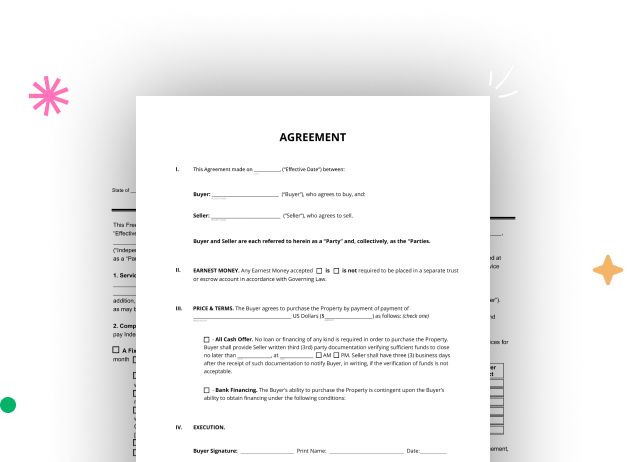




Here's how it works
A simple guide on how to set up a professional-looking Nevada Real Estate Form
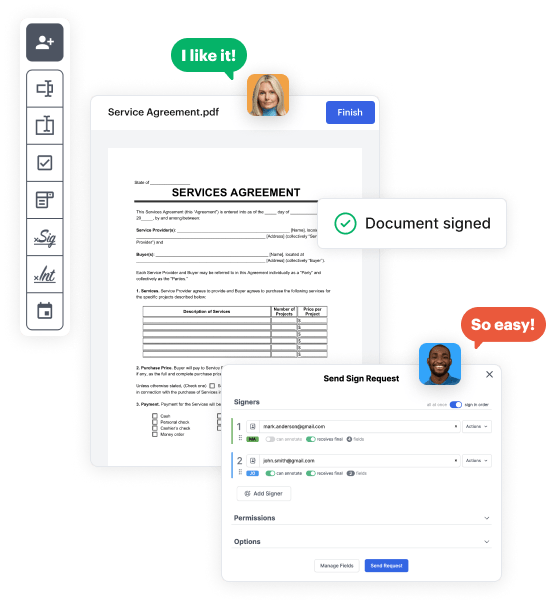
Step 1: Sign in to DocHub to create your Nevada Real Estate Form.
First, log in to your DocHub account. If you don't have one, you can easily sign up for free.
Step 2: Head to the dashboard.
Once logged in, access your dashboard. This is your primary hub for all document-focused operations.
Step 3: Start new document creation.
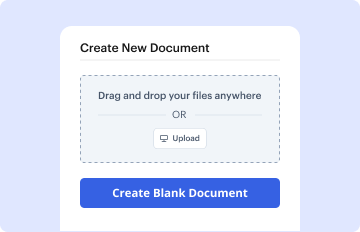
In your dashboard, click on New Document in the upper left corner. Hit Create Blank Document to build the Nevada Real Estate Form from the ground up.
Step 4: Add form elements.
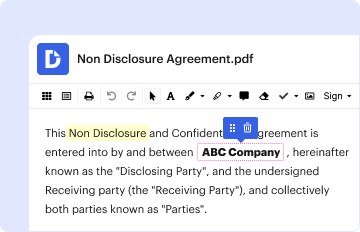
Add numerous elements like text boxes, images, signature fields, and other fields to your form and assign these fields to particular recipients as necessary.
Step 5: Personalize your template.
Customize your document by including instructions or any other crucial tips leveraging the text option.
Step 6: Go over and adjust the document.
Thoroughly check your created Nevada Real Estate Form for any errors or essential adjustments. Take advantage of DocHub's editing features to perfect your template.
Step 7: Distribute or export the template.
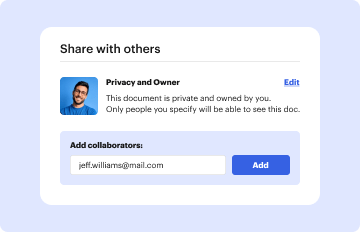
After finalizing, save your copy. You may select to keep it within DocHub, export it to various storage options, or send it via a link or email.



