
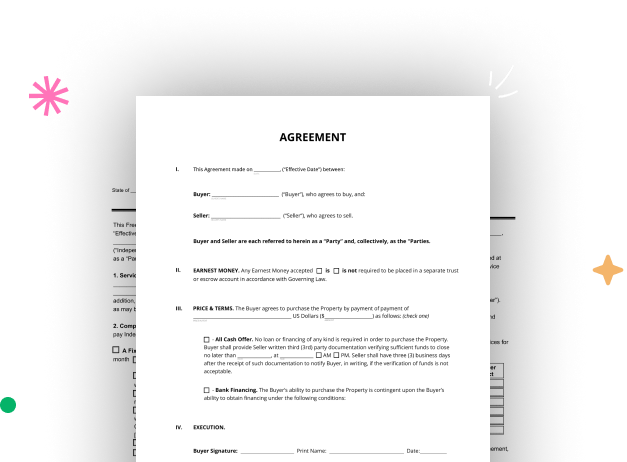

Create your Connecticut Legal Document from scratch

Start Building Now
Title decoration

Here's how it works

01. Start with a blank Connecticut Legal Document
Open the blank document in the editor, set the document view, and add extra pages if applicable.
02. Add and configure fillable fields
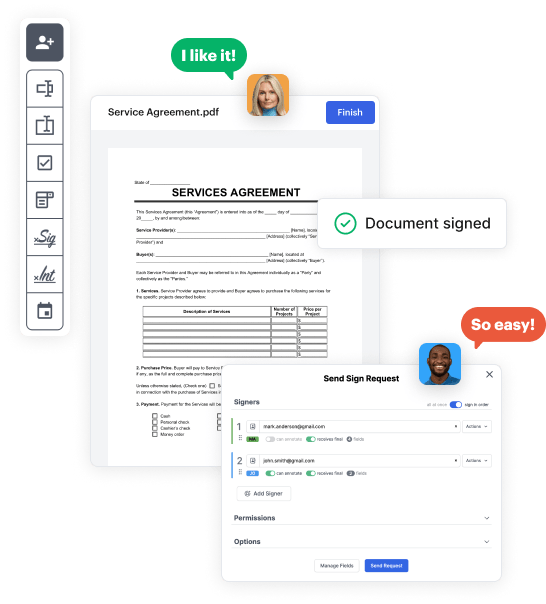
Use the top toolbar to insert fields like text and signature boxes, radio buttons, checkboxes, and more. Assign users to fields.
03. Distribute your form
Share your Connecticut Legal Document in seconds via email or a link. You can also download it, export it, or print it out.

A quick guide on how to build a professional-looking Connecticut Legal Document

Form edit decoration

Step 1: Log in to DocHub to begin creating your Connecticut Legal Document.

First, sign in to your DocHub account. If you don't have one, you can easily register for free.

Step 2: Go to the dashboard.

Once you’re in, access your dashboard. This is your central hub for all document-based operations.

Step 3: Start new document creation.

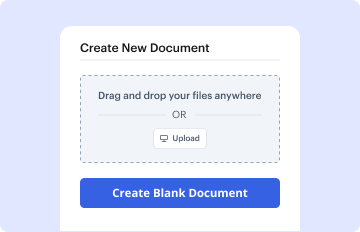
In your dashboard, choose New Document in the upper left corner. Pick Create Blank Document to design the Connecticut Legal Document from the ground up.

Step 4: Incorporate form elements.

Add different fields like text boxes, photos, signature fields, and other fields to your form and assign these fields to certain individuals as required.

Step 5: Personalize your document.

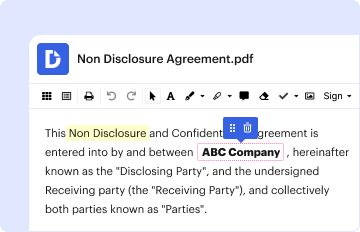
Customize your form by incorporating guidelines or any other required information utilizing the text tool.

Step 6: Double-check and refine the content of the document.

Carefully examine your created Connecticut Legal Document for any typos or needed adjustments. Leverage DocHub's editing capabilities to fine-tune your document.

Step 7: Send out or export the document.

After completing, save your copy. You may select to retain it within DocHub, transfer it to various storage options, or send it via a link or email.


be ready to get more

Build your Connecticut Legal Document in minutes

Start creating now

Got questions?

We have answers to the most popular questions from our customers. If you can't find an answer to your question, please contact us.
Contact us
You can file most family case types electronically (on-line), including dissolution of marriage (divorce); legal separation; annulment; and civil union - dissolution, legal separation or annulment, custody application, and visitation petition.
Connecticut state law does not require that notaries obtain and use a seal or rubber stamp. Even though the use of a seal is optional, state law does prescribe the format of the seal to be used.
No, in Connecticut, you dont need to docHub your will to make it legal. However, Connecticut allows you to make your will self-proving and youll need to go to a notary if you want to do that.
Any person eighteen years of age or older who either resides in or has a principal place of business in Connecticut may apply for appointment as a Notary Public. All applicants must submit a completed application form (online in the eLicense.ct.gov system -- see above) and pay the application fee of $120.00.
A notary should not perform notarial acts in Connecticut with documents that are in the custody and control of a public record keeper. 9. When completing a notarial certificate, a notary public must indicate the expiration date of his/her commission.
be ready to get more

Build your Connecticut Legal Document in minutes

Start creating now

Related Q&A to Connecticut Legal Document

JB-CSSD Family Services (Civil and Criminal) assists courts and clients to resolve family and interpersonal conflict. Family Civil Court services assist the Court and clients to resolve family and interpersonal conflicts with negotiation, mediation, and evaluation and education services.
The affidavits must be sworn to before a notary public, attorney, or other officer empowered to take oaths. Completed and signed documents should be e-filed, if you are enrolled in E-Services. If you are not, then enrolling in E-services and electronically filing your papers will help to expedite the process.
Make copies and file the original Appearance form with the clerks Office. Make a copy of the signed form for your own records and file the original with the Clerks Office in the court where the case is filed. Make copies to send to the other parties in the case. Responsive Pleadings: Motions, Requests and Answer.

Additional resources on building your forms


