Create your California judicial council contract Complaint Form from scratch

Start Building Now
Title decoration

Here's how it works

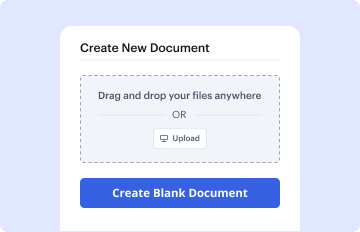
01. Start with a blank California judicial council contract Complaint Form
Open the blank document in the editor, set the document view, and add extra pages if applicable.
02. Add and configure fillable fields
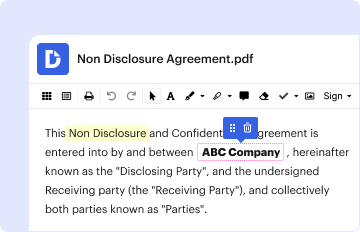
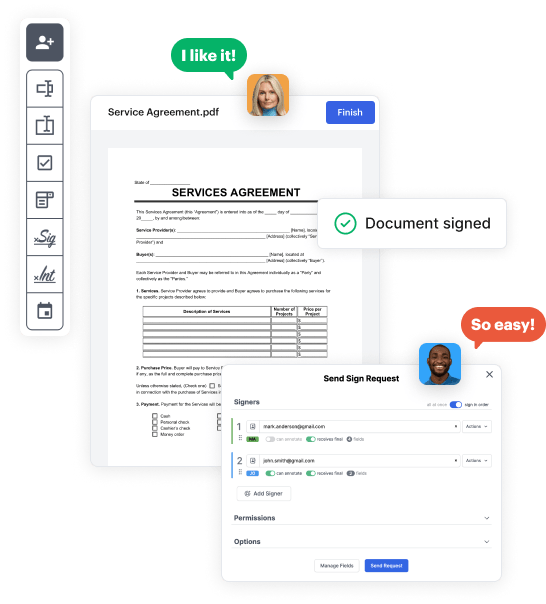
Use the top toolbar to insert fields like text and signature boxes, radio buttons, checkboxes, and more. Assign users to fields.
03. Distribute your form
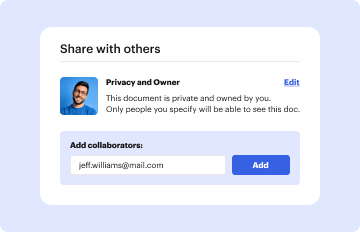
Share your California judicial council contract Complaint Form in seconds via email or a link. You can also download it, export it, or print it out.

A brief tutorial on how to build a polished California judicial council contract Complaint Form
Form edit decoration

Step 1: Log in to DocHub to create your California judicial council contract Complaint Form.

First, log in to your DocHub account. If you don't have one, you can easily sign up for free.

Step 2: Head to the dashboard.

Once signed in, head to your dashboard. This is your central hub for all document-based tasks.

Step 3: Initiate new document creation.

In your dashboard, click on New Document in the upper left corner. Hit Create Blank Document to build the California judicial council contract Complaint Form from a blank slate.

Step 4: Insert template fillable areas.

Place numerous elements like text boxes, photos, signature fields, and other options to your template and assign these fields to certain individuals as needed.

Step 5: Personalize your template.

Personalize your document by including walkthroughs or any other required information leveraging the text feature.

Step 6: Go over and modify the document.

Attentively check your created California judicial council contract Complaint Form for any discrepancies or needed adjustments. Leverage DocHub's editing features to fine-tune your template.

Step 7: Share or export the template.

After finalizing, save your copy. You can select to retain it within DocHub, export it to various storage options, or send it via a link or email.

be ready to get more

Build your California judicial council contract Complaint Form in minutes

Start creating now

Got questions?

We have answers to the most popular questions from our customers. If you can't find an answer to your question, please contact us.
Contact us
What is a VA Form 119? The main purpose of the VA Report of Contact form is to document discussions that contain potentially controversial questions between the VA employees and claimants, their representatives, or other individuals.
LASC FAM 119 Rev. 1/19. Post-Judgment Request for Order Case Management Statement.
Ask a judge to make a decision about something before or after your Small Claims trial date. You can also use it to tell the court your side when someone else in the case has filled out this form to ask the judge to make a decision.
Open the form after you download it. After you click, you should see a menu with options. Put your cursor over Save Target As . . . and click the left button on your mouse to save the form.
Tells the court and the other side that you are starting a lawsuit based on bdocHub of contract or a similar theory, and the general allegations you are making against the other side.
be ready to get more

Build your California judicial council contract Complaint Form in minutes

Start creating now

Related Q&A to California judicial council contract Complaint Form

Court Order to Share Financial Information for Divorce, Legal Separation, or Nullity Cases.

Additional resources on building your forms