
Create your Commercial invoice us Canada Form from scratch
Start Building Now




Here's how it works
A quick tutorial on how to create a professional-looking Commercial invoice us Canada Form
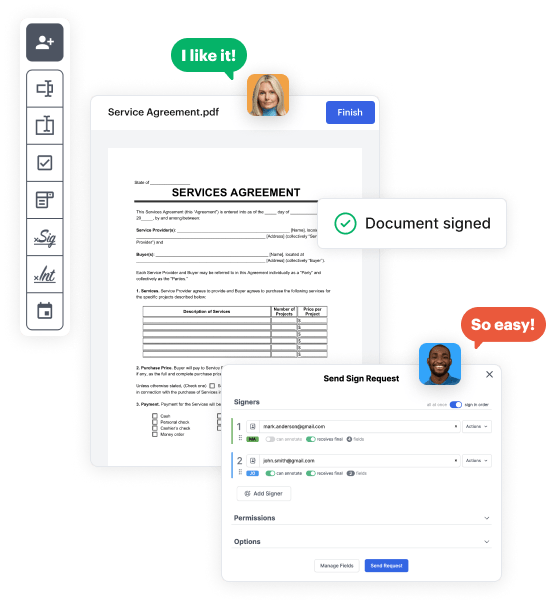
Step 1: Log in to DocHub to begin creating your Commercial invoice us Canada Form.
First, log in to your DocHub account. If you don't have one, you can easily register for free.
Step 2: Go to the dashboard.
Once logged in, head to your dashboard. This is your main hub for all document-centric operations.
Step 3: Launch new document creation.
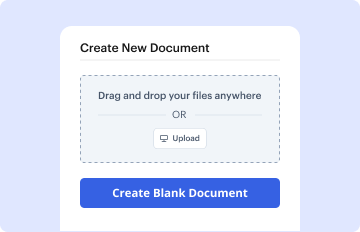
In your dashboard, choose New Document in the upper left corner. Opt for Create Blank Document to create the Commercial invoice us Canada Form from the ground up.
Step 4: Insert template fillable areas.
Add various items like text boxes, photos, signature fields, and other interactive areas to your template and designate these fields to certain individuals as necessary.
Step 5: Configure your form.
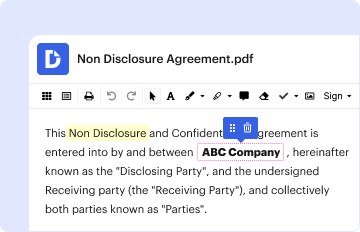
Refine your template by including guidelines or any other necessary tips utilizing the text tool.
Step 6: Double-check and correct the document.
Carefully examine your created Commercial invoice us Canada Form for any mistakes or necessary adjustments. Leverage DocHub's editing tools to perfect your form.
Step 7: Send out or export the form.
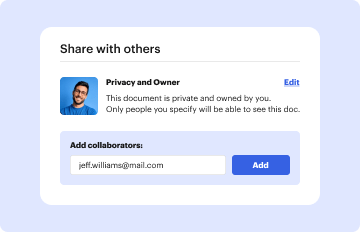
After completing, save your copy. You may opt to keep it within DocHub, transfer it to various storage solutions, or forward it via a link or email.



