
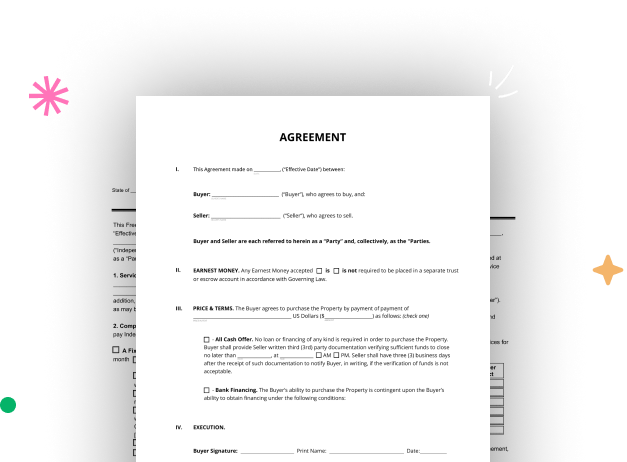
Create your Paperless Business Form from scratch

Start Building Now
Title decoration

Here's how it works

01. Start with a blank Paperless Business Form
Open the blank document in the editor, set the document view, and add extra pages if applicable.
02. Add and configure fillable fields
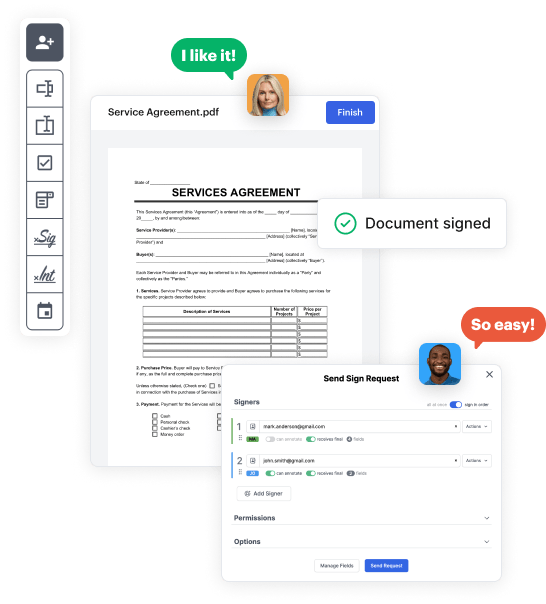
Use the top toolbar to insert fields like text and signature boxes, radio buttons, checkboxes, and more. Assign users to fields.
03. Distribute your form
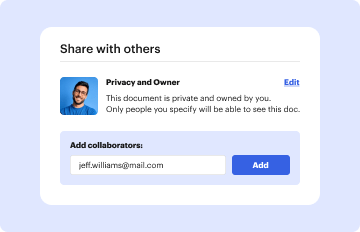
Share your Paperless Business Form in seconds via email or a link. You can also download it, export it, or print it out.

A detailed walkthrough of how to craft your Paperless Business Form online

Form edit decoration

Step 1: Start with DocHub's free trial.

Navigate to the DocHub website and sign up for the free trial. This provides access to every feature you’ll need to build your Paperless Business Form without any upfront cost.

Step 2: Navigate to your dashboard.

Sign in to your DocHub account and navigate to the dashboard.

Step 3: Initiate a new document.

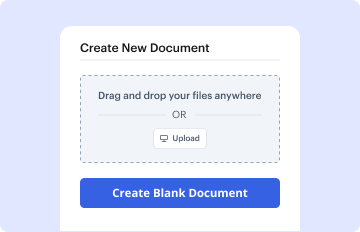
Click New Document in your dashboard, and select Create Blank Document to create your Paperless Business Form from scratch.

Step 4: Use editing tools.

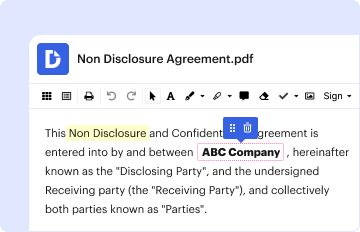
Add different elements such as text boxes, radio buttons, icons, signatures, etc. Arrange these elements to match the layout of your form and assign them to recipients if needed.

Step 5: Organize the form layout.

Rearrange your form in seconds by adding, repositioning, removing, or merging pages with just a few clicks.

Step 6: Craft the Paperless Business Form template.

Convert your newly crafted form into a template if you need to send multiple copies of the same document numerous times.

Step 7: Save, export, or distribute the form.

Send the form via email, distribute a public link, or even post it online if you wish to collect responses from more recipients.


be ready to get more

Build your Paperless Business Form in minutes

Start creating now

Got questions?

We have answers to the most popular questions from our customers. If you can't find an answer to your question, please contact us.
Contact us
Types of paperless solutions For example, you might send your coworker a PDF version of a proposal to edit and annotate before you decide to submit it to the project manager . E-forms: Similar to a PDF, an e-form is an electronic document that people can sign.
A user-friendly application, Paperless Forms allows you to access all your data from a single interface. It is quick and easy to find the information you need. Easily share your forms with external users, such as auditors, inspectors, clients, and suppliers.
Becoming a paperless office is a desirable goal for the majority of organisations. Doing so means reducing paper consumption and has the intention of saving a lot of money, helping the environment and speeding up business processes.
The easiest way to create a digital form is by using a web form builder with a drag drop interface, like 123FormBuilder. No need to waste time with coding creating and embedding forms on your website is easier than ever (and even more so if you use a form template.)
How to make a PDF form Open Acrobat. In the Tools tab, choose Prepare Form. Select a file or scan a document. Check the box for Signatures if it applies. Acrobat will automatically analyze your document and add form fields as necessary.
be ready to get more

Build your Paperless Business Form in minutes

Start creating now

Related Q&A to Paperless Business Form

Below are seven simple ways your business can begin the transition to going paperless and capture the benefits of a digital workplace. Create management initiatives to go paperless. Invest in a document management system. Utilize cloud-based document storage. Take advantage of digital tools. Explore online notarization.
A paperless filing system is simply an electronic system used for storing documents. It can increase your productivity, reduce expenses, and eliminate the need for storage space. It is simple to implement, easy to adapt to, and relatively inexpensive. We refer to this as the Less Paper Office.
: recording or relaying information by electronic media rather than on paper.

Additional resources on building your forms


