Manage Apex Business Forms quickly online

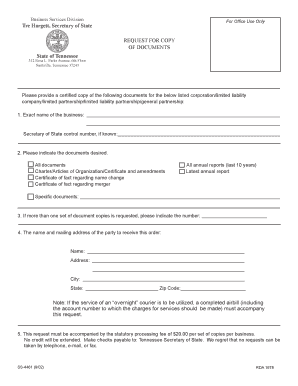
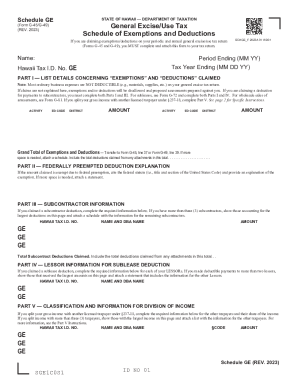
Document administration can stress you when you can’t discover all of the documents you need. Fortunately, with DocHub's extensive form library, you can find everything you need and promptly take care of it without changing among apps. Get our Apex Business Forms and start working with them.

The best way to manage our Apex Business Forms using these simple steps:

  1. Examine Apex Business Forms and choose the form you need.
  2. Preview the template and then click Get Form.
  3. Wait for it to upload in our online editor.
  4. Adjust your form: add new information and images, and fillable fields or blackout certain parts if needed.
  5. Complete your form, preserve alterations, and prepare it for delivering.
  6. When ready, download your form or share it with your contributors.

Try out DocHub and browse our Apex Business Forms category without trouble. Get your free profile right now!


Video Guide on Apex Business Forms management

video background

Commonly Asked Questions about Apex Business Forms

The apex of an organization or system is the highest and most important position in it.
APEX is a private sector-led business development engine established to promote sustainable growth in the APEX region. APEX investor-members represent many of the largest and most influential organizations in the region with a vested interest in business attraction, expansion and retention.