
Create your Italian visa Application Form from scratch
Start Building Now




Here's how it works
A quick tutorial on how to set up a professional-looking Italian visa Application Form
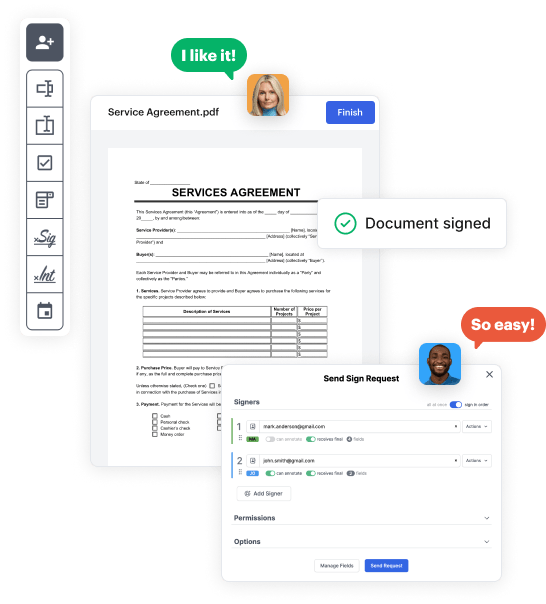
Step 1: Log in to DocHub to begin creating your Italian visa Application Form.
First, sign in to your DocHub account. If you don't have one, you can simply sign up for free.
Step 2: Navigate to the dashboard.
Once logged in, go to your dashboard. This is your main hub for all document-based processes.
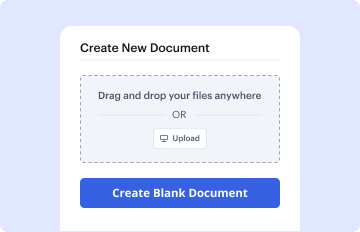
Step 3: Start new document creation.
In your dashboard, select New Document in the upper left corner. Hit Create Blank Document to create the Italian visa Application Form from the ground up.
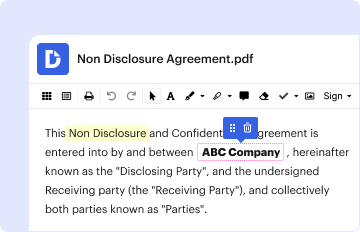
Step 4: Add form elements.
Add numerous elements like text boxes, images, signature fields, and other interactive areas to your form and assign these fields to intended recipients as required.
Step 5: Personalize your document.
Refine your template by including directions or any other vital details using the text option.
Step 6: Go over and refine the content of the document.
Thoroughly go over your created Italian visa Application Form for any mistakes or required adjustments. Make use of DocHub's editing tools to fine-tune your document.
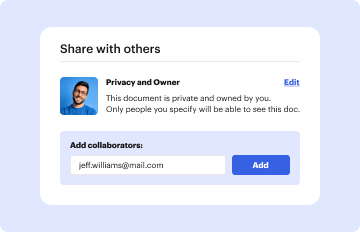
Step 7: Distribute or export the document.
After finalizing, save your file. You may choose to keep it within DocHub, export it to various storage solutions, or send it via a link or email.