
Create your Basketball Application Form from scratch
Start Building Now




Here's how it works
A simple guide on how to create a polished Basketball Application Form
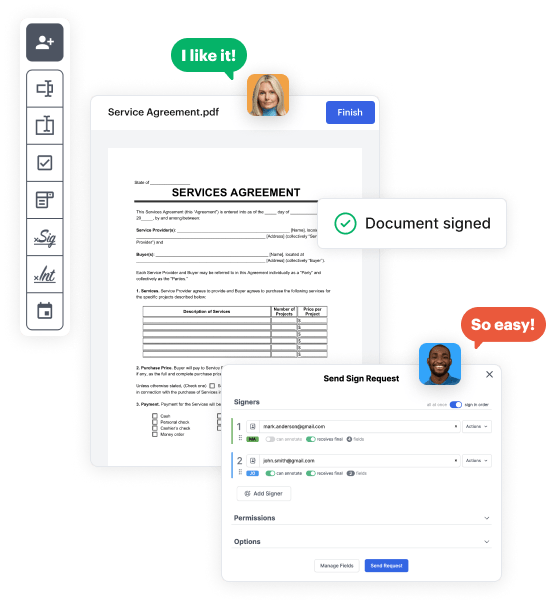
Step 1: Sign in to DocHub to create your Basketball Application Form.
First, log in to your DocHub account. If you don't have one, you can easily register for free.
Step 2: Head to the dashboard.
Once you’re in, head to your dashboard. This is your primary hub for all document-related processes.
Step 3: Kick off new document creation.
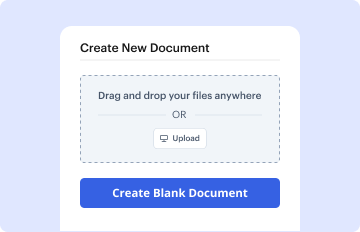
In your dashboard, choose New Document in the upper left corner. Choose Create Blank Document to craft the Basketball Application Form from scratch.
Step 4: Incorporate form elements.
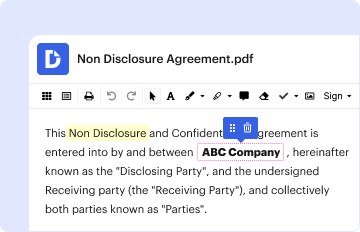
Add numerous fields like text boxes, photos, signature fields, and other options to your form and designate these fields to particular users as necessary.
Step 5: Personalize your template.
Refine your form by including instructions or any other crucial tips leveraging the text tool.
Step 6: Double-check and correct the document.
Meticulously examine your created Basketball Application Form for any mistakes or needed adjustments. Take advantage of DocHub's editing tools to fine-tune your template.
Step 7: Distribute or export the template.
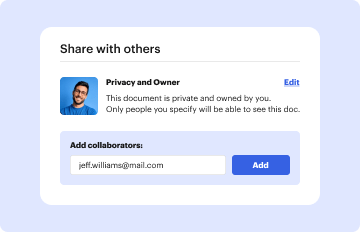
After finalizing, save your copy. You may opt to keep it within DocHub, transfer it to various storage services, or forward it via a link or email.



