
Appointment Application Forms
Access and download Appointment Application Forms to streamline your document submission process. Choose from a range of different ready-made templates and effortlessly adjust them in DocHub online editor.

Create a new Appointment Application Form
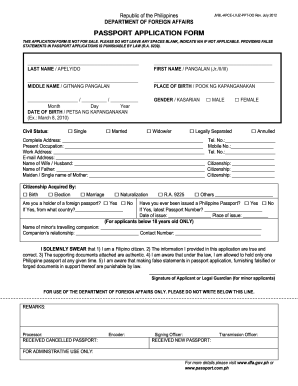
Philippine passport application form 2021

Online appointment for birth certificate
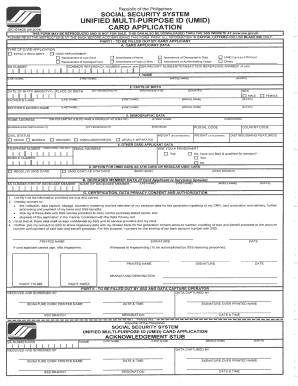
Umid id online registration 2022

Scope appointment form

Luxembourg visa application form pdf
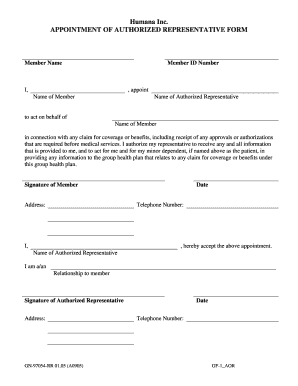
Appointment authorized representative form
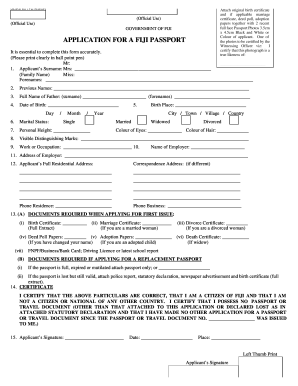
Fiji application passport

Gubernatorial appointments

Infosheet appointment login

Mexico application mexican
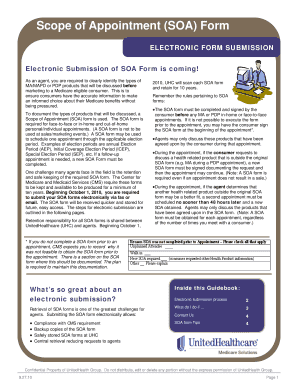
2020 generic scope of appointment form

Nib appointment
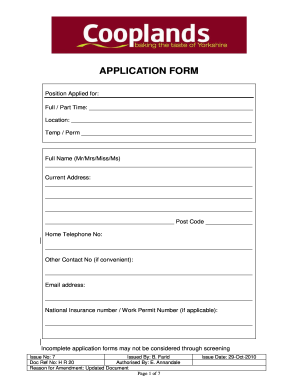
Cooplands application
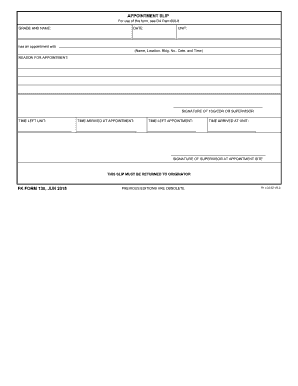
Slip appointment
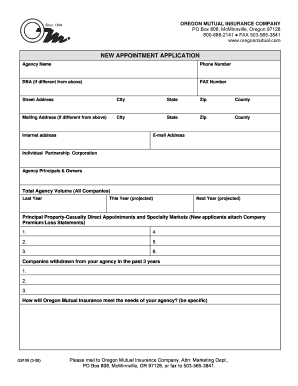
Agency Appointment Application - Oregon Mutual Insurance
Meco form
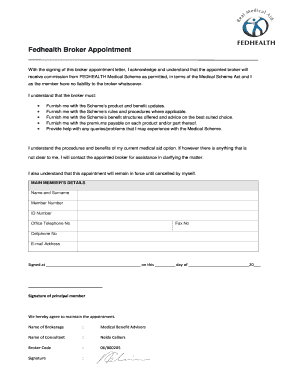
Fedhealth broker appointment form

Officer appointment form

Italy national los angeles consulate
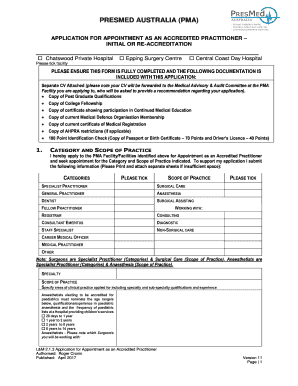
APPLICATION FOR APPOINTMENT AS AN ACCREDITED
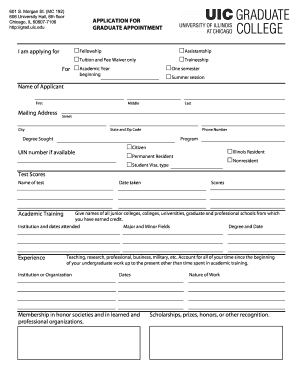
Application for graduate appointment uic
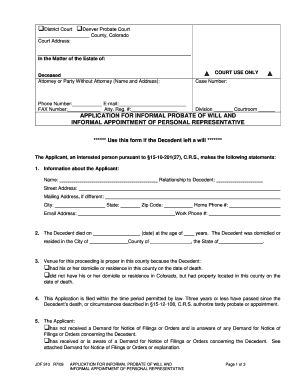
Application For Informal Probate Of Will And Informal Appointment Of Personal Representative
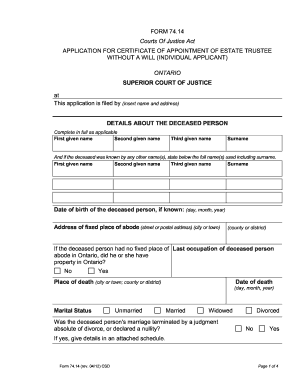
Form 74.14 Application for Certificate of Appointment of Estate Trustee ...
Appointment Application Form
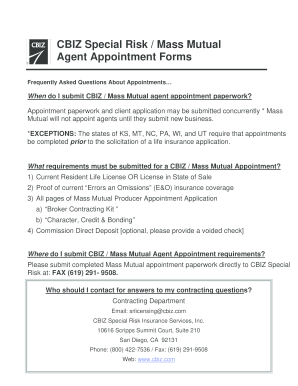
Mass mutual appointment form
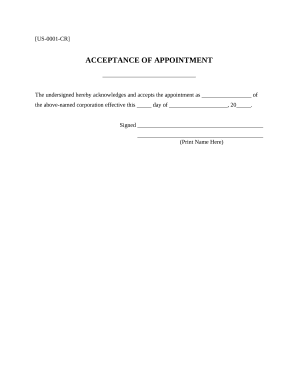
Acceptance appointment
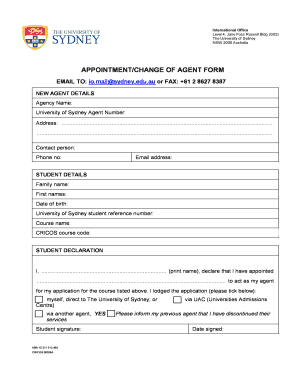
Appointment/change of agent form - The University of Sydney - sydney edu

NON-EMPLOYEE (AFFILIATE) APPOINTMENT FORM
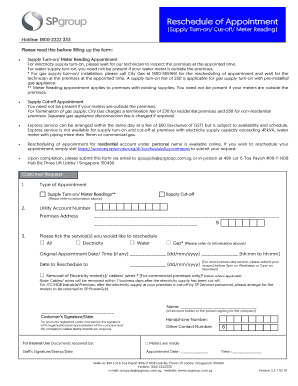
Fillable Online Reschedule of Appointment Form V18R1215 ...
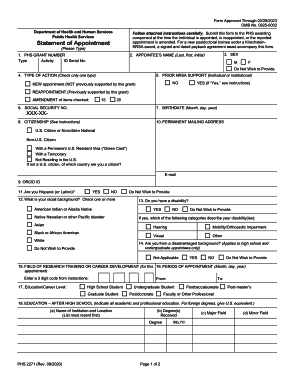
Form statement appointment form
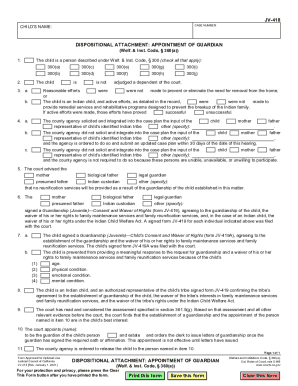
The 418 appointment form
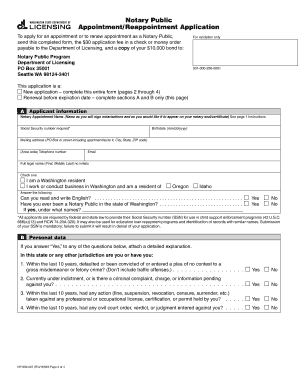
Notary Public Appointment/Reappointment Application Please read carefully and follow all instructions exactly
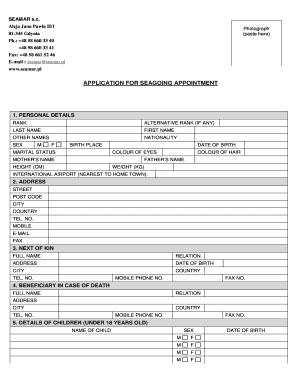
Application for seagoing appointment - SEAMAR - seamar

Costco flu shot appointment

Cameroon passport application form
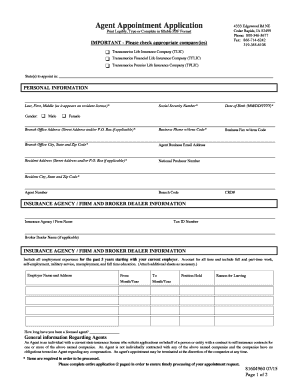
Transamerica agent appointment application
-
1
- 2
Manage Appointment Application Forms effortlessly online
Document administration can overwhelm you when you can’t locate all of the documents you need. Luckily, with DocHub's extensive form library, you can discover all you need and promptly deal with it without changing between programs. Get our Appointment Application Forms and begin utilizing them.
Using our Appointment Application Forms using these basic steps:
- Examine Appointment Application Forms and choose the form you need.
- Preview the template and click on Get Form.
- Wait for it to open in the online editor.
- Change your document: add new information and images, and fillable fields or blackout certain parts if needed.
- Prepare your document, save adjustments, and prepare it for delivering.
- When you are ready, download your form or share it with other contributors.
Try out DocHub and browse our Appointment Application Forms category without trouble. Get a free profile today!
Video Guide on Appointment Application Forms management

Commonly Asked Questions about Appointment Application Forms
How to write a letter for seeking an appointment?
I am writing to request an appointment with you to discuss [briefly mention the purpose of the work]. Your insights and expertise would be precious to our [mention the context or reason for the meeting]. Please let me know if the suggested date and time work for you or if you prefer an alternative.
How do you tell someone to make an appointment?
Here are a few appointment scheduling message examples to try: Template 16: Hi [Name], when is a good time to meet you at [location] to check out your [issue]? We will have someone there on [date]. Template 17: Hey [Name], we have a slot open on [date and time] for your [service].
What is an appointment template?
The Appointment Form is an online scheduling template that helps corporations to streamline their booking process. They have a lot of remarkable characteristics, like modifiable elements, automated notifications, payment methods, and integration with external applications.
How do you politely ask for an appointment?
My name is and I would like to schedule a convenient time to meet. Be sure to request a semi-specific time; next week, the week of October 1, etc. This will make it easier for the person to check their schedule and typically will get you a response faster.
How to write a letter for a meeting request?
2.1 Step 1 Find Verify Email Address. 2.2 Step 2 Write a Catchy Subject Line. 2.3 Step 3 Open with a Personalized Greeting. 2.4 Step 4 Introduce Yourself. 2.5 Step 5 State the Purpose of the Meeting. 2.6 Step 6 Communicate WIIFM (Whats In It For Me?) to Showcase Value. 2.7 Step 7 Propose Possible Times/Dates.
How to make an appointment form?
Create a Book an Appointment Form in 5 Steps The Final Result of the Appointment Form. Step 1: Pick a Template. Step 2: Customise the Template. Step 3: Send Personalized Confirmation Emails. Step 4: Integrate with Your Favorite Apps. Step 5: Analyze Responses. The Bottom Line.
How to make appointments with Google Forms?
To use Google Forms for scheduling, you need to follow specific steps. Step1: Create a Google Form. Step2: Set up your online appointment scheduling form. Step3: Add your forms fields. Step4: Use conditional logic. Step5: Set up your scheduling form settings. Step6: Send out your booking request form.
How do I write a simple appointment letter?
An appointment letter should include the following: The date on which the appointment letter is issued. The name, address and contact details of the selected candidate. The salutation. The body of the letter stating the job title, emoluments, job location, probation period and other details.
Related Templates
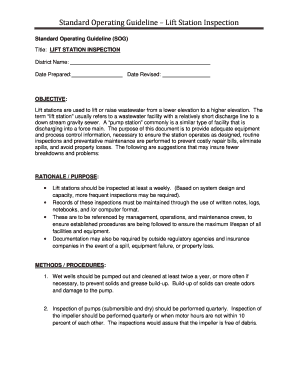
Standard Operating Guideline Lift Station Inspection
The document outlines the Standard Operating Guideline (SOG) for Lift Station Inspection, detailing objectives, rational ...
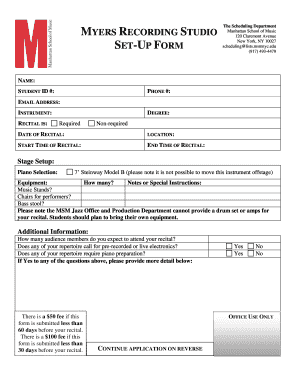
Recording studio log sheet template
The document is a set-up form for scheduling recitals at the Myers Recording Studio, Manhattan School of Music. It colle ...

School Instrument Rental Agreement - Niemann & Sons Music
The document is a rental agreement for school instruments from Niemann & Sons Music, outlining the terms and conditions ...

Probation completion form
The document is a probation completion form that requires details such as the candidate's name, citizenship ID, designat ...
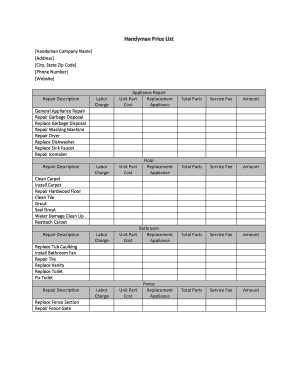
Handyman Price List Handyman Company Name Address City, State Zip Code Phone Number Website Applianc
Handyman Price List Handyman Company Name Address City, State Zip Code Phone Number Website Applianc
The document is a comprehensive handyman price list detailing various repair and maintenance services offered by a handy ...

Preschool Recorded Program Application
The document provides instructions for applying to record a preschool program with the Oregon Office of Child Care. It o ...
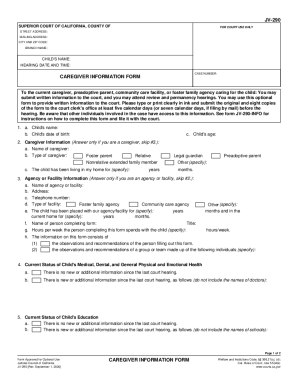
JV-290 Carefiver Information Form
The document is a Caregiver Information Form (JV-290) used in the Superior Court of California for caregivers, preadopti ...
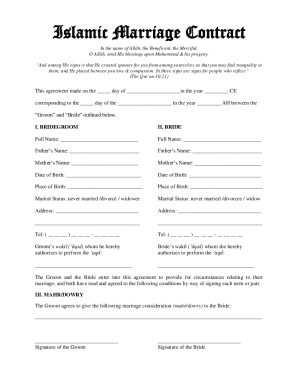
Islamic Marriage Contract Template Download Printable PDF
The document is an Islamic Marriage Contract outlining the agreement between a groom and bride, including personal detai ...