




01. Edit your form online
Type text, add images, blackout confidential details, add comments, highlights and more.

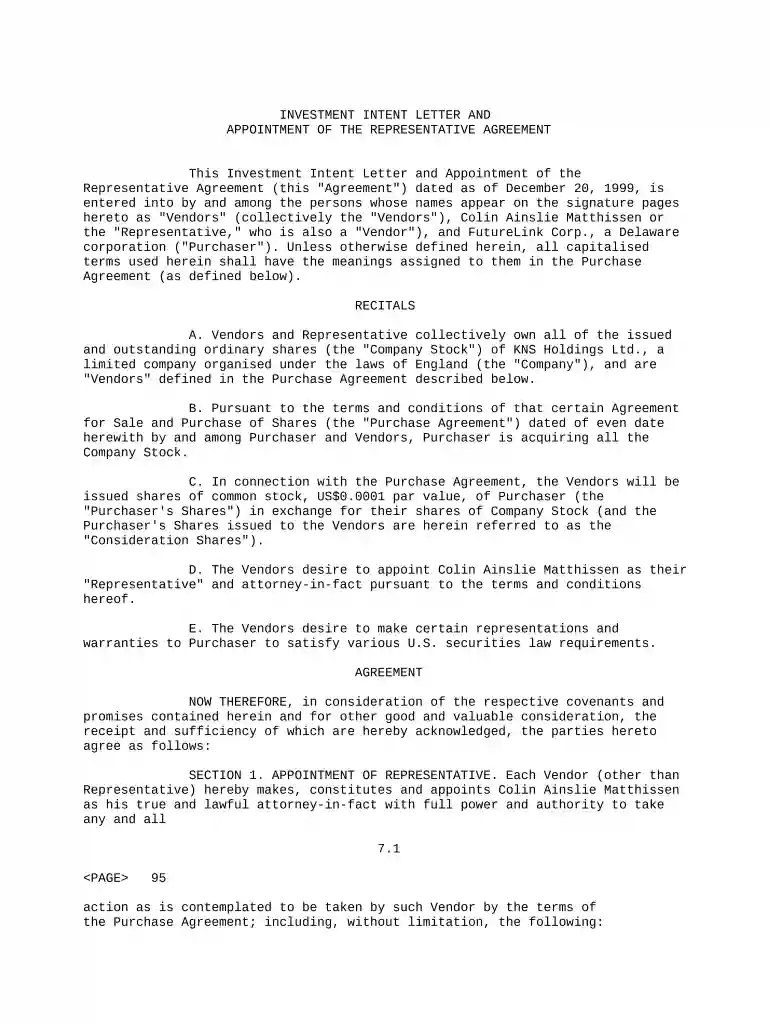
Type text, add images, blackout confidential details, add comments, highlights and more.

Draw your signature, type it, upload its image, or use your mobile device as a signature pad.

Send it via email, link, or fax. You can also download it, export it or print it out.

Start using our platform today for free to streamline your document editing and signing process!
At DocHub, your data security is our priority. We follow HIPAA, SOC2, GDPR, and other standards, so you can work on your documents with confidence.
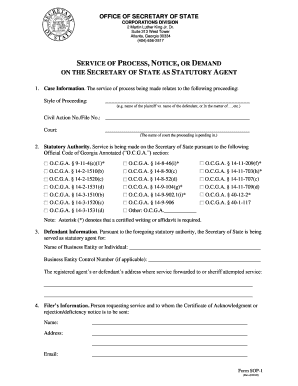
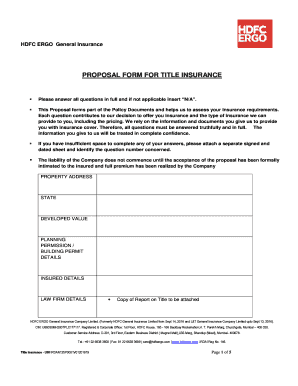
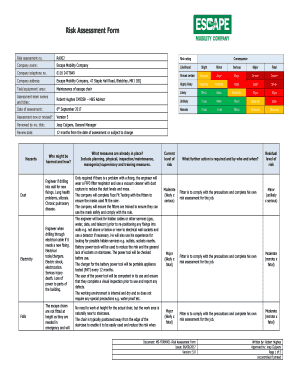
The following pages contain two versions of an initial appointment letter for new adjunct faculty and CLTs. The letters are completed and issued by the. AdjunctRead more
SAA has developed some appointment letter templates that can be used to inform employees of their new position, salary increase, or new appointment status.Read more


