






Definition & Purpose of the 1040 Tax Table 2016 Form
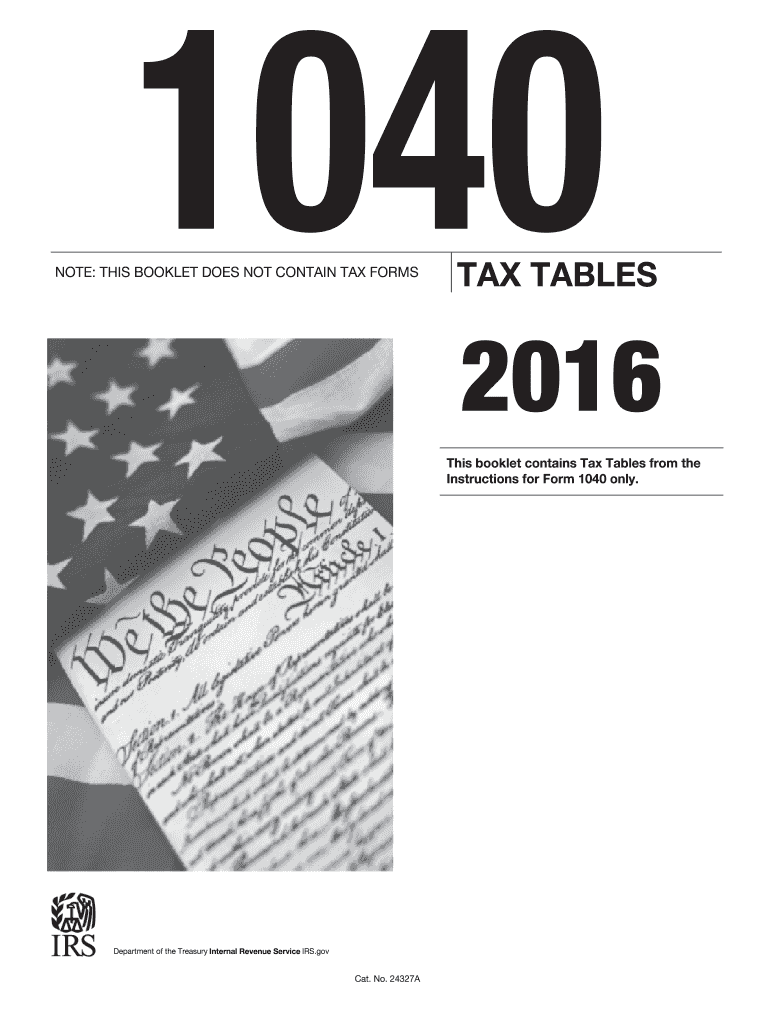
The 1040 tax table 2016 form is an essential document for taxpayers in the United States to calculate their federal income tax for the year 2016. Created by the Internal Revenue Service (IRS), this form provides a systematic method to determine the amount of tax owed based on one's taxable income. Tax tables are organized in a step-by-step format, allowing taxpayers to locate their income range and corresponding tax liability efficiently. By using this table, individuals can precisely assess their tax responsibilities, aiding in the completion of their overall tax return submission.
Why It's Important
The 1040 tax table is crucial because it simplifies the often-complex process of tax calculation. Unlike filling out the entire IRS form, the tax table allows taxpayers to match their income against the listed ranges quickly. This ease of use is vital for accurate tax filing, as miscalculations might result in overpayment or penalties for underreporting. The tax table also establishes transparency, ensuring that taxpayers can independently verify the correctness of their taxes owed or refunds due.
How to Use the 1040 Tax Table 2016 Form
Using the 1040 tax table begins with determining your taxable income, which is your adjusted gross income minus any deductions you qualify for. The following steps outline the process:
- Identify Filing Status: Confirm your filing status, such as Single, Married Filing Jointly, Married Filing Separately, or Head of Household, as this affects the tax brackets applicable to you.
- Locate Income Range: Within the tax table, find the income bracket that contains your taxable income. Each bracket lists a range of incomes.
- Read Across to Tax: Move horizontally along the table across from your income bracket. The column corresponding to your filing status will indicate your tax obligation.
- Cross-Verify: Double-check the calculations by re-matching your income and filing status. This ensures that the calculated tax is correctly aligned with IRS requirements.
Practical Example
Suppose a taxpayer with a Head of Household status reports a taxable income of $50,000. By consulting the 1040 tax table, they find that their income falls within the $49,500 to $51,000 range. The table specifies the tax owed, ensuring the taxpayer knows precisely how much is due for that tax year.
Steps to Complete the 1040 Tax Table 2016 Form
Filing your taxes using the 1040 tax table involves several steps to ensure the accuracy of your submission:
- Gather Necessary Documents: Have all income documents, such as W-2s and 1099s, at hand.
- Calculate Adjusted Gross Income (AGI): Sum up your total income and apply any adjustments to arrive at your AGI.
- Determine Deductions: Decide if you will use standard or itemized deductions and subtract these from your AGI to get your taxable income.
- Consult the Tax Table: As detailed above, use the tax table to figure your tax liability.
- Complete Form 1040: Input the tax amount determined from the tax table into the designated field on Form 1040.
Additional Considerations
- Tax Credits: After calculating tax liability, apply any eligible tax credits against this amount, which may reduce the total tax owed.
- Revisit Prior Sections: It is prudent to revisit prior calculations for accuracy and ensure all steps accurately reflect financial activities.
IRS Guidelines for the 1040 Tax Table 2016 Form
The IRS provides detailed guidelines regarding the use of tax tables, emphasizing several key points:
- Accuracy Requirement: Taxpayers must accurately match income ranges and filing status to avoid errors.
- Compliance: Adherence to the table's steps is necessary to comply with federal tax laws.
- Filing Status Implications: Incorrect identification of filing status might lead to improper tax computation.
Important IRS Stipulations
- Updates & Changes: Tax tables change annually. Ensure the correct year's table, in this case, 2016, is used.
- Record Keeping: Keep all calculations and a finalized copy of your 1040 form for audit purposes and future reference.
Filing Deadlines & Important Dates
For the 2016 tax year, the critical filing deadline was set for April 15, 2017. However, extensions could be requested, extending the deadline to October 15, 2017, upon approval by the IRS.
Considerations During Filing Period
- Be proactive in gathering documents early to avoid last-minute stress.
- Consider consulting with a tax advisor before deadlines to ensure all deductions and credits are correctly applied.
- Monitor for any IRS announcements regarding deadline changes or special stipulations applicable to specific states or situations.
Required Documents for Utilizing the 1040 Tax Table 2016 Form
When preparing to use the 1040 tax table, accumulating all necessary documentation is vital:
- Income Statements: W-2s from employers and 1099 forms for additional income sources.
- Deduction Documentation: Proof for itemized deductions, such as mortgage interest or medical expenses.
- Personal Records: Social Security numbers and prior year tax returns for reference, if needed.
Implications for Document Accuracy
Accurate documentation not only simplifies utilizing the tax table but is instrumental in potential audits. Retain all records for at least three years post-filing, as this is typically the statute of limitations for IRS audits on filed returns.
Electronic vs. Paper Filing Methods
Filing your tax return can be done via electronic submission or traditional paper methods. Each has its pros and cons:
- Electronic Filing: Provides faster processing, automatic calculations, and immediate confirmation of receipt from the IRS.
- Paper Filing: Suitable for those who prefer a tangible method but involves manual calculations and longer processing times.
Choosing the Best Method
- Efficiency: Electronic filing is typically more efficient, reducing errors due to software verifications.
- Preference: Opt for paper filing if technology poses a challenge, but ensure to use IRS-approved forms to avoid delays.
Legal Aspects and Compliance for the 1040 Tax Table 2016 Form
Filing taxes in conformity with legal guidelines is crucial. The 1040 tax table is recognized as a compliant matrix for tax calculations:
- ESIGN Act Compliance: Ensures any electronic filing and signatures comply legally when opting for e-filing.
- Audit Trail: Maintain a paper trail or digital record of all interactions with tax filings to substantiate compliance in case of IRS inquiries.
Legal Penalties
- Filing Errors: Inaccuracies might result in monetary penalties or interest on underpaid taxes.
- Non-filing: Failure to file may result in severe consequences, including fines or potential legal action.
Following these structured details, along with a thorough understanding of tax duties, makes navigating the 1040 tax table for 2016 both logical and effective.