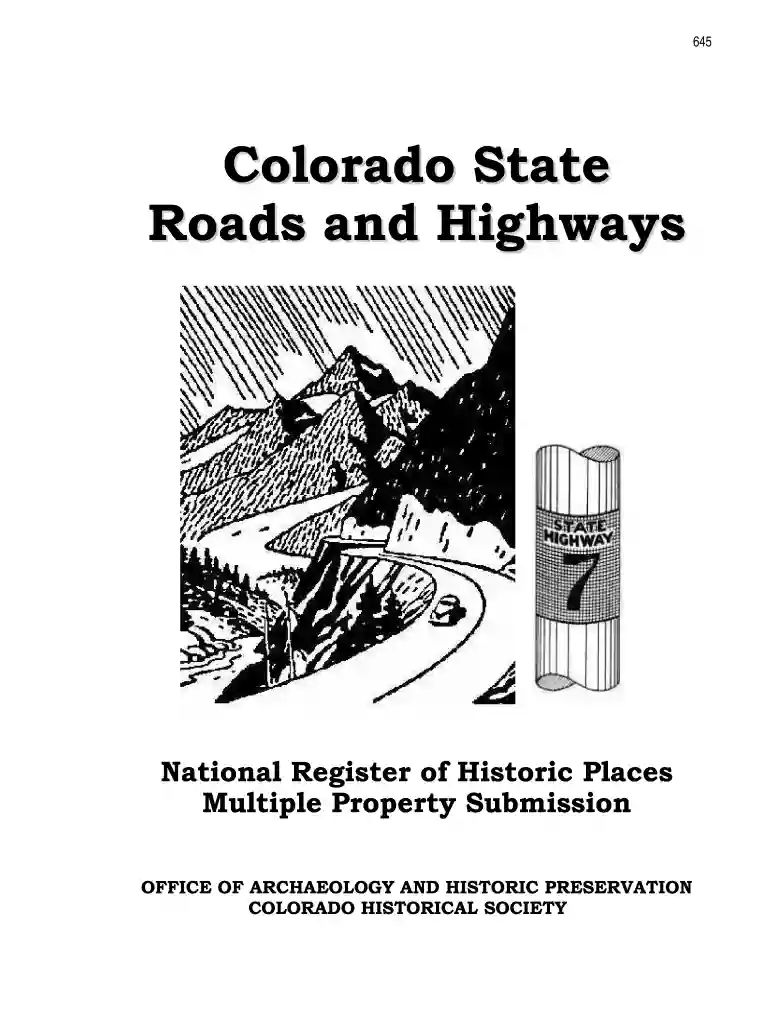
colorado form continuation sheet Preview on Page 1

Colorado form continuation sheet 2026

Here's how it works

  • 01. Edit your form online

    Type text, add images, blackout confidential details, add comments, highlights and more.

  • 02. Sign it in a few clicks

    Draw your signature, type it, upload its image, or use your mobile device as a signature pad.

  • 03. Share your form with others

    Send it via email, link, or fax. You can also download it, export it or print it out.

How to use or fill out Colorado Form Continuation Sheet with DocHub

Form edit decoration
9.5
Ease of Setup
DocHub User Ratings on G2
9.0
Ease of Use
DocHub User Ratings on G2
  1. Click ‘Get Form’ to open the Colorado Form Continuation Sheet in our platform.
  2. Begin by filling out Section A, providing the name of the multiple property listing. Ensure that you enter 'Colorado State Roads and Highways' accurately.
  3. In Section B, list all associated historic contexts relevant to your submission. This includes historical periods such as 'The Automobile Age Begins' and 'Postwar and Interstate Era'.
  4. Proceed to Section C, where you will input your name, title, organization, and contact information. Make sure this is complete for proper identification.
  5. In Section D, certify the form by signing it as the designated authority under the National Historic Preservation Act. Include the date of certification.
  6. If additional space is needed for your narrative or comments, utilize continuation sheets (Form 10-900-a) as indicated in the instructions.

Start using our editor today to streamline your form completion process for free!

See more colorado form continuation sheet versions

We've got more versions of the colorado form continuation sheet form. Select the right colorado form continuation sheet version from the list and start editing it straight away!

VersionsForm popularityFillable & printable
19864.9 Satisfied (40 Votes)

be ready to get more

Complete this form in 5 minutes or less

Security and compliance

At DocHub, your data security is our priority. We follow HIPAA, SOC2, GDPR, and other standards, so you can work on your documents with confidence.

Related links

COMIRB Forms - Office of the Vice Chancellor for Research

COMIRB Forms Protocol Templates Applications Consent Templates HIPAA Continuing Review Incident Reports Non-English Speakers Single IRB.Read more

Learn more
Self-Help Forms | Colorado Judicial Branch

Colorado Judiciary maintains a library of current forms that should be used for court processes by topic.Read more

Learn more
Principles and Practices of Enhanced Anaerobic

The Parsons Corporation (Parsons) prepared this Principles and Practices document under contract to the Air Force Center for Environmental Excellence (AFCEERead more

Learn more
If you believe that this page should be taken down, please follow our DMCA take down process here