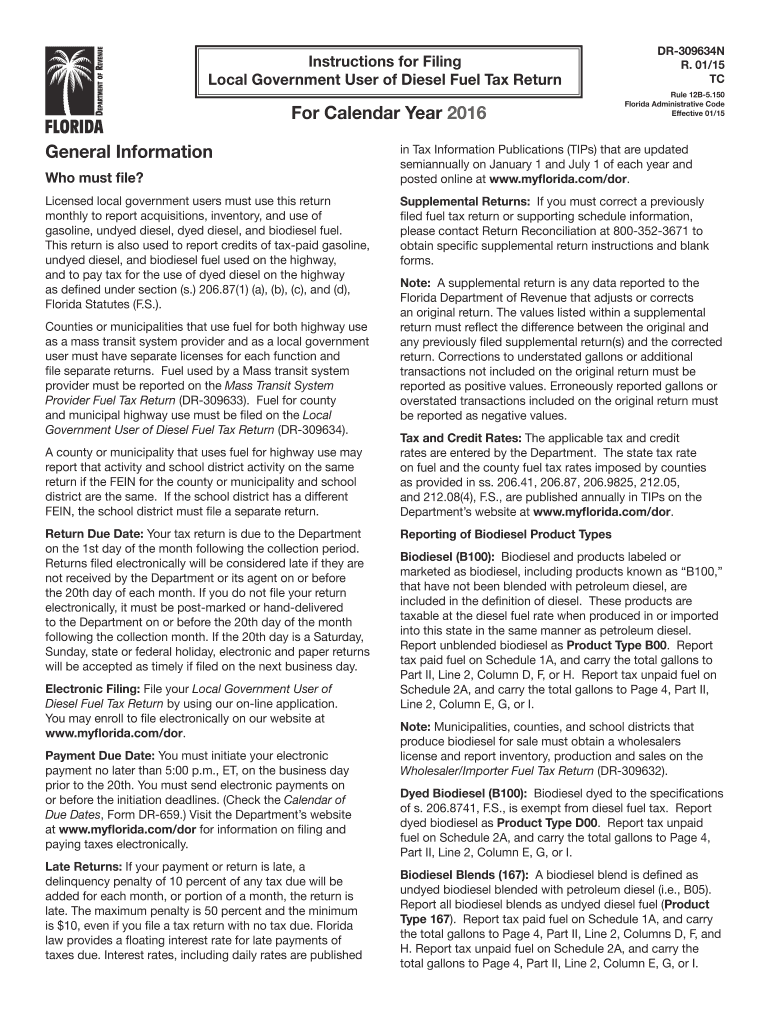
Publication 510 (Rev. April 2005) - Internal Revenue Service-2026

Get Form
Publication 510 (Rev. April 2005) - Internal Revenue Service Preview on Page 1

Here's how it works

01. Edit your form online
Type text, add images, blackout confidential details, add comments, highlights and more.
02. Sign it in a few clicks
Draw your signature, type it, upload its image, or use your mobile device as a signature pad.
03. Share your form with others
Send it via email, link, or fax. You can also download it, export it or print it out.

How to use or fill out Publication 510 (Rev. April 2005) - Internal Revenue Service with our platform

Form edit decoration
9.5
Ease of Setup
DocHub User Ratings on G2
9.0
Ease of Use
DocHub User Ratings on G2
  1. Click ‘Get Form’ to open Publication 510 in the editor.
  2. Begin by entering your local government user information, including the name and FEIN at the top of the form.
  3. In Part I, report your beginning physical inventory for gasoline and gasohol on Line 1, ensuring it matches the previous month’s ending inventory.
  4. For Line 2, input total gallons received during the reporting period from your Schedule of Receipts.
  5. Complete Lines 3a to 3c by detailing disbursements for off-highway and on-highway uses, ensuring accurate reporting based on your entity type.
  6. Proceed to Part II for diesel fuel; repeat similar steps as in Part I, focusing on inventory and receipts specific to diesel.
  7. Finally, review all entries for accuracy before submitting your completed return electronically through our platform.

Start using our platform today to streamline your form completion process for free!

See more Publication 510 (Rev. April 2005) - Internal Revenue Service versions

We've got more versions of the Publication 510 (Rev. April 2005) - Internal Revenue Service form. Select the right Publication 510 (Rev. April 2005) - Internal Revenue Service version from the list and start editing it straight away!
Versions Form popularity Fillable & printable
2024 4.8 Satisfied (29 Votes)
2023 4.4 Satisfied (31 Votes)
2022 4.8 Satisfied (92 Votes)
2021 4.4 Satisfied (200 Votes)
2020 4.3 Satisfied (143 Votes)
2019 4.4 Satisfied (126 Votes)
2018 4.4 Satisfied (232 Votes)
2016 4.3 Satisfied (324 Votes)
2015 4 Satisfied (36 Votes)
be ready to get more

Complete this form in 5 minutes or less

Get form

Got questions?

We have answers to the most popular questions from our customers. If you can't find an answer to your question, please contact us.
Contact us
Revenue officers, revenue agents and fuel inspectors carry an IRS-issued credential (pocket commission) and HSPD-12 card. Both have the employees serial number and photo. You can ask to see both.
The fastest and easiest way for taxpayers to view their tax records is by logging on to their IRS Online Account. There, they can: View, print or download their tax transcripts. Find out how much they owe.
There are a number of excellent sources available for taxpayers to obtain tax forms, instructions, and publications. They include: Downloading from IRS Forms Publications page. Picking up copies at an IRS Taxpayer Assistance Center.
Most IRS letters and notices are about federal tax returns or tax accounts. Each notice deals with a specific issue and includes any steps the taxpayer needs to take. A notice may reference changes to a taxpayers account, taxes owed, a payment request or a specific issue on a tax return.

Security and compliance

At DocHub, your data security is our priority. We follow HIPAA, SOC2, GDPR, and other standards, so you can work on your documents with confidence.

Learn more
ccpa2
pci-dss
gdpr-compliance
hipaa
soc-compliance