




Here's how it works

01. Edit your form online
Type text, add images, blackout confidential details, add comments, highlights and more.

02. Sign it in a few clicks
Draw your signature, type it, upload its image, or use your mobile device as a signature pad.

03. Share your form with others
Send it via email, link, or fax. You can also download it, export it or print it out.
How to use or fill out ohio mason return 2014 form with DocHub

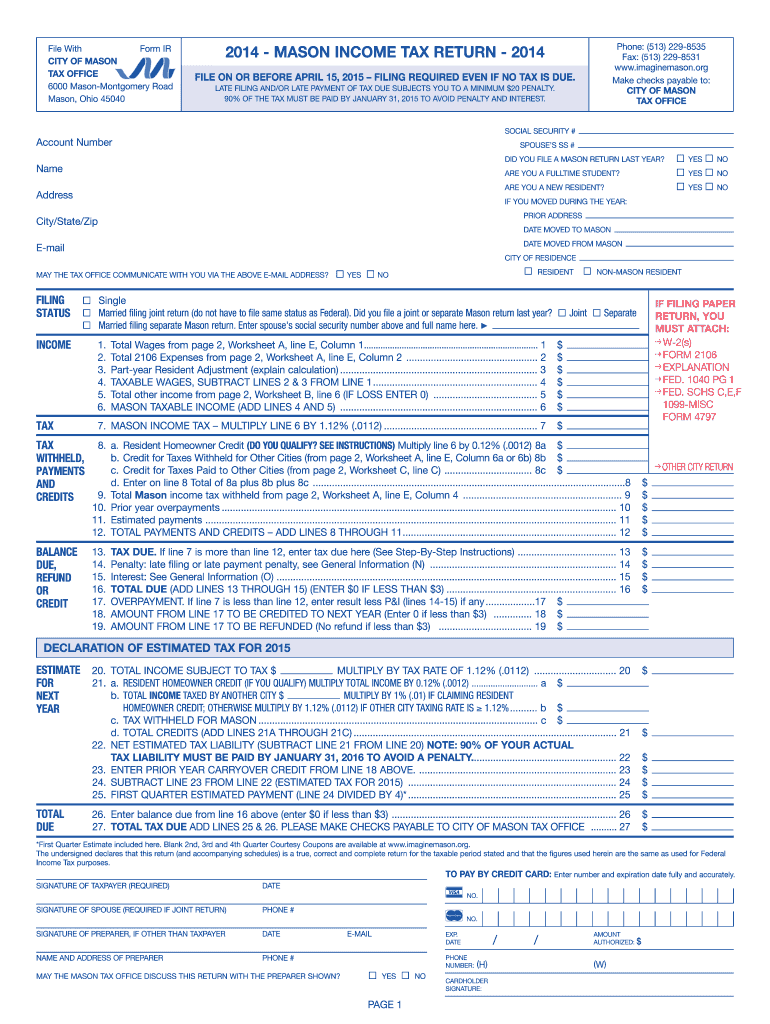
- Click ‘Get Form’ to open the Ohio Mason Return 2014 form in our platform's editor.
- Begin by entering your personal information in the designated fields, including your name, address, and contact details. Ensure accuracy as this information is crucial for processing.
- Next, navigate to the financial sections of the form. Here, you will need to input your income details and any applicable deductions. Use our platform’s tools to easily add or modify figures as needed.
- Review all entries carefully. Utilize the editing features to make any necessary adjustments before finalizing your submission.
- Once completed, save your document and choose the option to sign electronically if required. This ensures a smooth submission process.
Start using our platform today for free and simplify your Ohio Mason Return filing!
Fill out ohio mason return 2014 form online
It's free
See more ohio mason return 2014 form versions
We've got more versions of the ohio mason return 2014 form form. Select the right ohio mason return 2014 form version from the list and start editing it straight away!
| Versions | Form popularity | Fillable & printable |
|---|---|---|
| 2025 | 4.8 Satisfied (39 Votes) | |
| 2024 | 4.2 Satisfied (58 Votes) | |
| 2023 | 4.3 Satisfied (20 Votes) | |
| 2022 | 4.8 Satisfied (110 Votes) | |
| 2021 | 4.3 Satisfied (143 Votes) | |
| 2020 | 4.8 Satisfied (111 Votes) | |
| 2018 | 4 Satisfied (69 Votes) | |
| 2017 | 4.3 Satisfied (130 Votes) | |
| 2016 | 4.3 Satisfied (150 Votes) | |
| 2014 | 4.3 Satisfied (116 Votes) | |
| 2012 | 4 Satisfied (49 Votes) |
Security and compliance
At DocHub, your data security is our priority. We follow HIPAA, SOC2, GDPR, and other standards, so you can work on your documents with confidence.
Learn more


Related forms
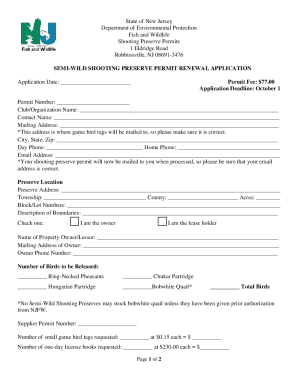
Semi-Wild Shooting Preserve Information Sheet
The document is a Semi-Wild Shooting Preserve Permit Renewal Application from the New Jersey Department of Environmental ...
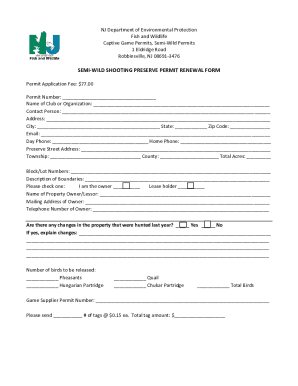
Semi-Wild Shooting Preserve Permit Renewal Form
The document is a renewal form for the Semi-Wild Shooting Preserve Permit issued by the NJ Department of Environmental P ...
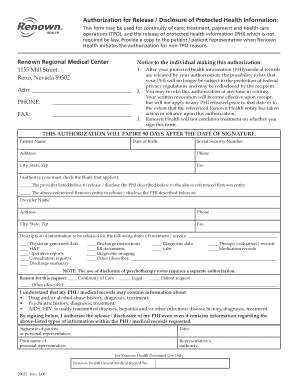
Nevada hipaa release form
The document is an authorization form for the release or disclosure of Protected Health Information (PHI) by Renown Heal ...
Oral Surgery and Dental Extractions Informed Consent
The document is an informed consent form for oral surgery and dental extractions, outlining the inherent risks associate ...
Stop work order form
The document is a Stop Work Order issued by the Inspections Department Construction Division in Raleigh, NC, indicating ...
Los Angeles Trade-Technical College Academic Connections - college lattc
The document is an employment application form for students at Los Angeles Trade-Technical College, designed to collect ...

Work permit va
The document is a work permit application for out-of-state students seeking to obtain a work permit from the West Virgin ...
Application form university of london
The document is an application form for admission as an affiliate student at University College London (UCL). It require ...