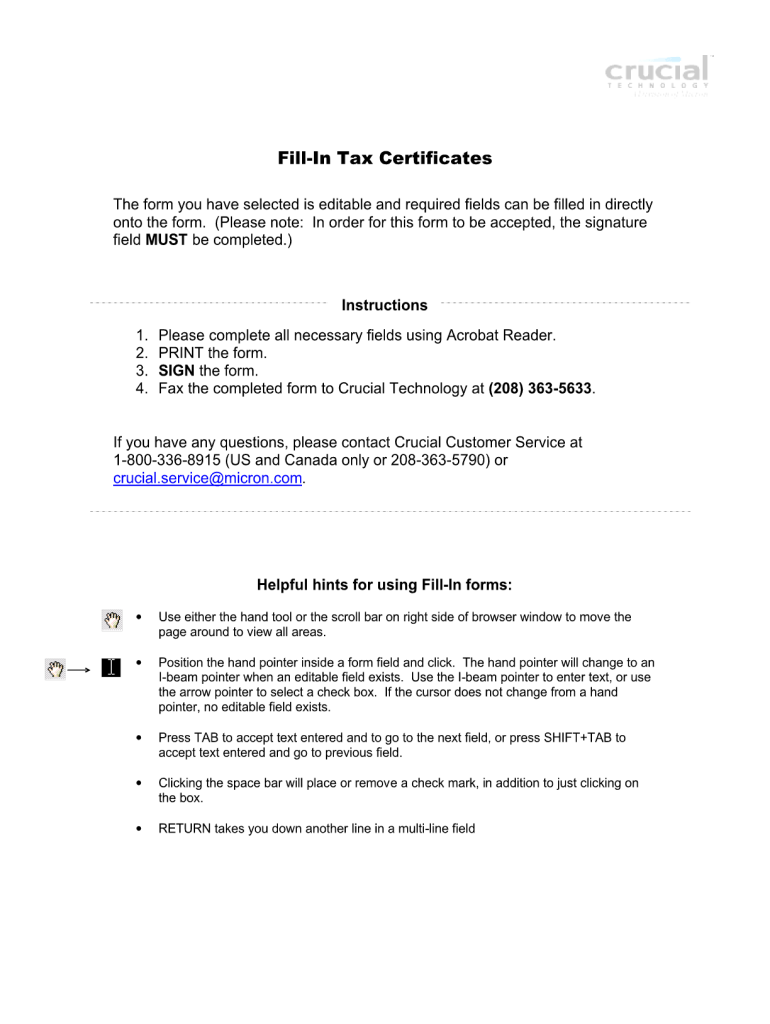
01. Edit your pa sales tax exemption form rev 1715 online
Type text, add images, blackout confidential details, add comments, highlights and more.
02. Sign it in a few clicks
Draw your signature, type it, upload its image, or use your mobile device as a signature pad.
03. Share your form with others
Send rev 1715 via email, link, or fax. You can also download it, export it or print it out.
How to use or fill out rev 1715 with our platform
Ease of Setup
DocHub User Ratings on G2
Ease of Use
DocHub User Ratings on G2
Click ‘Get Form’ to open rev 1715 in the editor.
Begin by reviewing the header section, which typically includes essential information such as the form title and any relevant identification numbers. Ensure that all details are accurate.
Move on to the personal information section. Fill in your name, address, and contact details. Use our platform's text fields for easy input and editing.
Next, navigate to the main content area of rev 1715. This section may require you to provide specific responses or checkboxes. Utilize our editor’s features to mark selections clearly.
Finally, review your entries for accuracy before signing. Use the signature tool available in our platform to add your signature electronically.
Start using our platform today for free and streamline your document completion process!
Rev 1715 pdfRev 1715 instructionsREV-1220Rev 1715 templateRev 1220 pdf downloadREV 956 formPa rev 956 instructionsPennsylvania Exemption Certificate How to fill out
Security and compliance
At DocHub, your data security is our priority. We follow HIPAA, SOC2, GDPR, and other standards, so you can work on your documents with confidence.
EXEMPT ORGANIZATIONS: This form may be used in conjunction with form REV-1715, Exempt Organization Declaration of Sales Tax Exemption, when a purchase ofRead more
PURPOSE: Vendors may use this declaration to document purchases of tax free items by tax exempt organizations (charitable, religious and educational.Read more
Forced slide feeding (REV) 2. JUMP operation 3. Address setting value down, etc. VOLUME UP. 1. Forced UNLOAD of DISC 2. Set value UP. VOLUME DOWN. 1. ForcedRead more
Cookie consent notice
This site uses cookies to enhance site navigation and personalize your experience.
By using this site you agree to our use of cookies as described in our Privacy Notice.
You can modify your selections by visiting our Cookie and Advertising Notice.