Expert Verilog, SystemVerilog and Synthesis Training 2025

Get Form
Expert Verilog, SystemVerilog and Synthesis Training Preview on Page 1

Here's how it works

01. Edit your form online
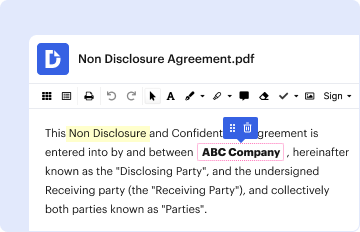
Type text, add images, blackout confidential details, add comments, highlights and more.
02. Sign it in a few clicks
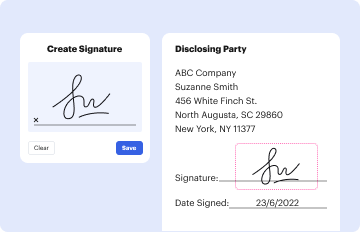
Draw your signature, type it, upload its image, or use your mobile device as a signature pad.
03. Share your form with others
Send it via email, link, or fax. You can also download it, export it or print it out.

How to use or fill out Expert Verilog, SystemVerilog and Synthesis Training with our platform

Form edit decoration
9.5
Ease of Setup
DocHub User Ratings on G2
9.0
Ease of Use
DocHub User Ratings on G2
  1. Click ‘Get Form’ to open the Expert Verilog, SystemVerilog and Synthesis Training document in the editor.
  2. Begin by reviewing the introduction section, which outlines the purpose of asynchronous FIFOs and their importance in design. Familiarize yourself with key concepts before filling out any fields.
  3. Proceed to fill out any required fields related to your understanding of FIFO design techniques. Use the provided examples as a reference for clarity.
  4. In sections discussing FIFO pointers, ensure you accurately input your insights on synchronous and asynchronous designs. This will help reinforce your learning.
  5. Utilize the commenting feature to add notes or questions directly on specific sections of the document for future reference or discussion.
  6. Once completed, review all entries for accuracy and completeness before saving or sharing your filled form.

Engage with our platform today to enhance your training experience for free!

be ready to get more

Complete this form in 5 minutes or less

Get form
be ready to get more

Complete this form in 5 minutes or less

Get form