




Here's how it works



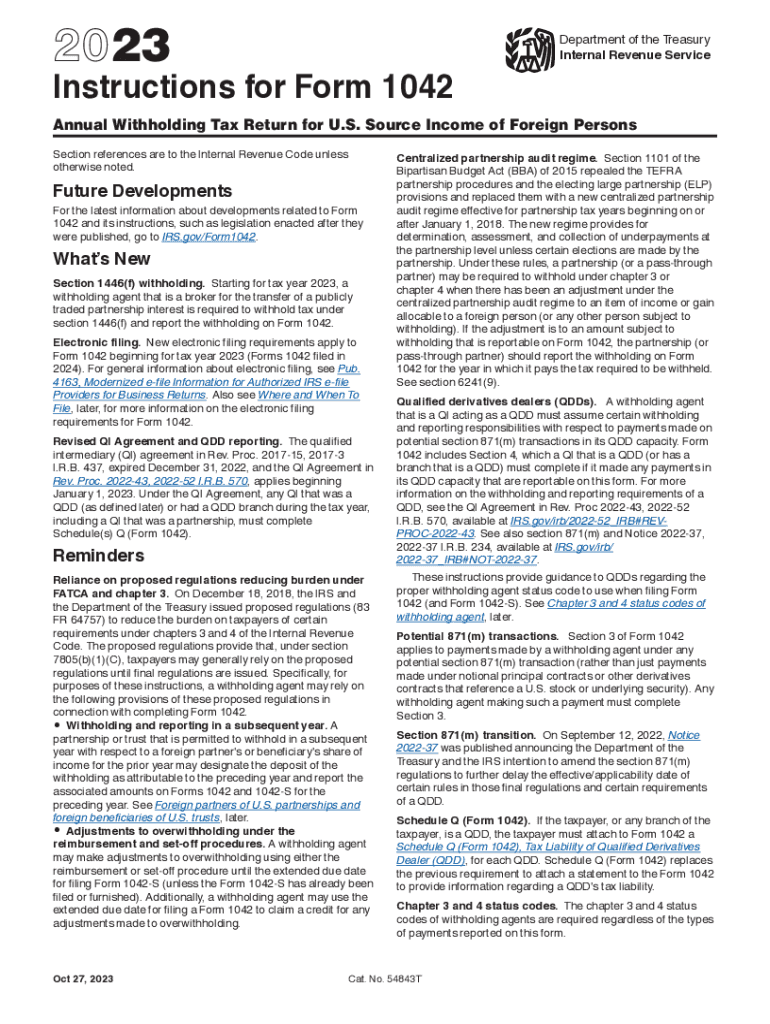
How to use or fill out 2023 Instructions for Form 1042 Instructions for Form 1042, Annual Withholding Tax Return for U.S. Source Income of Foreign Persons with our platform

- Click ‘Get Form’ to open it in the editor.
- Begin by reviewing the purpose of Form 1042, which is to report tax withheld on certain income of foreign persons. Familiarize yourself with the specific sections that apply to your situation.
- Fill in your information as a withholding agent, including your name, address, and Employer Identification Number (EIN). Ensure you enter both chapter 3 and chapter 4 status codes.
- Complete Section 1, which records federal tax liability. Report the total amounts withheld during the applicable quarter-monthly periods.
- Proceed to Section 2 to reconcile U.S. source FDAP income reported under chapters 3 and 4. This section must be completed even if no payments were made subject to chapter 4 withholding.
- If applicable, check Section 3 for potential section 871(m) transactions and complete accordingly.
- Review all entries for accuracy before submitting your form electronically or via mail by March 15, 2024.
Start using our platform today to streamline your document editing and ensure a smooth filing process!
It's free
See more 2023 Instructions for Form 1042 Instructions for Form 1042, Annual Withholding Tax Return for U S So versions
Got questions?
Can I use DocHub to create legal eSignatures on my 1042 instructions 2023?
Yes, you can use DocHub for signing any business and personal documentation, including your 1042 instructions 2023. All electronic signatures you generate with our service are legally binding and court-admissible, as DocHub complies with standards required by ESIGN and UETA. Save your completed document with a detailed Audit Trail if needed.
How do you create an e-signature for the 1042 s instructions 2023 on iOS?
In addition to an extensive toolset for editing PDFs on mobile phones, DocHub enables you to sign your 1042 s instructions 2023 along the way. Open our editor in your web browser, make modifications using DocHub’s toolset, and complete your editing by eSigning the finished form.
Security and compliance
At DocHub, your data security is our priority. We follow HIPAA, SOC2, GDPR, and other standards, so you can work on your documents with confidence.
Learn more


