




01. Edit your form online
Type text, add images, blackout confidential details, add comments, highlights and more.

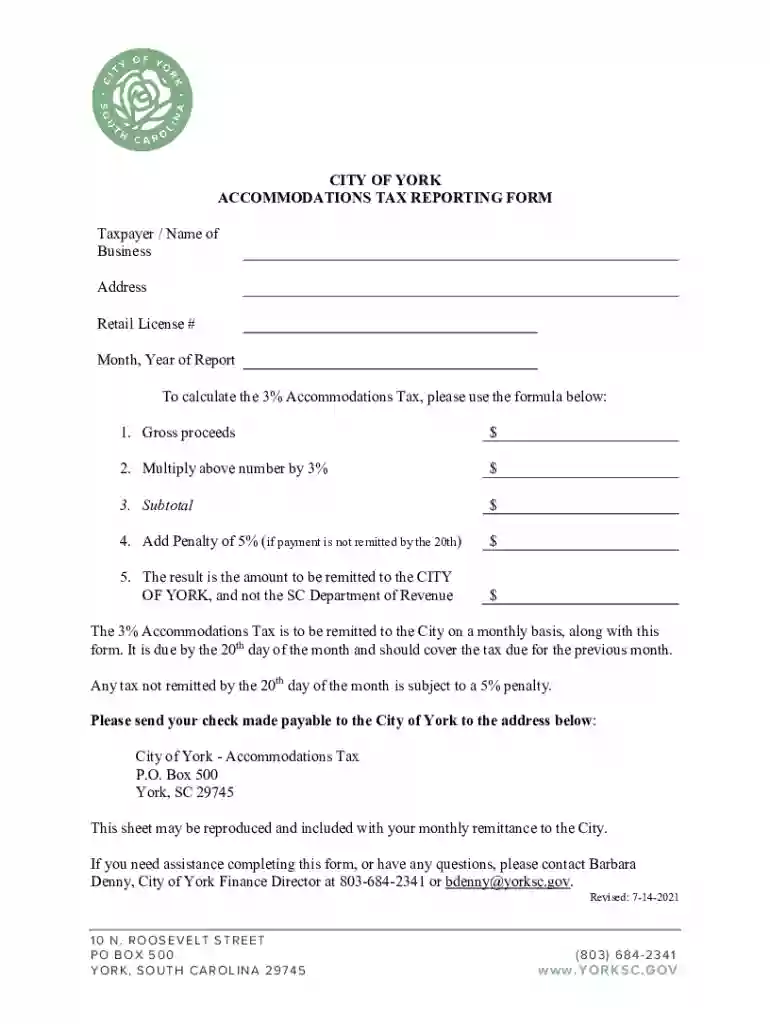
Type text, add images, blackout confidential details, add comments, highlights and more.

Draw your signature, type it, upload its image, or use your mobile device as a signature pad.

Send it via email, link, or fax. You can also download it, export it or print it out.
The term "form online" refers to any digital document or interface that allows users to input, edit, and submit information via the internet. These forms are integral to a wide array of processes, from filing taxes to enrolling in courses, applying for jobs, or signing legal contracts. Online forms are designed for ease of use and accessibility, providing users with the ability to complete and submit necessary information from any internet-enabled device. This approach eliminates the need for physical paperwork and expedites information processing, benefiting both individuals and organizations.
Utilizing an online form typically involves a series of straightforward steps. First, you access the form through a designated website or platform, such as DocHub. Once logged in or granted access, you can start filling out the required fields. These fields might include text boxes for personal details, dropdown menus for selecting options, checkboxes for confirming terms, and signature fields for final authorization. After completing the form, it's essential to review all entries for accuracy and completeness. Many platforms allow for additional features like uploading documents or inserting images to support your submissions.
Completing an online form generally follows a systematic process. Here's a typical sequence to guide users through the experience:
Ensure that all data is correct to prevent processing delays or rejections. It's always advisable to keep a copy of the form for personal records, often provided as a downloadable PDF after submission.
Online forms are widely used across various sectors and demographics. Individuals, businesses, educational institutions, and government agencies rely on these digital formats for efficient data collection and processing. For individuals, common uses include job applications, tax filings, and service registrations. Businesses utilize online forms for internal operations, customer feedback, and transactional processes. Educational institutions adopt these forms for enrollment, registrations, and assessments. Finally, government agencies employ online forms for public record keeping, voting registrations, and civic engagement.
Online forms are often used in legally binding situations, especially those requiring electronic signatures. Platforms like DocHub ensure compliance with regulations such as the ESIGN Act, confirming that digital signatures carry the same legal weight as their handwritten counterparts. This is vital in contexts like contract signings, where authenticity and non-repudiation are crucial. Users are advised to ensure that any platform used for signing maintains high security standards and an audit trail to track document interactions and verify the signing order.
Submitting forms online involves various methods tailored to user preferences or form requirements. Most digital platforms offer a direct submission button that digitally transmits completed forms to the intended recipient or system. Alternatively, some forms may allow or require downloading a copy for mailing or in-person delivery. Systems like DocHub integrate email features for electronic submissions directly to specified addresses, reducing wait times and ensuring immediate confirmations.
Many online forms are subject to state-specific variations due to differing regional regulations and requirements. Users must be aware of any location-based rules that may affect their ability to submit forms. Tax forms, for example, might have distinct filing requirements according to state laws, impacting deadlines or document types necessary for compliance. It's crucial for users to confirm these aspects prior to submission to avoid penalties or improper filings.
Understanding the terminology associated with online forms is crucial for accurate completion and compliance. Terms like "fillable fields," "electronic signature," "audit trail," and "encryption" are fundamental for users engaging with digital forms. Familiarity with these concepts enhances user confidence and ensures proper form handling. It also advocates clarity in communication between users, administrators, and service providers, reducing the potential for errors and streamlining the entire process.
We've got more versions of the City of York Accommodations Tax Reporting Form form. Select the right City of York Accommodations Tax Reporting Form version from the list and start editing it straight away!
At DocHub, your data security is our priority. We follow HIPAA, SOC2, GDPR, and other standards, so you can work on your documents with confidence.


