009 info form 2026

Get Form
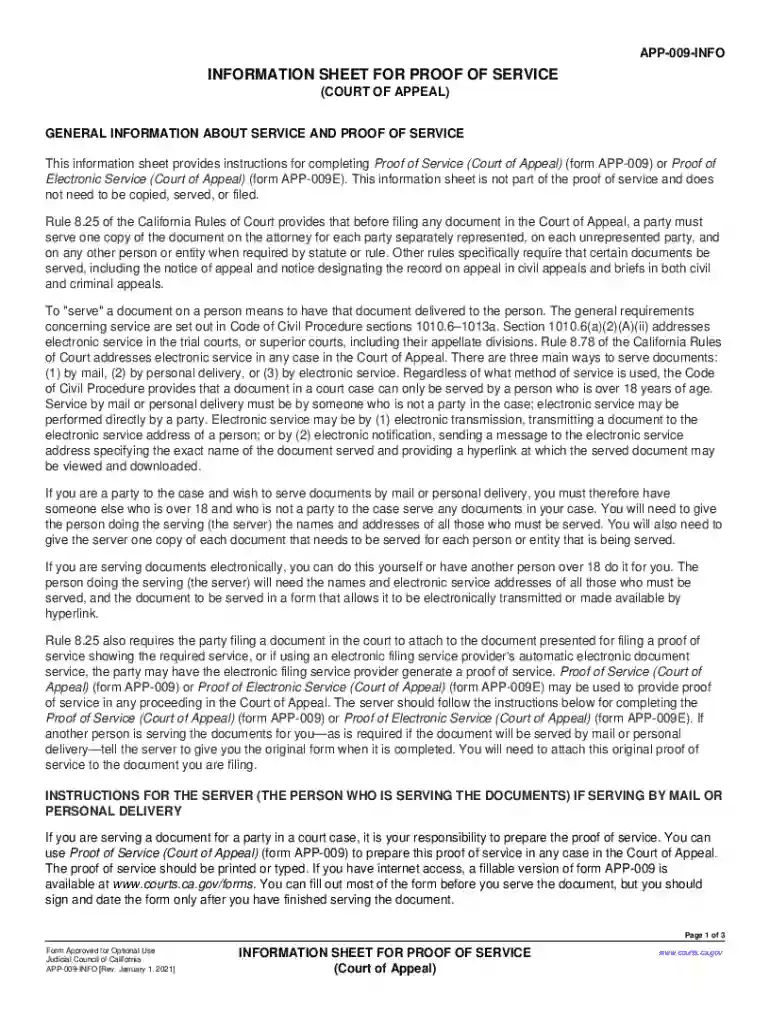
app 009 info Preview on Page 1

Here's how it works

01. Edit your app 009 info online
Type text, add images, blackout confidential details, add comments, highlights and more.

02. Sign it in a few clicks
Draw your signature, type it, upload its image, or use your mobile device as a signature pad.

03. Share your form with others
Send 009 info via email, link, or fax. You can also download it, export it or print it out.

How to use or fill out 009 info form with our platform

Form edit decoration
9.5
Ease of Setup
DocHub User Ratings on G2
9.0
Ease of Use
DocHub User Ratings on G2
  1. Click ‘Get Form’ to open the 009 info form in the editor.
  2. In the top section, indicate whether you are serving by mail or personal delivery by checking the appropriate box.
  3. Fill in the case name and both the Court of Appeal and superior court case numbers as they appear on your document.
  4. Confirm that you are over 18 and not a party to the action by checking the relevant box and providing your address.
  5. Specify the document being served. If mailing, provide details about how you will send it, including date and recipient addresses.
  6. If delivering personally, list each recipient's name, address, delivery date, and time.
  7. Finally, print your name, sign, and date the form to affirm that all information is accurate before submitting it.

Start using our platform today for free to streamline your document editing and service process!

See more 009 info form versions

We've got more versions of the 009 info form form. Select the right 009 info form version from the list and start editing it straight away!
Versions Form popularity Fillable & printable
2021 4.9 Satisfied (44 Votes)
2017 4.3 Satisfied (83 Votes)
2009 4.4 Satisfied (362 Votes)
be ready to get more

Complete this form in 5 minutes or less

Get form

Got questions?

We have answers to the most popular questions from our customers. If you can't find an answer to your question, please contact us.
Contact us
Tells the court that legal papers were electronically delivered to (served on) the other party. Lists the papers that were served and tells who they were served on, where and when they were served, and who served them.
After a Decision is Issued Step 1: File the Notice of Appeal. Step 2: Pay the filing fee. Step 3: Determine if/when additional information must be provided to the appeals court as part of opening your case. Step 4: Order the trial transcripts. Step 5: Confirm that the record has been transferred to the appellate court.
Even after an appeal is decided by a circuit court judge, a defendant can try to appeal that decision to the United States Supreme Court in Washington, D.C. The United States Supreme Court the highest appellate court in the American court system makes the final decision concerning a defendants appeal.
Filing the appeal: Submit the appeal petition to the appropriate appellate court within the prescribed time frame, along with necessary documents and fees. Issuance of notice: The appellate court issues a notice to the respondent, informing them of the appeal and the scheduled hearing date.
Preparation of appeal petition: Draft a detailed petition outlining the grounds for appeal, supported by relevant legal provisions and precedents. Filing the appeal: Submit the appeal petition to the appropriate appellate court within the prescribed time frame, along with necessary documents and fees.
be ready to get more

Complete this form in 5 minutes or less

Get form