




01. Edit your form online
Type text, add images, blackout confidential details, add comments, highlights and more.

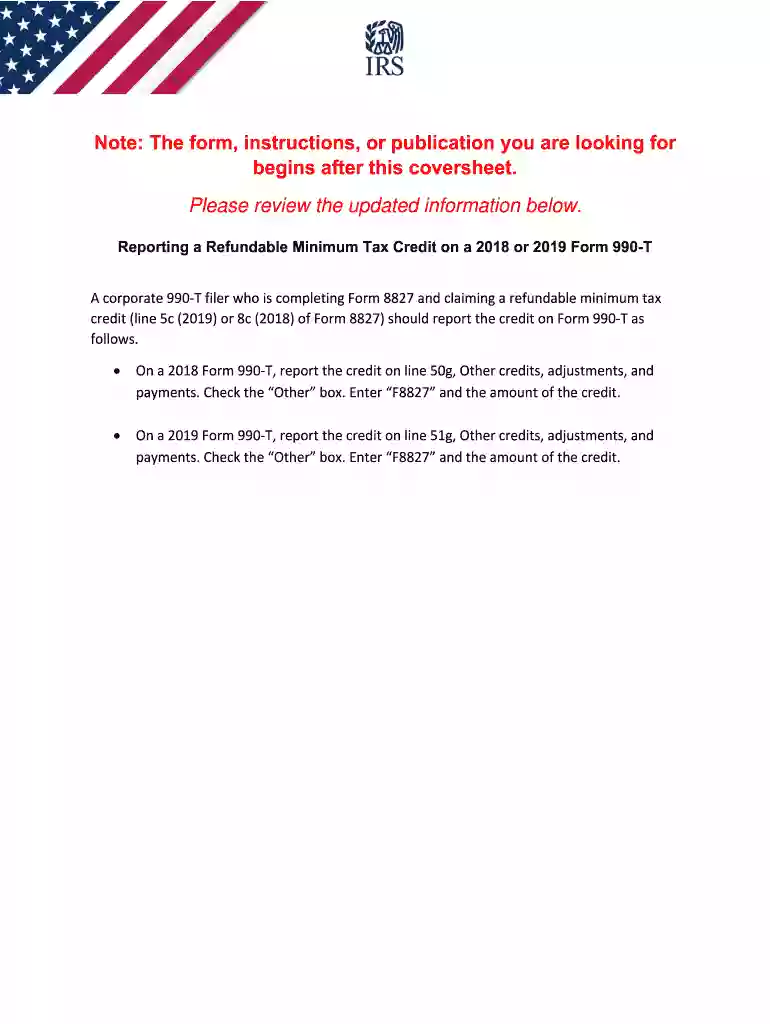
Type text, add images, blackout confidential details, add comments, highlights and more.

Draw your signature, type it, upload its image, or use your mobile device as a signature pad.

Send it via email, link, or fax. You can also download it, export it or print it out.

Start using our platform today for free to streamline your form completion process!
We've got more versions of the instructions 990t form. Select the right instructions 990t version from the list and start editing it straight away!
At DocHub, your data security is our priority. We follow HIPAA, SOC2, GDPR, and other standards, so you can work on your documents with confidence.
All other organizations must file Form 990-T by the 15th day of the 5th month after the end of their tax years. If the regular due date falls on a Saturday,Read more
Sep 16, 2013 Instructions are pro- vided for computing foreign insurance companies liabilities for the estimated tax and installment payments of estimatedRead more
Employer identification number. (Employees trust, see instructions.) Unrelated business activity code. (See instructions.) Book value of all assets at end ofRead more


