




Here's how it works

01. Edit your cty ny med b ppms pay online
Type text, add images, blackout confidential details, add comments, highlights and more.

02. Sign it in a few clicks
Draw your signature, type it, upload its image, or use your mobile device as a signature pad.

03. Share your form with others
Send cty ny med b via email, link, or fax. You can also download it, export it or print it out.
How to use or fill out city of new york health benefits program with our platform

- Click ‘Get Form’ to open the Health Benefits Program Application/Change Form in the editor.
- Begin by selecting your status as either an Employee, Retiree, or Line of Duty Survivor in Section A. Make sure to check the appropriate box.
- In Section B, indicate any changes regarding your spouse or domestic partner. If applicable, provide necessary documentation such as a death certificate or divorce decree.
- Complete Section D with your personal information including your last name, first name, Social Security number, and contact details. Ensure all fields are filled clearly.
- If you have dependents, fill out Section F with their details and specify if you are adding or dropping coverage for each dependent.
- Review Sections G and H for health plan selection and optional benefits. Make sure to check the boxes that apply to you.
- Finally, sign and date the form in Section I to authorize your application or changes before submitting it through your agency’s payroll office.
Start using our platform today for free to streamline your health benefits application process!
Fill out city of new york health benefits program online
It's free
It's free
See more city of new york health benefits program versions
We've got more versions of the city of new york health benefits program form. Select the right city of new york health benefits program version from the list and start editing it straight away!
Security and compliance
At DocHub, your data security is our priority. We follow HIPAA, SOC2, GDPR, and other standards, so you can work on your documents with confidence.
Learn more


Related forms

Notice - In the matter of Drennan unpublished doc
The document is a notice from the Supreme Court of South Carolina regarding the suspension and reinstatement petition of ...
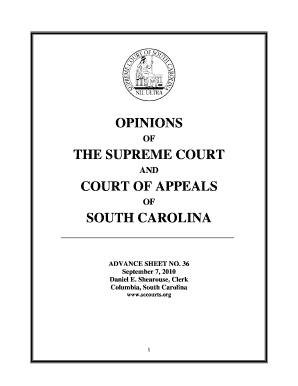
Org 1 CONTENTS THE SUPREME COURT OF SOUTH CAROLINA PUBLISHED OPINIONS AND ORDERS 26875 SC Ambulatory
Org 1 CONTENTS THE SUPREME COURT OF SOUTH CAROLINA PUBLISHED OPINIONS AND ORDERS 26875 SC Ambulatory
The document contains a collection of opinions from the Supreme Court and Court of Appeals of South Carolina, specifical ...
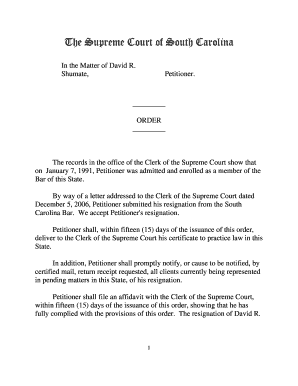
Order - In the Matter of David R Shumateoutside doc - judicial state sc
The document contains multiple court opinions from the Supreme Court and Court of Appeals of South Carolina, detailing v ...

Order-IntheMatterofLynneBice-BrownDickcover doc - judicial state sc
The document details a series of legal opinions and orders from the Supreme Court and Court of Appeals of South Carolina ...

The Supreme Court of South Carolina - South Carolina Judicial - judicial state sc
The document is an advance sheet from the Supreme Court and Court of Appeals of South Carolina, dated July 12, 2004. It ...

Order-IntheMatterofWilliamDuffyJr outside doc - judicial state sc
The document contains a series of orders and opinions from the Supreme Court of South Carolina regarding various legal m ...

Sh ar south car sa south carolina fore ts la for te forest law nb ha
The document titled 'Forest Laws in South Carolina, Eighth Edition, 2017' serves as a comprehensive reference for law en ...

Tennessee Wildlife Resources Commission
The document is a performance audit report of the Tennessee Wildlife Resources Agency (TWRA) and the Tennessee Wildlife ...