Definition and Meaning of Form Online
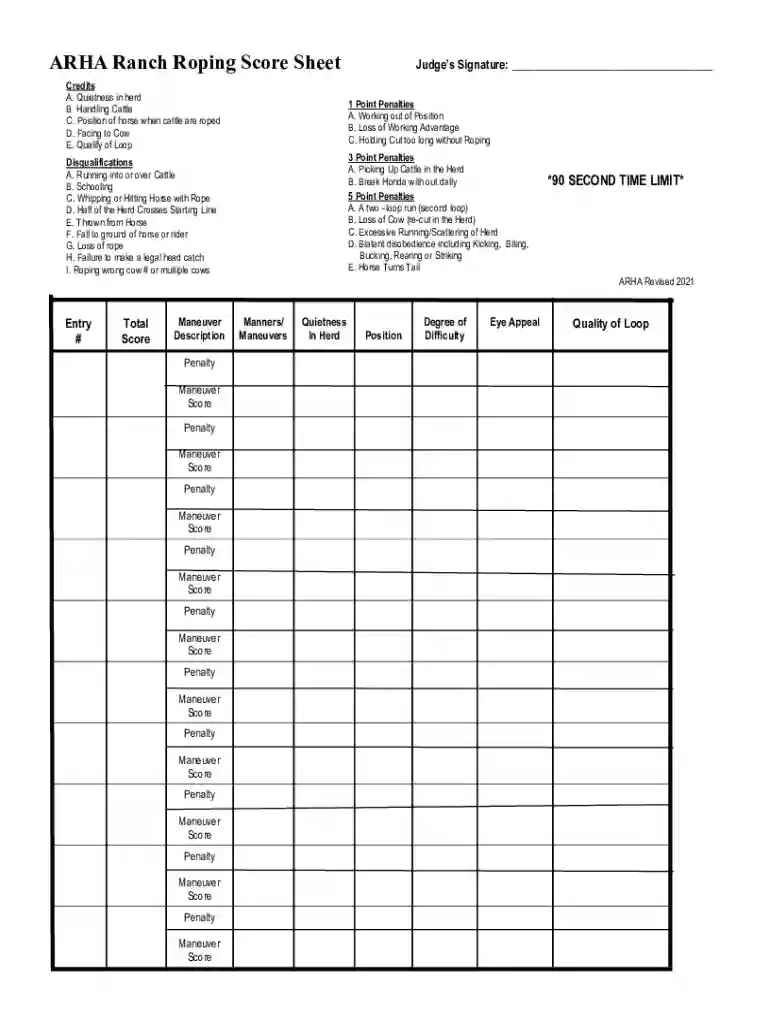
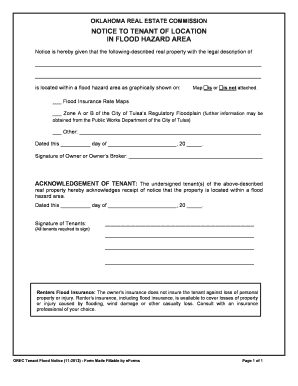
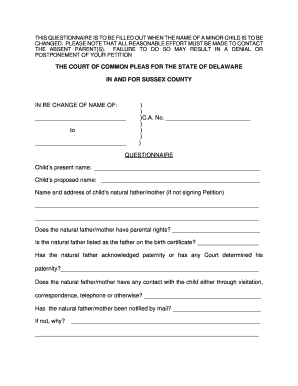
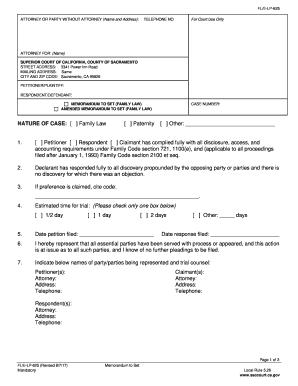
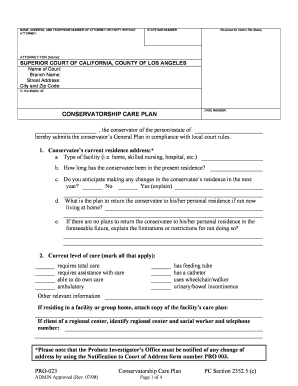
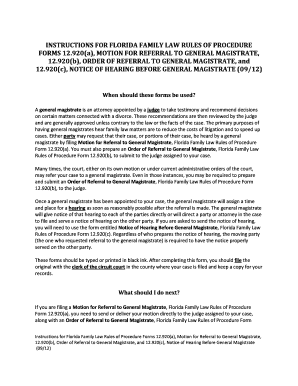
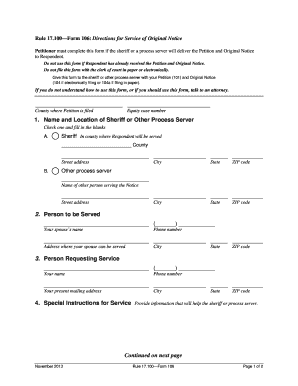
Online forms are digital versions of paper forms used to collect and process information electronically. These forms enable users to input data directly into a web-based interface, allowing for more efficient data collection and analysis. Unlike traditional paper forms, online forms typically facilitate easier data entry, integration with other digital systems, and enhanced accessibility. They can cater to numerous applications, such as surveys, registrations, or legal documentation, and offer features like automatic data validation, interactive elements, and embedded media.
Types of Online Forms
- Survey Forms: Used to gather opinions, feedback, or research data.
- Registration Forms: Employed for signing up participants for events or memberships.
- Application Forms: Commonly used for job applications, loans, or university admissions.
- Feedback Forms: Designed to obtain user or customer feedback on products or services.
- Order Forms: Utilized in e-commerce for product or service purchases.
Benefits of Using Online Forms
- Convenience: Accessible from any device with internet connectivity.
- Data Organization: Automatically sorts and stores data for easy access.
- Cost-effective: Reduces the need for physical paper and manual data entry.
- Environmental Impact: Decreases paper usage and waste.
Steps to Complete the Form Online
Completing a form online typically involves several specific steps to ensure accurate and comprehensive data submission. Here is a general step-by-step process:
-
Access the Form: Navigate to the website hosting the form, often found via a shared link or directly on an organization's portal.
-
Read Instructions: Review any accompanying instructions or guidelines that outline how to fill out the form correctly.
-
Input Information: Fill out each required field with the appropriate data. Fields may include text boxes, drop-down menus, checkboxes, or radio buttons.
-
Review and Validate: Ensure all fields are completed, and information is accurate. Online forms often include validation features to highlight errors or omissions.
-
Submit the Form: Once completed and reviewed, submit the form by clicking the designated button. Confirmation or acknowledgment messages usually appear post-submission.
-
Receive Confirmation: Check for any confirmation email or message indicating successful form submission. This may include a record of the entered information or a reference number.
Common Challenges and Solutions
- Technical Issues: If encountering errors, try refreshing the page or using a different web browser.
- Data Security: Ensure the website uses secure connections (e.g., HTTPS) to protect sensitive information.
- Inaccessible Forms: Contact the form issuer if the form isn't accessible due to web accessibility issues.
How to Obtain the Form Online
Obtaining an online form is straightforward and can be done through various methods depending on the organization or service provider. Here's how you can typically find and access an online form:
Common Methods to Access Forms
- Official Websites: Visit the official website of the organization issuing the form. Forms are often found under specific sections like "Resources" or "Downloads."
- Email Requests: Request the form via email to receive a direct link or attachment.
- Online Portals: For users of specific services (e.g., students, employees), forms may be available through dedicated online portals requiring login credentials.
Steps to Access the Form
- Direct Search: Use keywords related to the form in search engines to locate the form directly.
- Website Navigation: Navigate through the website's menu or search function to locate the specific form or resource page.
- Reach Out: Contact customer support or help desks if issues arise in locating the desired form.
Why You Should Use Forms Online
Digital forms offer numerous advantages that encourage their usage over traditional paper forms. Here are key reasons why online forms are beneficial:
Efficiency and Accessibility
- Real-Time Data: Online forms allow for instantaneous data collection and submission across different platforms.
- Remote Access: Forms can be filled out from anywhere, providing flexibility and convenience for users unable to visit physical locations.
Enhanced Features
- Interactive Elements: Incorporate features like dropdowns, conditional logic, and multimedia, enriching the user experience.
- Automated Processes: Include auto-fill options, dynamic calculations, and data validation to reduce manual errors.
Security and Compliance
- Encryption: Protects sensitive user data during transmission and storage.
- Regulatory Compliance: Adheres to data protection regulations such as GDPR or HIPAA, ensuring lawful data handling.
Key Elements of Online Forms
An effective online form comprises several key elements that ensure functionality and ease of use. Understanding these components can help in both completing and designing such forms.
Essential Components
- User Interface: A clean, intuitive design that simplifies data input and navigation.
- Data Fields: Varied types including text fields, radio buttons, and dropdown lists to capture diverse information.
- Submission Confirmation: Provides immediate user feedback upon form submission, confirming receipt.
- Error Notification: Alerts users to incorrect entries or incomplete fields to ensure accurate submission.
Optional Advanced Features
- Conditional Logic: Alters the form's flow based on user responses, showing or hiding sections as needed.
- File Uploads: Allows users to attach documents or images directly within the form.
- Signature Fields: Facilitates electronic signing directly on the form for binding agreements.
Legal Use of Online Forms
Online forms must comply with legal standards to ensure they are valid and enforceable. This encompasses not only data protection laws but also broader legal contexts:
Compliance Requirements
- Data Protection Laws: Ensure compliance with relevant laws like GDPR or the California Consumer Privacy Act, focusing on user consent and data rights.
Legal Enforceability
- Electronic Signatures: E-signatures on online forms must comply with laws like the ESIGN Act to hold the same validity as handwritten ones.
- Terms and Conditions: Often embedded within forms, outlining user rights and obligations upon submission.
Testing and Validation
- Regular Audits: Conduct regular audits to maintain form accuracy, security, and compliance with evolving legal standards.
Form Submission Methods: Online vs. Other Options
Submitting forms online is increasingly favored due to its convenience and efficiency. However, alternative submission methods are also available and may be required in certain situations.
Online Submission
- Immediate Processing: Reduces time constraints by allowing instant submission and feedback.
- Paperless Workflow: Eliminates the need for physical documents, aligning with digital transformation efforts.
Alternative Methods
- Mail Submission: Physical forms can be printed and mailed. Required for official documentation requiring original signatures.
- In-Person Submission: Necessary when verification of identity is required, typically in legal or governmental contexts.
Comparative Advantages
- Online: Fast, environmentally friendly, and accessible.
- Mail/In-Person: Necessary for certain regulations or preferences for physical handling and personal verification.
Important Terms Related to Online Forms
To better understand and use online forms, familiarity with several key terms is beneficial. These terms are crucial in distinguishing features, capabilities, and user expectations of online systems.
Common Terminology
- Form Builder: A software tool used to create custom online forms without extensive programming knowledge.
- Input Validation: A process ensuring the data entered into the form meets predefined criteria.
- User Experience (UX): The overall experience a user has when interacting with a form, focusing on design and ease of use.
Specialized Terms
- Conditional Logic: Adjusts the form's structure based on responses, enhancing user interaction.
- Multifactor Authentication: An added layer of security requiring multiple forms of verification prior to form access or submission.
Understanding these terms will empower users and developers to maximize the utility and effectiveness of online forms within their workflows.