Agreement release listing 2026

Get Form
health and medical Preview on Page 1

Here's how it works

01. Edit your health and medical online
Type text, add images, blackout confidential details, add comments, highlights and more.
02. Sign it in a few clicks
Draw your signature, type it, upload its image, or use your mobile device as a signature pad.
03. Share your form with others
Send it via email, link, or fax. You can also download it, export it or print it out.

How to use or fill out agreement release listing with our platform

Form edit decoration
9.5
Ease of Setup
DocHub User Ratings on G2
9.0
Ease of Use
DocHub User Ratings on G2
  1. Click ‘Get Form’ to open the agreement release listing in the editor.
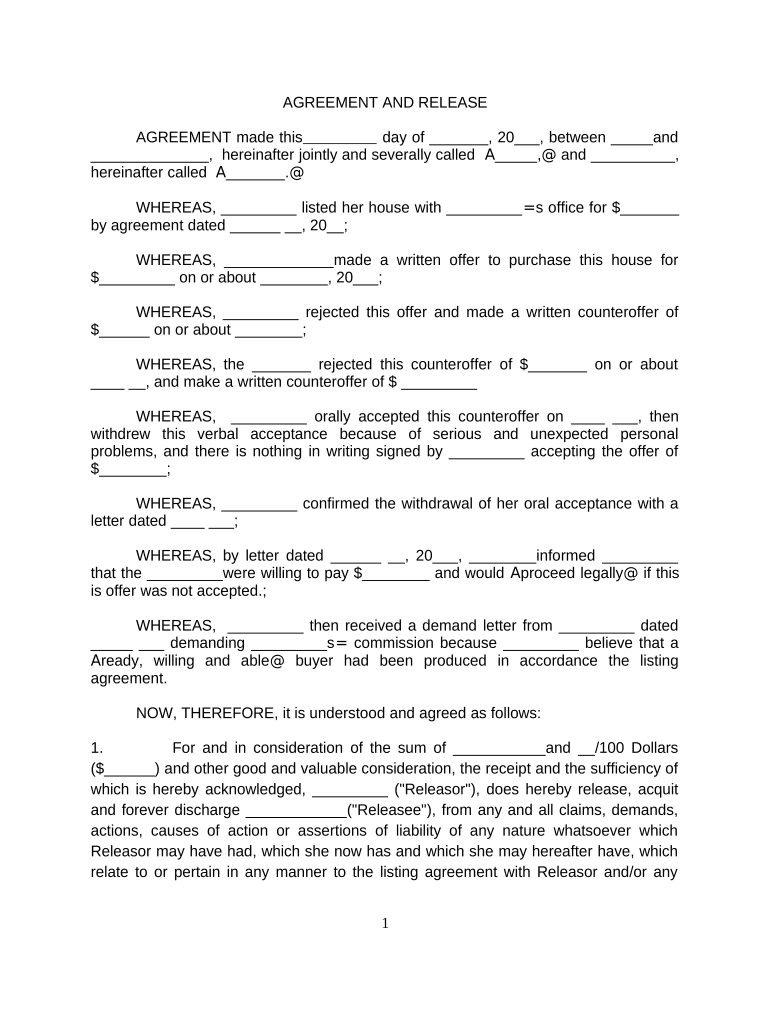
  2. Begin by filling in the date at the top of the form. This is crucial for establishing the timeline of your agreement.
  3. In the first section, enter the names of all parties involved in the agreement. Ensure accuracy to avoid any legal complications.
  4. Proceed to detail the property listing information, including sale price and dates of offers and counteroffers. This provides context for your release.
  5. In Section 1, specify the amount being released. This is a key component that must be filled out correctly.
  6. Review Sections 2 and 3 carefully, ensuring you understand your rights and obligations before signing. If needed, consult with legal counsel.
  7. Finally, sign and date at the bottom of the form. Make sure all parties have signed where required to validate the agreement.

Start using our platform today to streamline your document editing and signing process for free!

be ready to get more

Complete this form in 5 minutes or less

Get form

Got questions?

We have answers to the most popular questions from our customers. If you can't find an answer to your question, please contact us.
Contact us
A well-drafted written release agreement can protect your company from a lawsuit. A release is a written agreement where one party releases the other party from potential liability, usually in exchange for a payment of money or some other form of consideration.
TL;DR: A listing agreement is a legally binding contract that outlines the relationship between a real estate broker and a client, detailing the brokers duties, compensation, and contract duration. There are four main types: open listings, exclusive right-to-sell, exclusive agency, and net listings.
Listing agreement shall mean an agreement that is entered into between a recognized stock exchange. and an entity on the application of that entity to the recognized stock exchange, undertaking to comply. with conditions for listing designated securities.1.
A listing agreement serves as the foundation for a successful real estate transaction by: Defining Agent Responsibilities - Outlining how the broker will promote, list, and negotiate the sale of the property. Setting Terms and Conditions - Establishing the listing price, commission structure, and contract duration.
With an Exclusive Right to Sell agreement, the listing agent earns a commission no matter who sells the propertyeven if the seller finds the buyer. In contrast, with an Exclusive Agency agreement, the seller can avoid paying a commission if they find the buyer themselves, without any help from the agent.

Security and compliance

At DocHub, your data security is our priority. We follow HIPAA, SOC2, GDPR, and other standards, so you can work on your documents with confidence.

Learn more
ccpa2
pci-dss
gdpr-compliance
hipaa
soc-compliance

People also ask

A listing agent agreement, also known as a listing agent contract, is a legally binding document between a seller and the real estate agent representing them in the sale of their home. There are several different categories of standard listing agreements, but any agreement can be modified to fit a specific situation.
A listing agreement is a contract between you and your agent that says the agent can represent you and market your property to potential buyers and their agents and establishes the sales price for your home.
Explaining the purpose of the agreement. Identifying any applicable laws. Delineating the parties involved. Identifying the parties responsibilities. Determining what is included in the agreement. Outlining the specific obligations covered. Including a provision for waiving any potential liability.

Related links